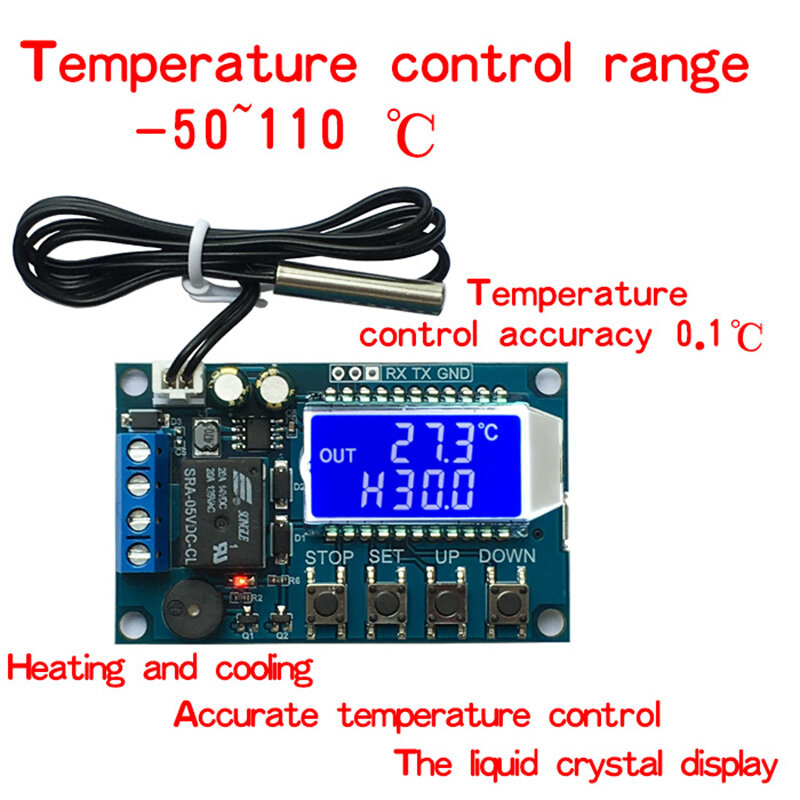
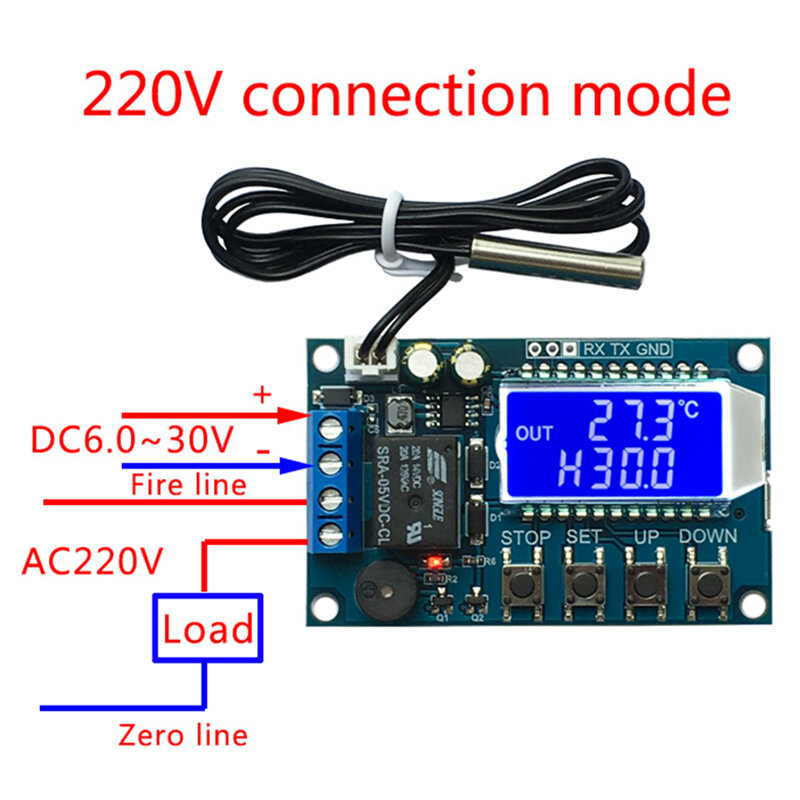
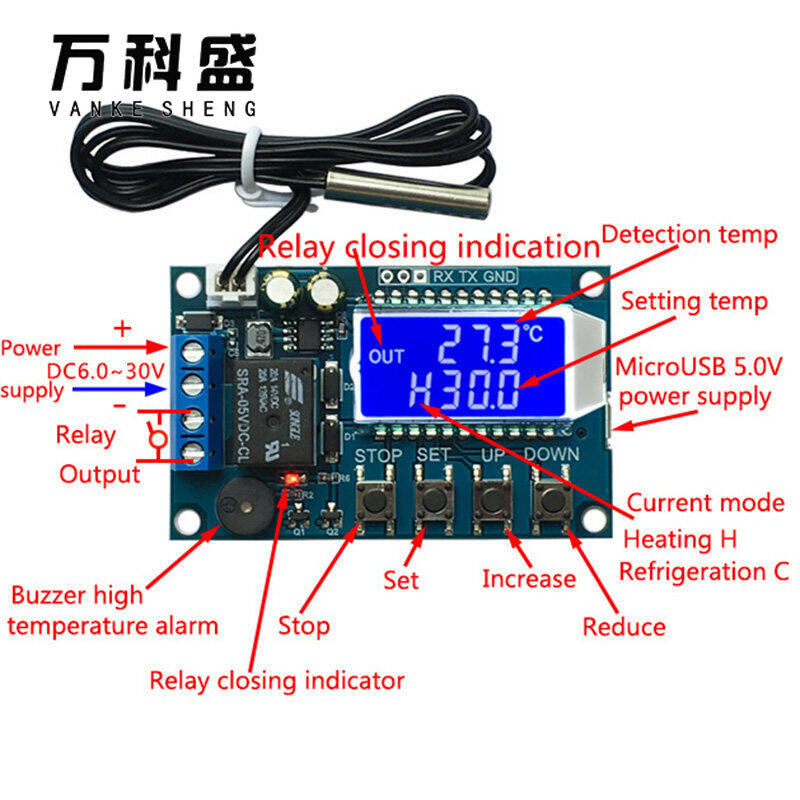

Working mode setting /backlash temperature :
1. In the running interface, short press SET key, enter the Quick setting interface;
2. After entering the Quick Setup interface, switch the parameters
3. Through the UP DOWN key, modify the parameter value, support short press/long press;
4. Long press SET to build more than 3S or continuous 6S without any key operation, exit quickly set the interface, and save parameters;
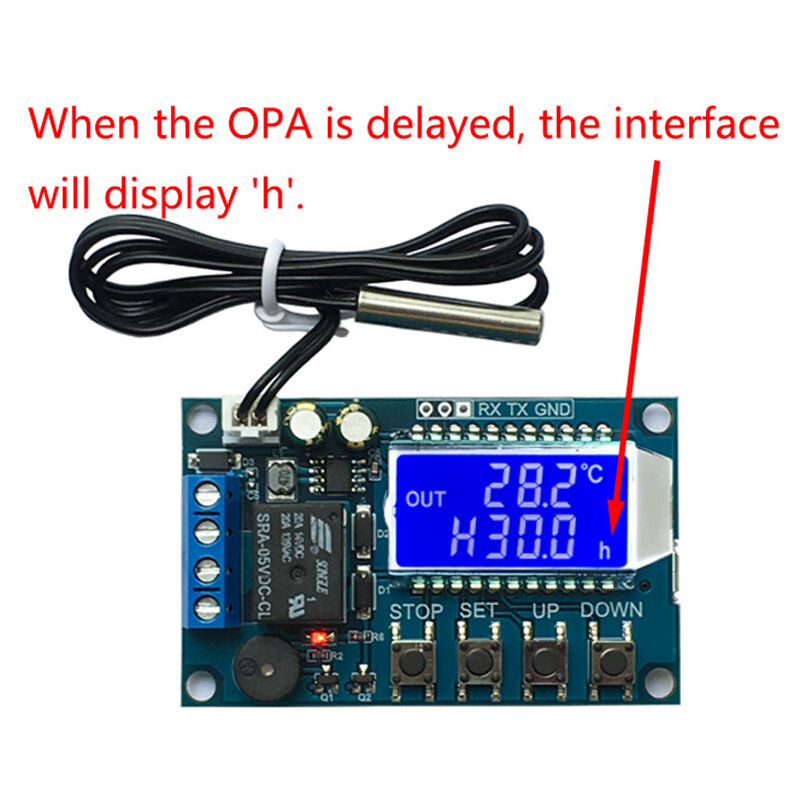
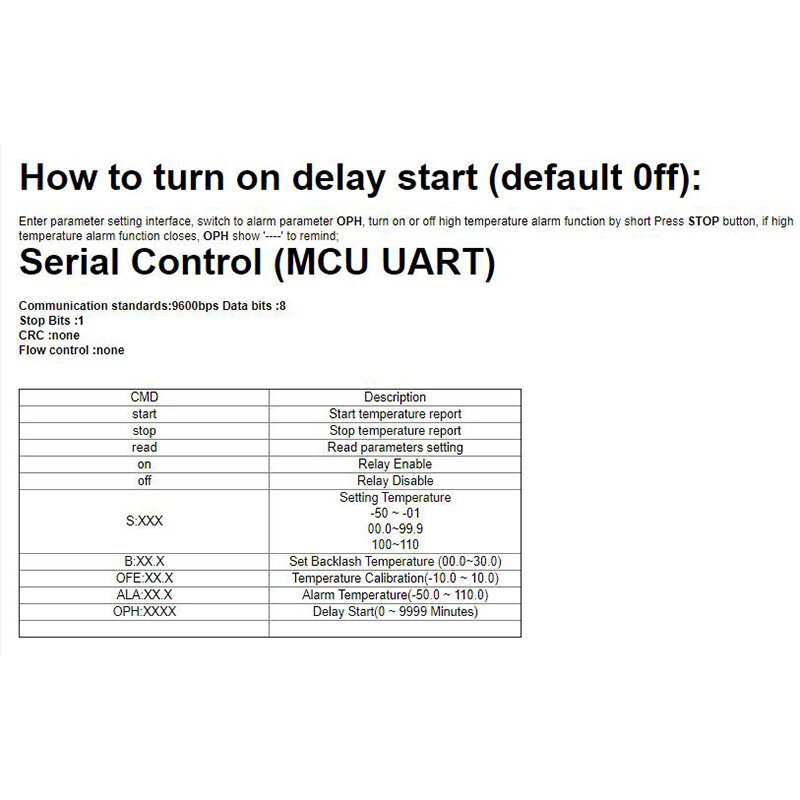
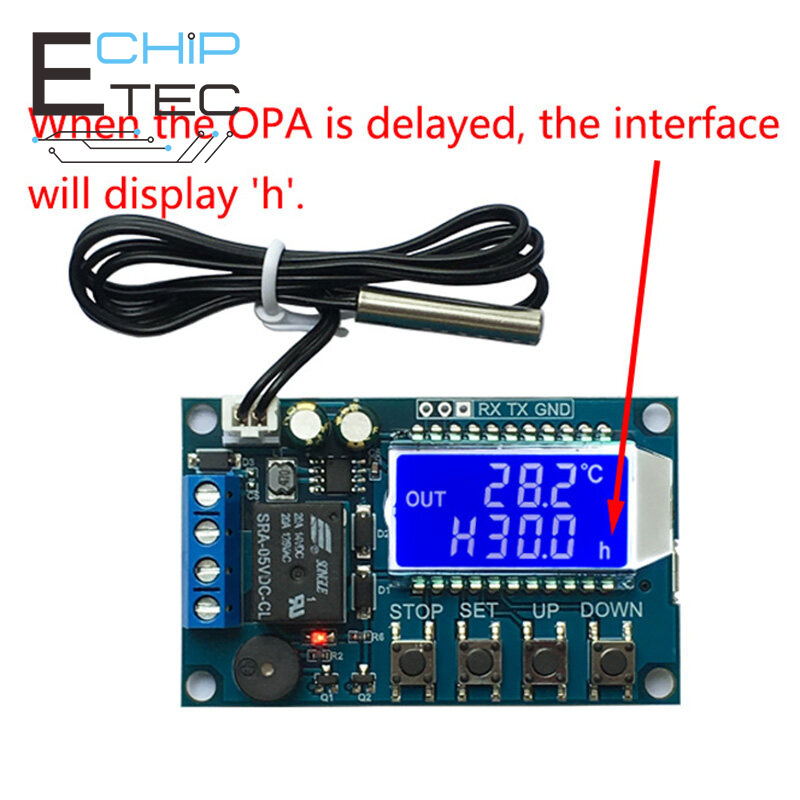
Alarm temperature/delay Start /temperature correction:
1. In the operating interface, long press SET more than 3s, enter the parameters to set the interface;
2. Enter the parameter to set the interface, through the short press SET key to switch to set the parameters ;
3. through the UP DOWN key, modify the parameter value, support short press/long press;
4. Long press SET 3s above or continuous 6S without any key operation, exit parameter set interface, and save parameters;