


RP2040 Core Board TYPE-C USB-C For Raspberry - 4MB /16MB Update firmware operation process: 1. First, insert the TYPE-C interface USB cable, and connect the other end to the computer; 2. Long press the BOOT button ; 3. Press the RST button; 4. Release the BOOT button after 1 second; 5. The computer will automatically recognize it as a removable hard disk; 6. Copy the file to be downloaded (burned) to the removable hard disk that appears, and the core board will restart automatically


RP2040 Bo Mạch Lõi TYPE-C USB-C Cho Bo Mạch Lõi Raspberry RP2 Raspberry Pi Pico Micropython
Theo dõi giảm giá
Giá từ Lazada
66.000 ₫
76.000 ₫
5 đánh giá
1.7k lượt bán
Mô tả sản phẩm
Gợi ý dành cho bạn


2 chiếc igbt 60n60fd1 60n60fd 60n60 60a 600v tháo máy
55.000 ₫

40khz 50w; 40khz 60w; siêu âm đầu dò siêu âm đầu dò áp điện

805wp-1cc-f-sf j05 30a 12vdc

Vỏ màu đỏ cam điều khiển sạc năng lượng mặt trời 12V 24V để thiết lập quang điện
183.000 ₫

Biến tần sumry hybrid inverter 6.2kw 48v- biến tần năng lượng sóng sin chuẩn 7000va/6200w 48v- mã sumry sp7000
7.473.850 ₫
Cảm biến tiệm cận điện dung LJC30A3-H-Ztheo đường kính 30mm Thám tử khoảng cách 25mm DC6-36V cảm biến chuyển đổi
192.708 ₫

Jwodetu 3p 25a mnmv 400v ~ 50hz/60hz mnmv mcb quá áp và dưới bảo vệ điện áp cầu dao nhỏ

1pcs d1710 to-3pf 2sd1710 to-3p 2sd1710c-ctv-yb

10pcs sn74hc541n dip20 sn74hc541 74hc541n dip-20 74hc541 and ic

XINGHEC2 5 10pcs chúng tôi để EU chuyển đổi cắm EU cho chúng tôi để AU cắm phẳng để sử dụng kép
20.872 ₫

240x320 2.8" spi tft lcd touch panel port with pcb ili9341 5v/3.3v dropship
515.000 ₫

100 con điốt 2835 0.2w led smd 5 màu x 20 con diode led smd 2835 phát ra ánh sáng màu đỏ/vàng/xanh lá cây/trắng/xanh dương
158.000 ₫
Gợi ý hôm nay

3 Màu Sắc Giữ Ẩm Kem che khuyết điểm dạng lỏng trang điểm nền kiểm soát dầu Không Thấm Nước bọc hoàn toàn quầng thâm Matte Kem Che Khuyết Điểm Mỹ Phẩm
24.000 ₫
Bộ yếm suông túi nắp + áo thun tay dài cổ cao sọc ngang 170522
270.000 ₫
Vòng tay phong thủy Aquamarine Hải Lam Ngọc size 5mm mang lại bình yên, hợp mệnh Mộc, Thủy Cara Gem CR34
576.000 ₫
Gi à y cao g car t tr em sansa thu đông giày khiêu vũ latin bé gái trưởng thành bé gái trẻ em giày khiêu vũ đế mềm giày latin bé gái giày nhảy múa
543.240 ₫
Hồng ngoan
310.000 ₫
(1)
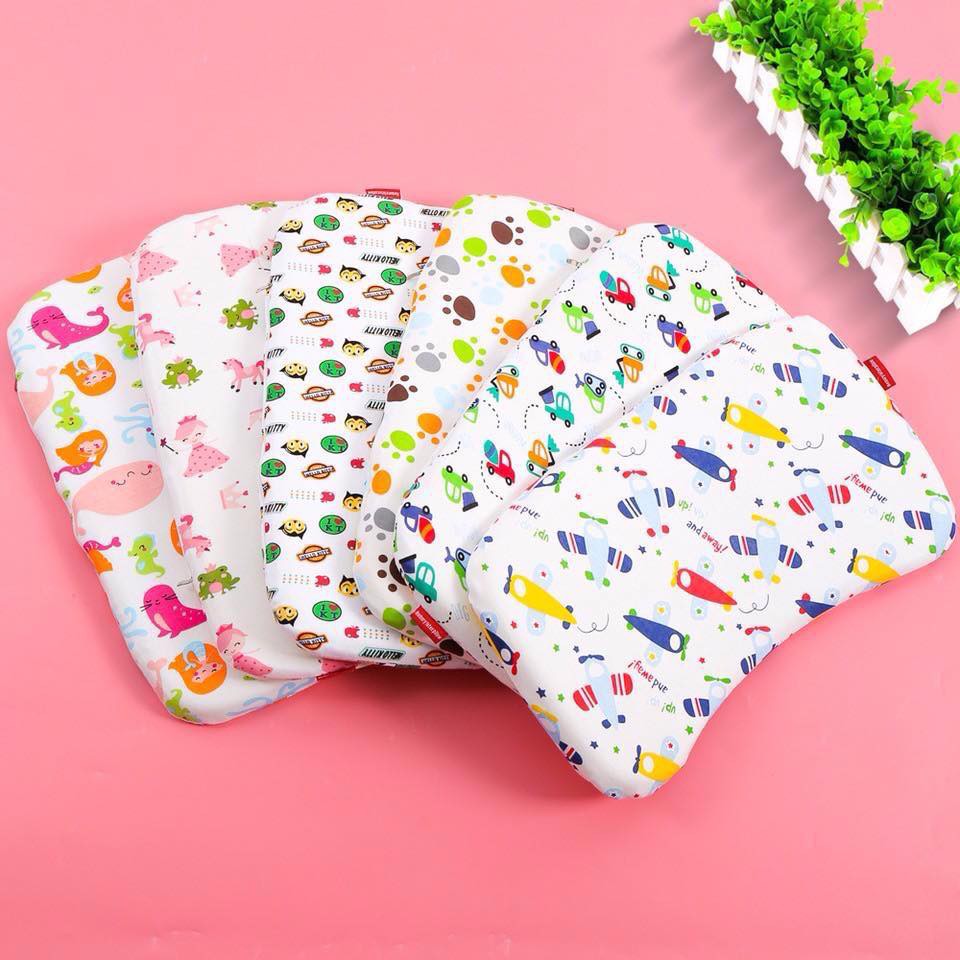
Gối cao su non chống bẹp đầu cho trẻ sơ sinh
49.000 ₫
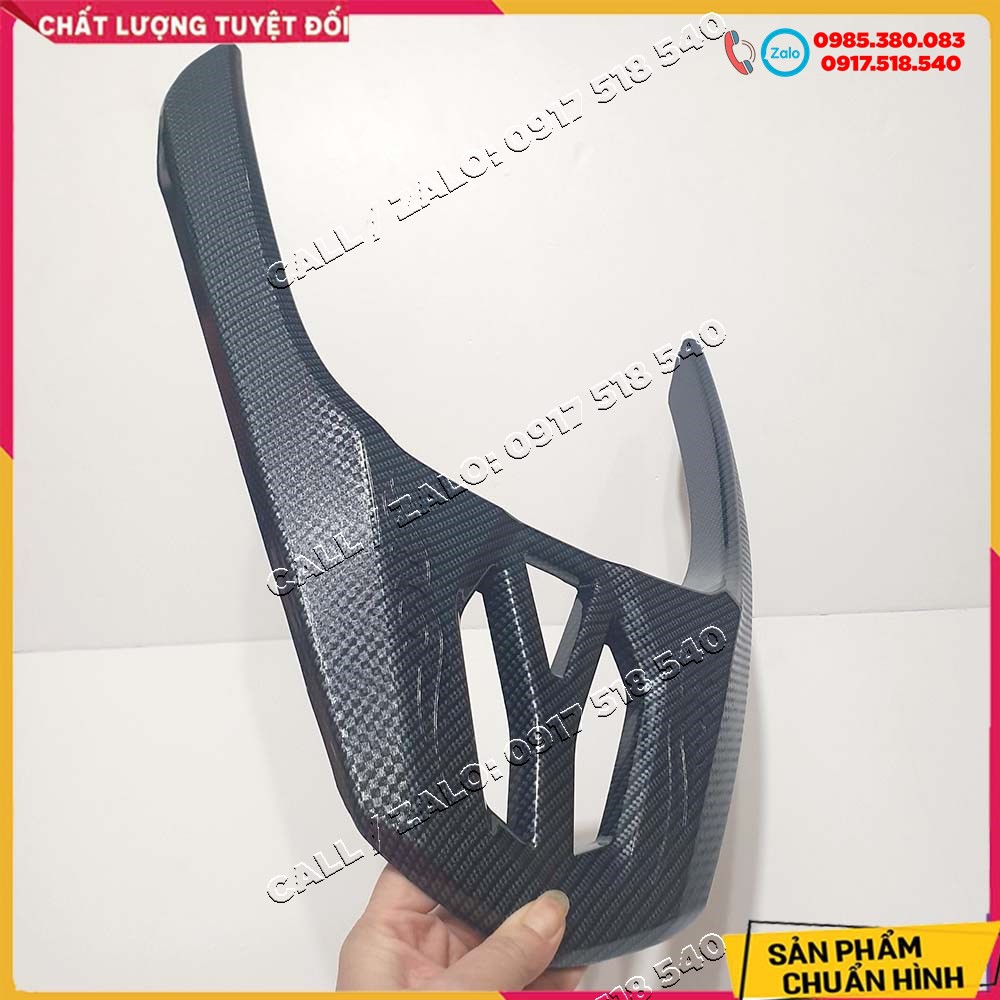
✅ ốp tay dắt carbon lead 2017 - 2021 ✅
149.000 ₫

Giày cổ cao nam kiểu dáng đơn giản dễ phối đồ trẻ trung,giầythể thao nam hàng quảng châu
129.000 ₫
Kẹp tóc dây ngọc Hàn quốc sang chảnh
35.000 ₫

Cốc điều hòa cho hoa lan – Phụ kiện thông minh – tiết kiệm thời gian chăm sóc
9.000 ₫
(1)
Hoa tai đính đá dáng vuông Hàn Quốc
45.000 ₫
Áo nỉ noel thêu hình lớn 🦋 áo thun sweater christmas họa tiết dáng rộng 4 màu 🦋 giá tốt
331.100 ₫
(1)
Phi tiêu đầu nam châm an toàn cho mọi lứa tuổi
51.000 ₫
(1)
Sục
825.000 ₫
Vay
590.000 ₫
Áo
340.000 ₫
Áo
330.000 ₫
Váy xuất
1.235.000 ₫
🎀🧧 nơ size nhỏ trang trí quả dưa tết 2025 - mâm cũ quả
30.000 ₫
Charm treo hoa bạc s925 thuần khiết hàng chính hãng
340.000 ₫