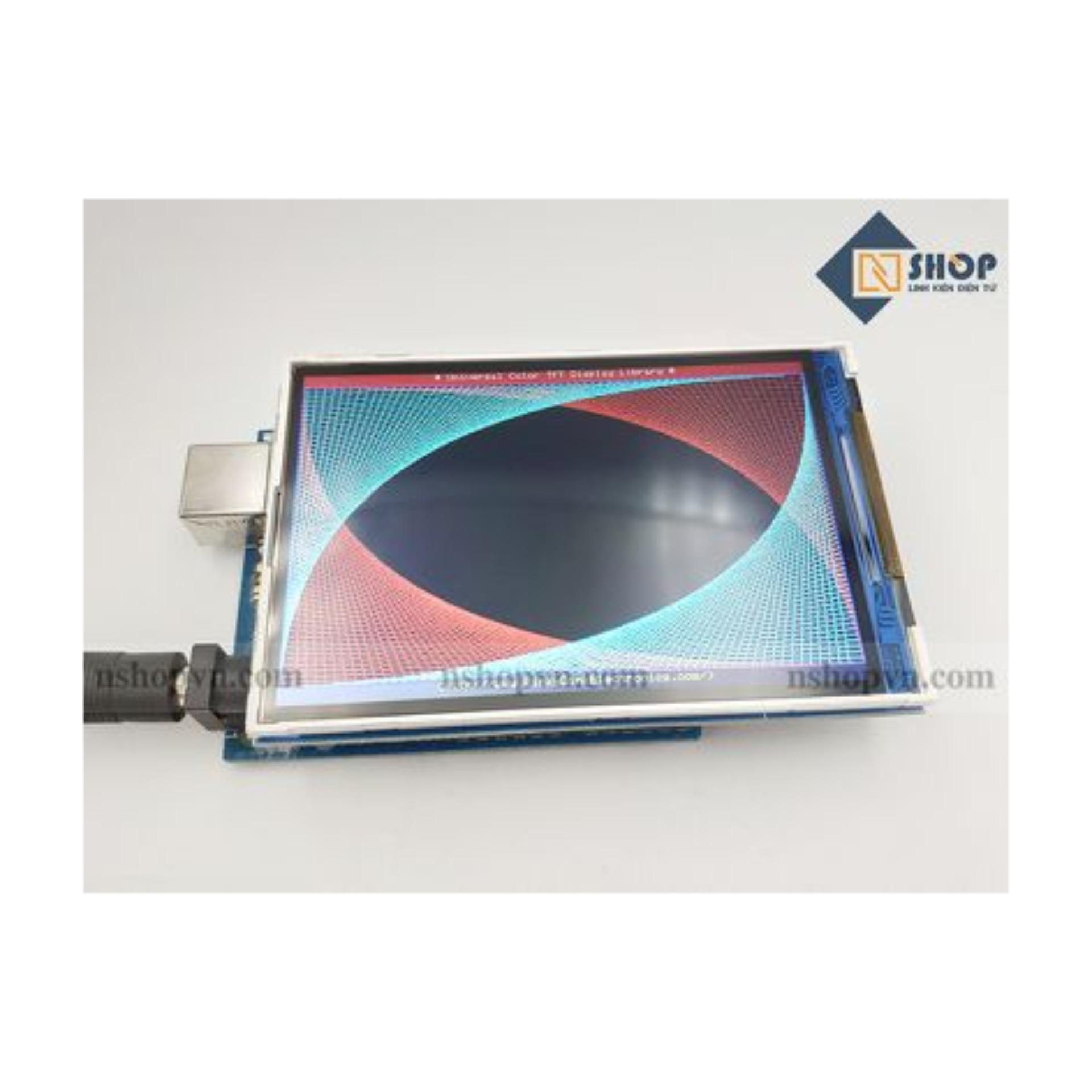
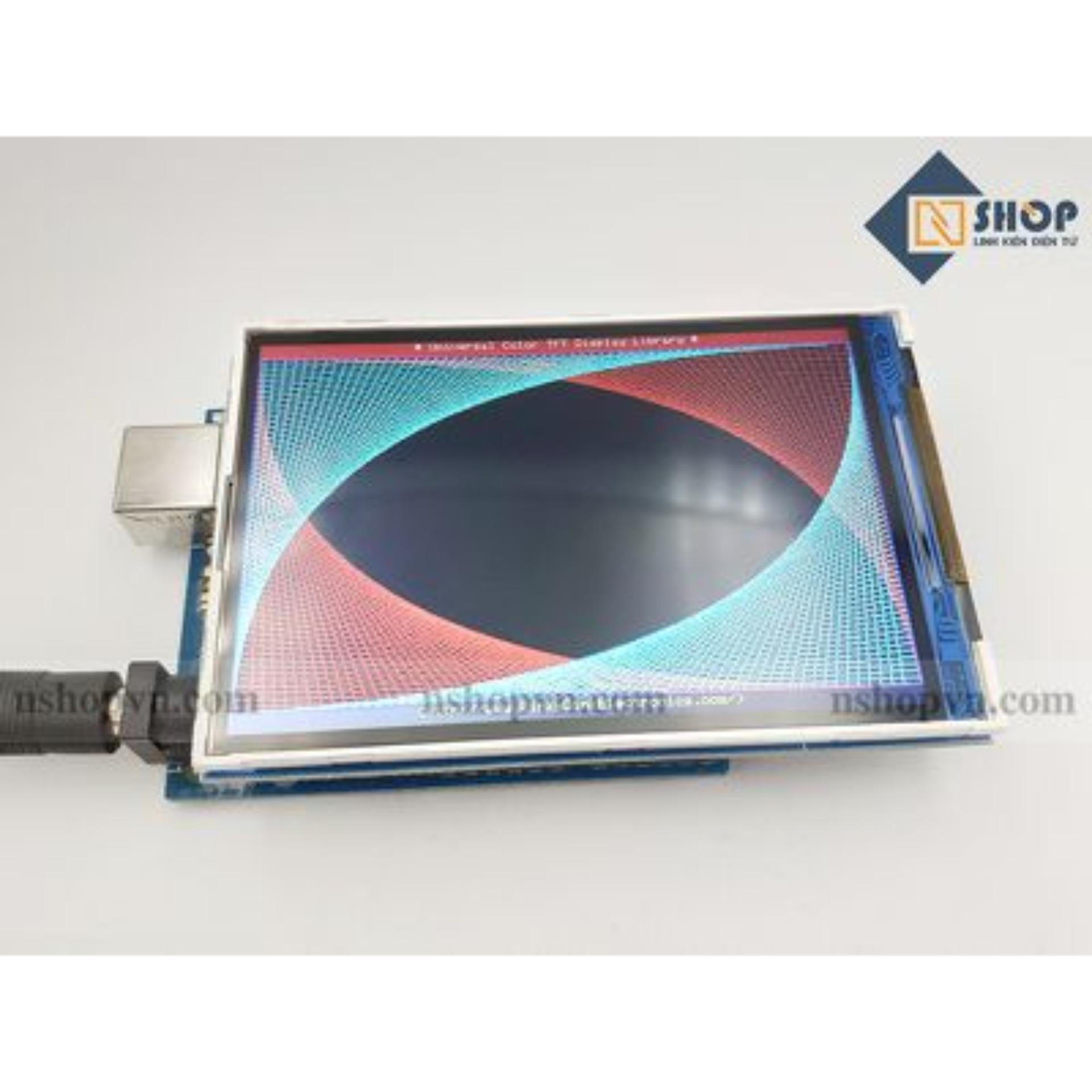

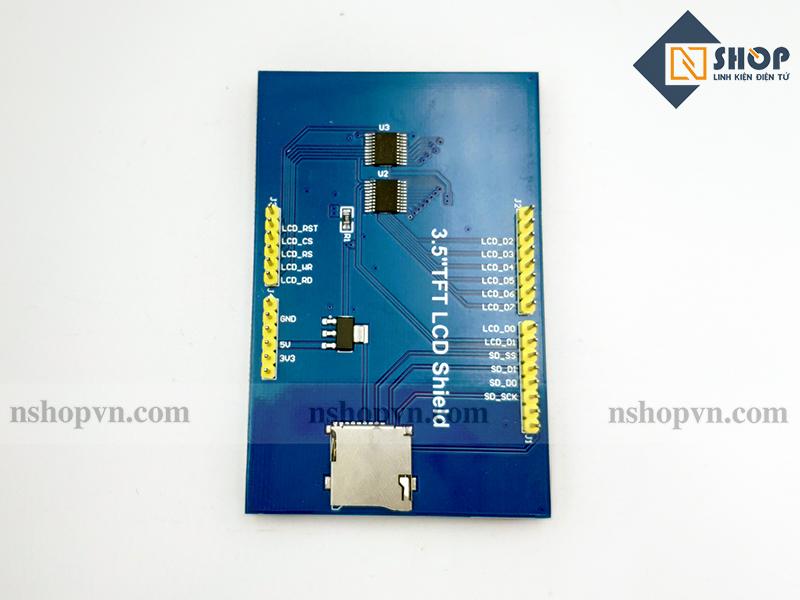
Màn hình TFT Arduino 3.5 inch
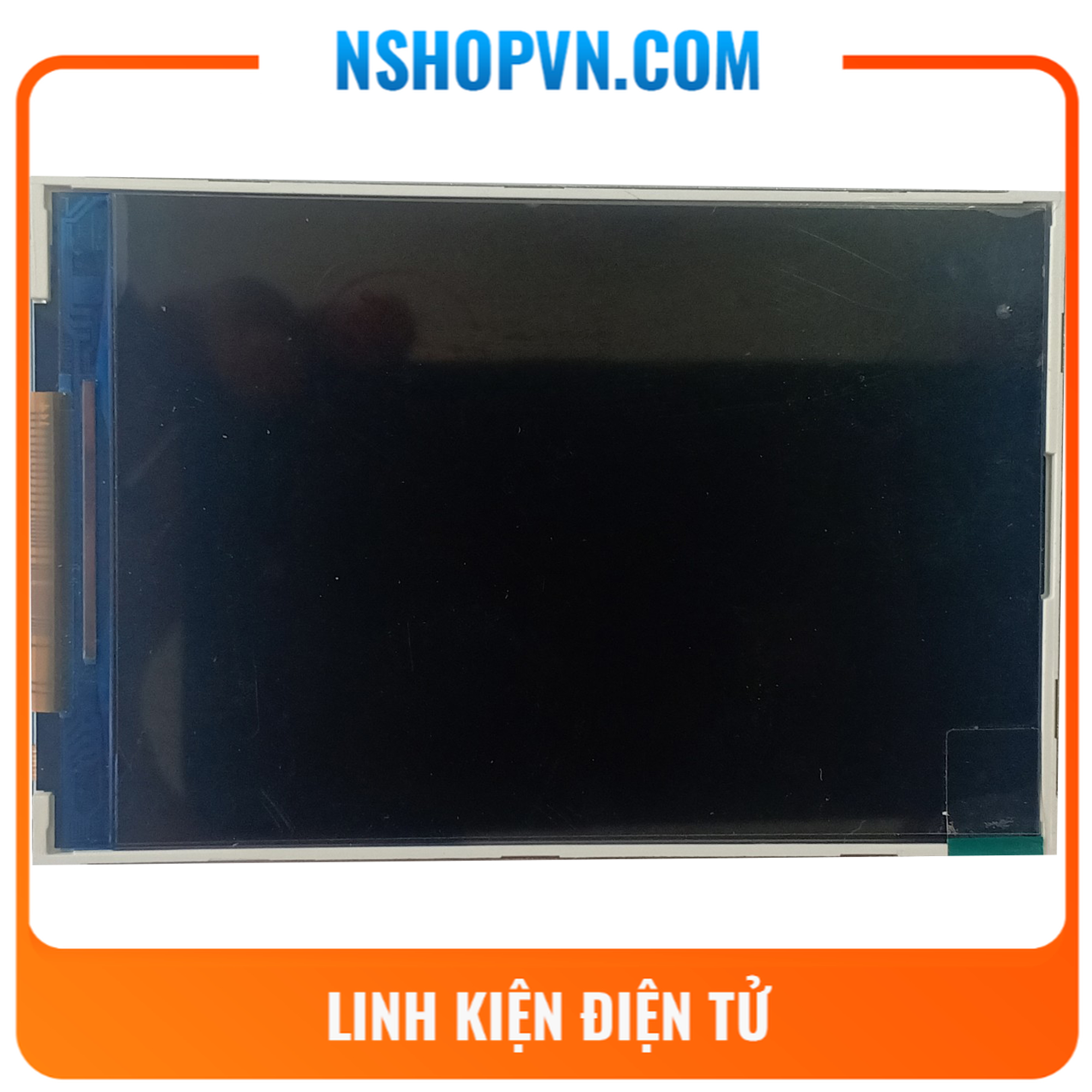
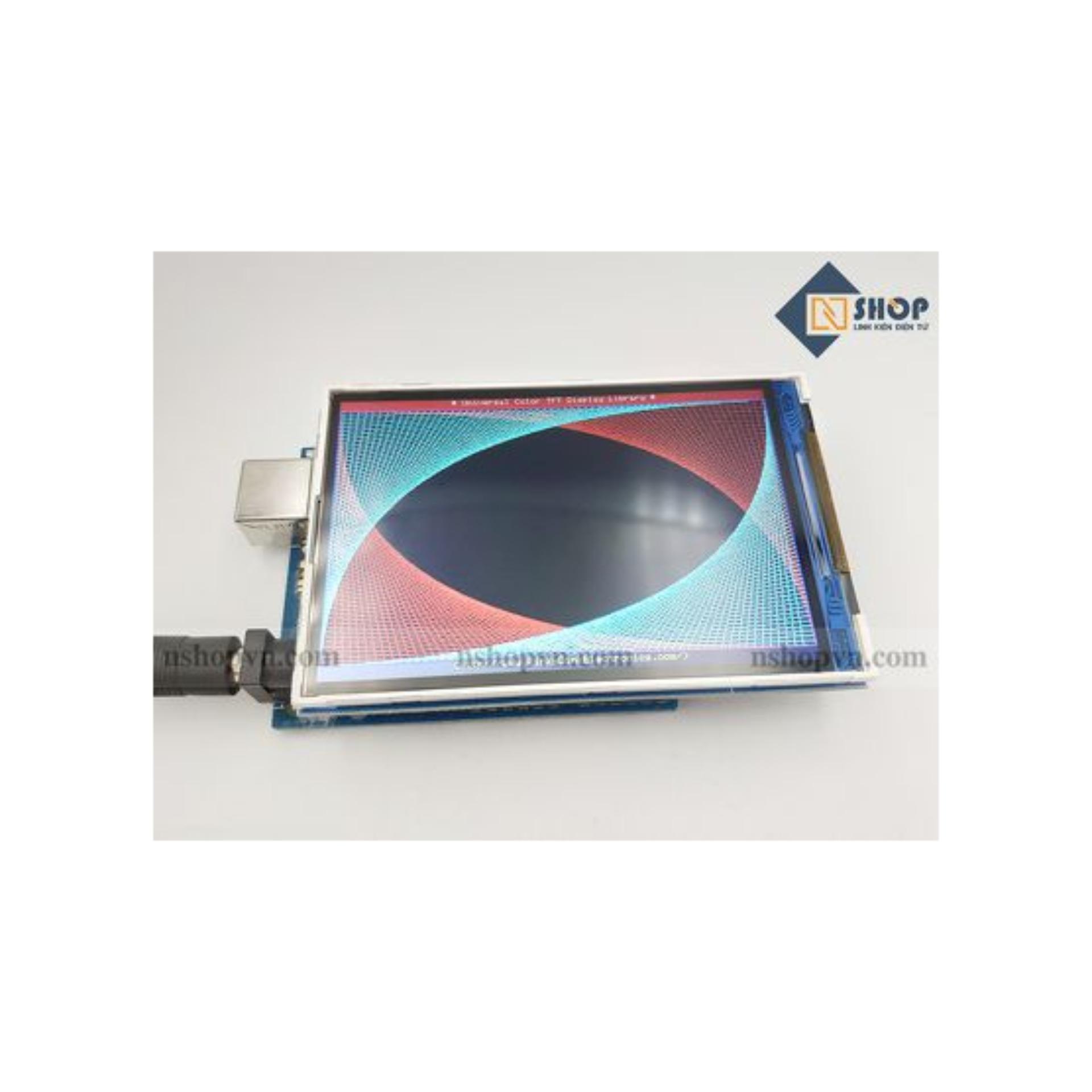
Có kích thước màn hình 3.5 inch, với độ phân giải 320 x 480 cho ra những hình ảnh sắc nét sinh động. Màn hình tft 3.5 inch hỗ trợ arduino UNO, Mega2560 bằng cách gắn trực tiếp lên một cách dễ dàng.
THÔNG SỐ KỸ THUẬT:
- Kích thước màn hình: 3.5 inch
- Độ phân giải: 320 x 480
- Điện áp hoạt động: 3.3V – 5V
- Hỗ trợ Arduino UNO, Mega2560
- Độ ẩm hoạt động: 60% RH
- Đèn nền luôn hoạt động
- Điện áp đèn nền: 3.3V
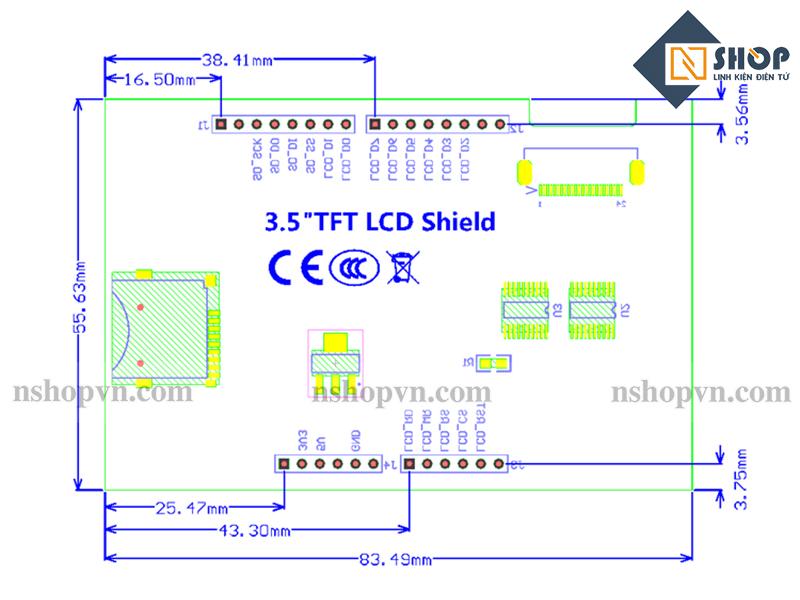
SƠ ĐỒ MẠCH:
SƠ ĐỒ KẾT NỐI VỚI ARDUINO UNO:
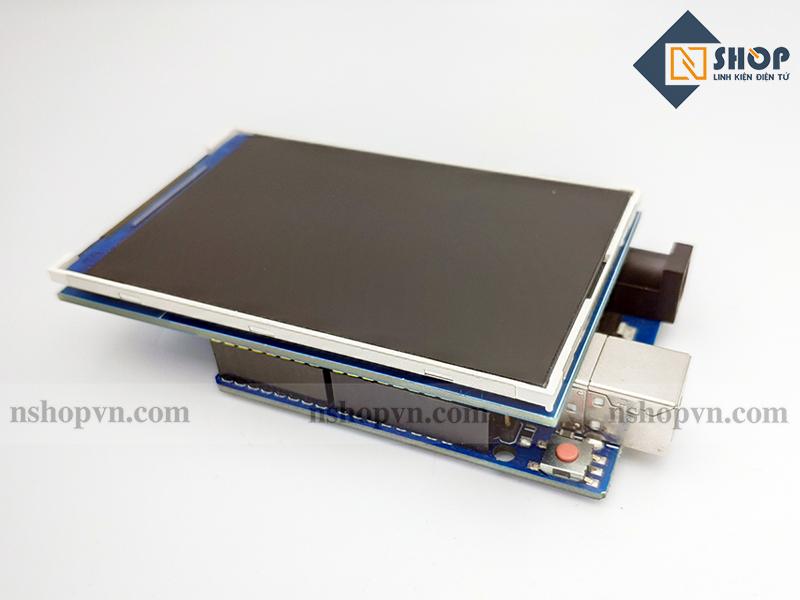
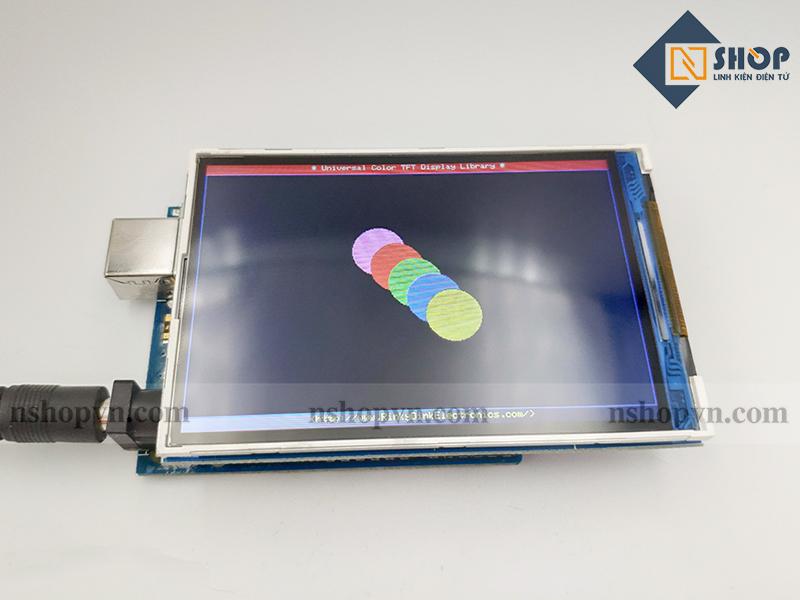
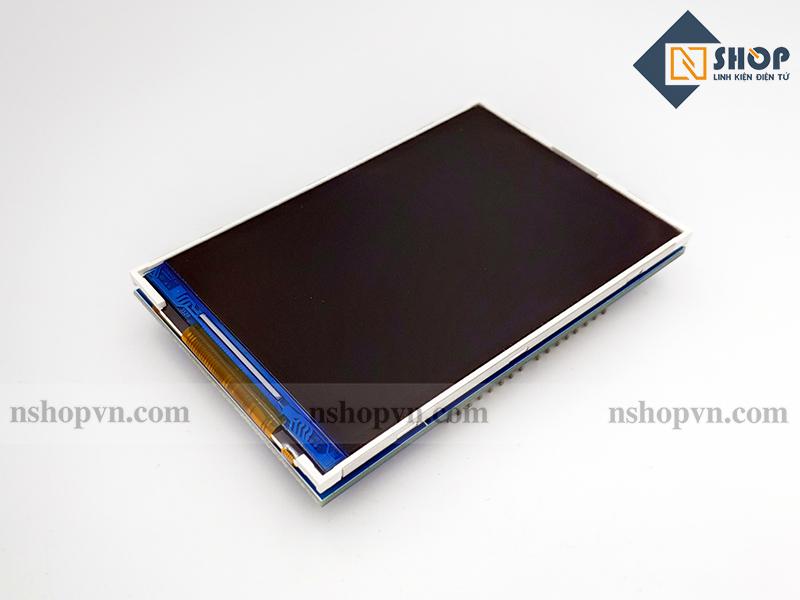
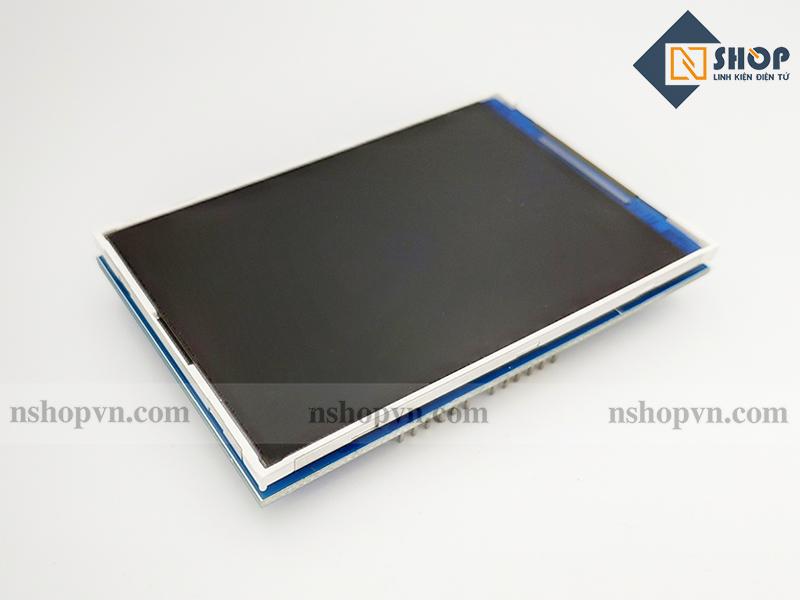
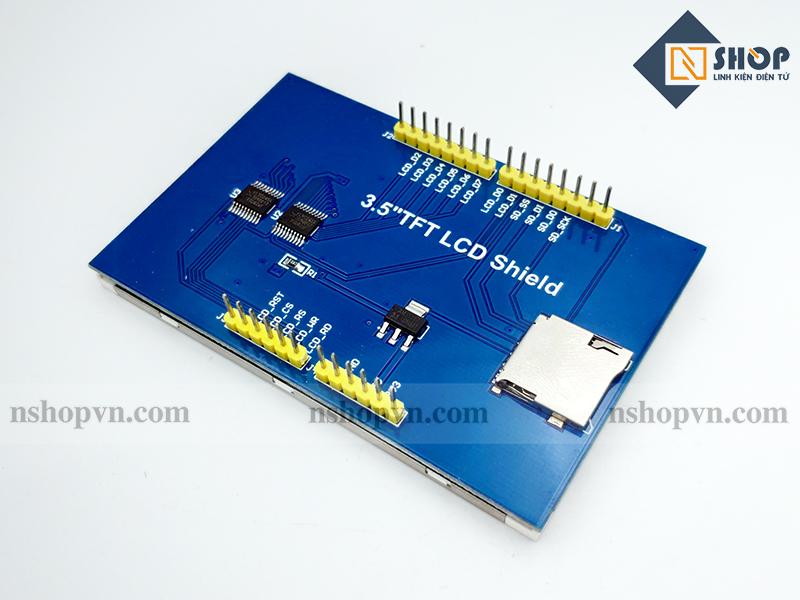
HÌNH ẢNH SẢN PHẨM:
Thư viện:
—————————–CODE THAM KHẢO—————————-
void setup(){randomSeed(analogRead(0));// Setup the LCDmyGLCD.InitLCD();myGLCD.setFont(SmallFont);}void loop(){int buf[478];int x, x2;int y, y2;int r;// Clear the screen and draw the framemyGLCD.clrScr();myGLCD.setColor(255, 0, 0);myGLCD.fillRect(0, 0, 479, 13);myGLCD.setColor(64, 64, 64);myGLCD.fillRect(0, 306, 479, 319);myGLCD.setColor(255, 255, 255);myGLCD.setBackColor(255, 0, 0);myGLCD.print("* Universal Color TFT Display Library *", CENTER, 1);myGLCD.setBackColor(64, 64, 64);myGLCD.setColor(255,255,0);myGLCD.print("", CENTER, 307);myGLCD.setColor(0, 0, 255);myGLCD.drawRect(0, 14, 479, 305);// Draw crosshairsmyGLCD.setColor(0, 0, 255);myGLCD.setBackColor(0, 0, 0);myGLCD.drawLine(239, 15, 239, 304);myGLCD.drawLine(1, 159, 478, 159);for (int i=9; i<470; i+=10)myGLCD.drawLine(i, 157, i, 161);for (int i=19; i<220; i+=10)myGLCD.drawLine(237, i, 241, i);// Draw sin-, cos- and tan-linesmyGLCD.setColor(0,255,255);myGLCD.print("Sin", 5, 15);for (int i=1; i<478; i++){myGLCD.drawPixel(i,159+(sin(((i*1.13)*3.14)/180)*95));}myGLCD.setColor(255,0,0);myGLCD.print("Cos", 5, 27);for (int i=1; i<478; i++){myGLCD.drawPixel(i,159+(cos(((i*1.13)*3.14)/180)*95));}myGLCD.setColor(255,255,0);myGLCD.print("Tan", 5, 39);for (int i=1; i<478; i++){myGLCD.drawPixel(i,159+(tan(((i*1.13)*3.14)/180)));}delay(2000);myGLCD.setColor(0,0,0);myGLCD.fillRect(1,15,478,304);myGLCD.setColor(0, 0, 255);myGLCD.setBackColor(0, 0, 0);myGLCD.drawLine(239, 15, 239, 304);myGLCD.drawLine(1, 159, 478, 159);// Draw a moving sinewavex=1;for (int i=1; i<(478*15); i++){x++;if (x==479)x=1;if (i>479){if ((x==239)||(buf[x-1]==159))myGLCD.setColor(0,0,255);elsemyGLCD.setColor(0,0,0);myGLCD.drawPixel(x,buf[x-1]);}myGLCD.setColor(0,255,255);y=159+(sin(((i*0.7)*3.14)/180)*(90-(i / 100)));myGLCD.drawPixel(x,y);buf[x-1]=y;}delay(2000);myGLCD.setColor(0,0,0);myGLCD.fillRect(1,15,478,304);// Draw some filled rectanglesfor (int i=1; i<6; i++){switch (i){case 1:myGLCD.setColor(255,0,255);break;case 2:myGLCD.setColor(255,0,0);break;case 3:myGLCD.setColor(0,255,0);break;case 4:myGLCD.setColor(0,0,255);break;case 5:myGLCD.setColor(255,255,0);break;}myGLCD.fillRect(150+(i*20), 70+(i*20), 210+(i*20), 130+(i*20));}delay(2000);myGLCD.setColor(0,0,0);myGLCD.fillRect(1,15,478,304);// Draw some filled, rounded rectanglesfor (int i=1; i<6; i++){switch (i){case 1:myGLCD.setColor(255,0,255);break;case 2:myGLCD.setColor(255,0,0);break;case 3:myGLCD.setColor(0,255,0);break;case 4:myGLCD.setColor(0,0,255);break;case 5:myGLCD.setColor(255,255,0);break;}myGLCD.fillRoundRect(270-(i*20), 70+(i*20), 330-(i*20), 130+(i*20));}delay(2000);myGLCD.setColor(0,0,0);myGLCD.fillRect(1,15,478,304);// Draw some filled circlesfor (int i=1; i<6; i++){switch (i){case 1:myGLCD.setColor(255,0,255);break;case 2:myGLCD.setColor(255,0,0);break;case 3:myGLCD.setColor(0,255,0);break;case 4:myGLCD.setColor(0,0,255);break;case 5:myGLCD.setColor(255,255,0);break;}myGLCD.fillCircle(180+(i*20),100+(i*20), 30);}delay(2000);myGLCD.setColor(0,0,0);myGLCD.fillRect(1,15,478,304);// Draw some lines in a patternmyGLCD.setColor (255,0,0);for (int i=15; i<304; i+=5){myGLCD.drawLine(1, i, (i*1.6)-10, 304);}myGLCD.setColor (255,0,0);for (int i=304; i>15; i-=5){myGLCD.drawLine(478, i, (i*1.6)-11, 15);}myGLCD.setColor (0,255,255);for (int i=304; i>15; i-=5){myGLCD.drawLine(1, i, 491-(i*1.6), 15);}myGLCD.setColor (0,255,255);for (int i=15; i<304; i+=5){myGLCD.drawLine(478, i, 490-(i*1.6), 304);}delay(2000);myGLCD.setColor(0,0,0);myGLCD.fillRect(1,15,478,304);// Draw some random circlesfor (int i=0; i<100; i++){myGLCD.setColor(random(255), random(255), random(255));x=32+random(416);y=45+random(226);r=random(30);myGLCD.drawCircle(x, y, r);}delay(2000);myGLCD.setColor(0,0,0);myGLCD.fillRect(1,15,478,304);// Draw some random rectanglesfor (int i=0; i<100; i++){myGLCD.setColor(random(255), random(255), random(255));x=2+random(476);y=16+random(289);x2=2+random(476);y2=16+random(289);myGLCD.drawRect(x, y, x2, y2);}delay(2000);myGLCD.setColor(0,0,0);myGLCD.fillRect(1,15,478,304);// Draw some random rounded rectanglesfor (int i=0; i<100; i++){myGLCD.setColor(random(255), random(255), random(255));x=2+random(476);y=16+random(289);x2=2+random(476);y2=16+random(289);myGLCD.drawRoundRect(x, y, x2, y2);}delay(2000);myGLCD.setColor(0,0,0);myGLCD.fillRect(1,15,478,304);for (int i=0; i<100; i++){myGLCD.setColor(random(255), random(255), random(255));x=2+random(476);y=16+random(289);x2=2+random(476);y2=16+random(289);myGLCD.drawLine(x, y, x2, y2);}delay(2000);myGLCD.setColor(0,0,0);myGLCD.fillRect(1,15,478,304);for (int i=0; i<10000; i++){myGLCD.setColor(random(255), random(255), random(255));myGLCD.drawPixel(2+random(476), 16+random(289));}delay(2000);myGLCD.fillScr(0, 0, 255);myGLCD.setColor(255, 0, 0);myGLCD.fillRoundRect(160, 70, 319, 169);myGLCD.setColor(255, 255, 255);myGLCD.setBackColor(255, 0, 0);myGLCD.print("That's it!", CENTER, 93);myGLCD.print("Restarting in a", CENTER, 119);myGLCD.print("few seconds...", CENTER, 132);myGLCD.setColor(0, 255, 0);myGLCD.setBackColor(0, 0, 255);myGLCD.print("Runtime: (msecs)", CENTER, 290);myGLCD.printNumI(millis(), CENTER, 305);delay (10000);}