




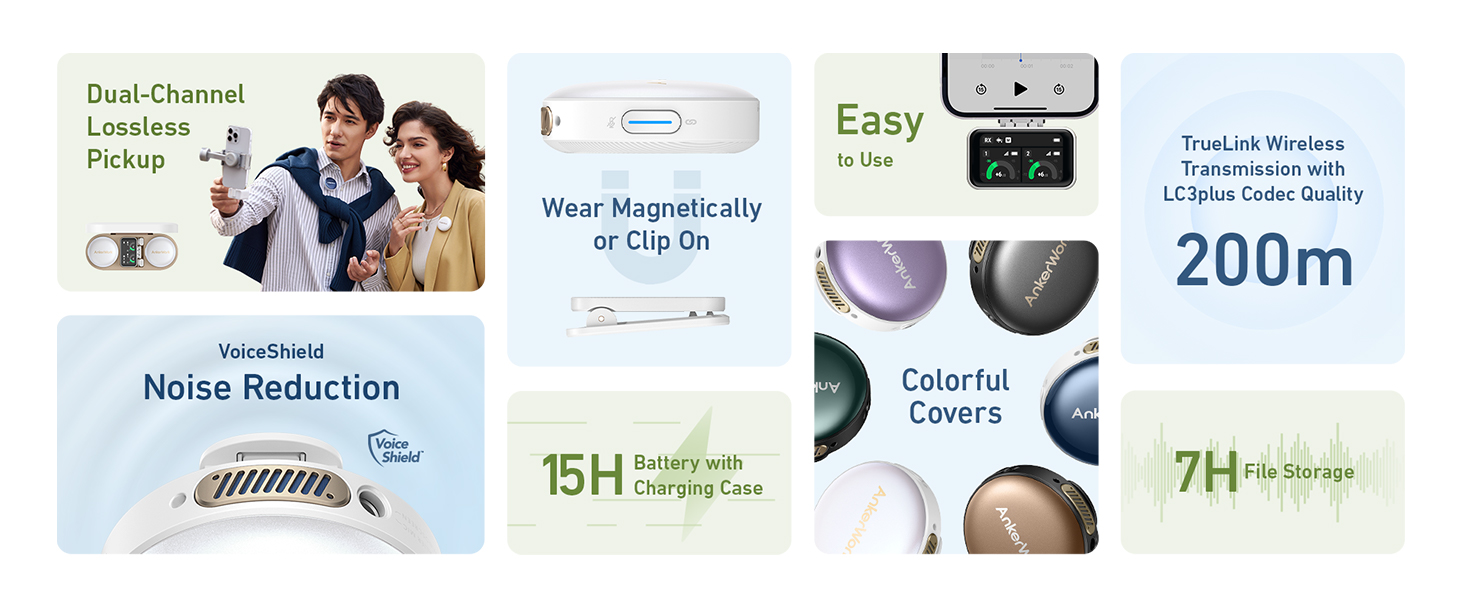
Note:
1. iPhone or iPad speakers won’t output sound when connected to the USB-C or Lightning adapter. Remove the adapter to use an iPhone or iPad speaker.
2. When M650 is connected to a DSLR camera via AUX, lower camera gain and turn off automatic gain control for best results.
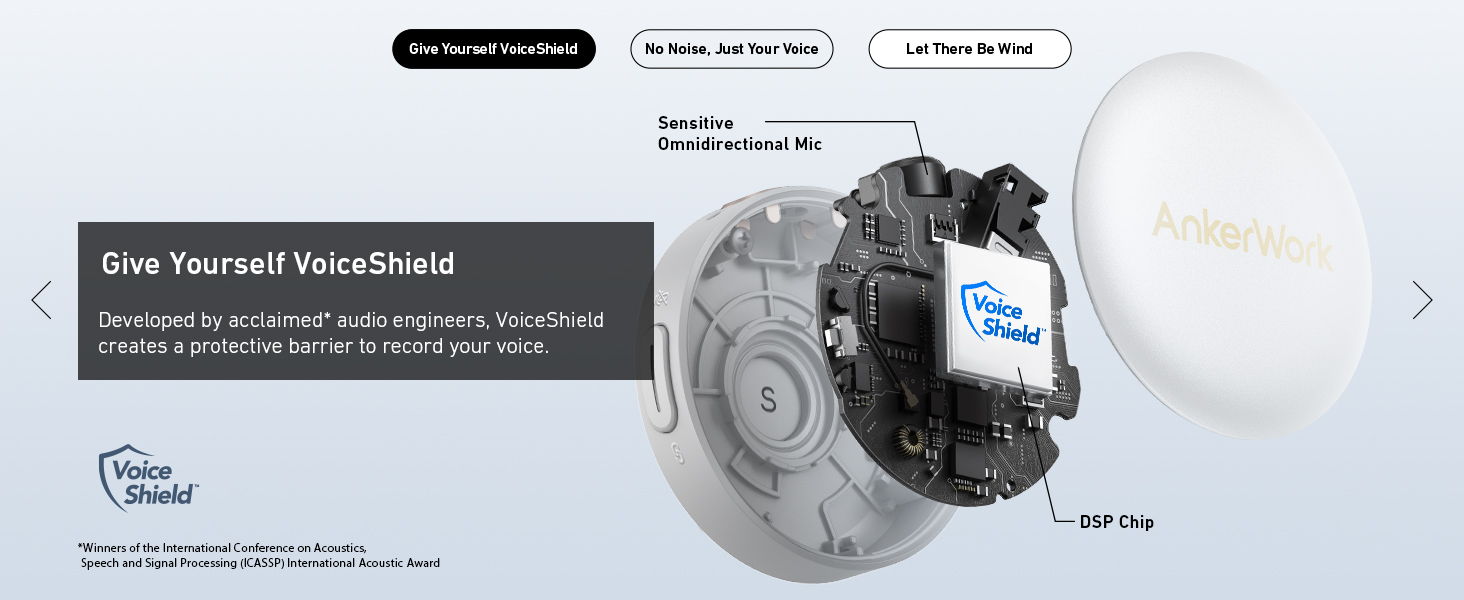
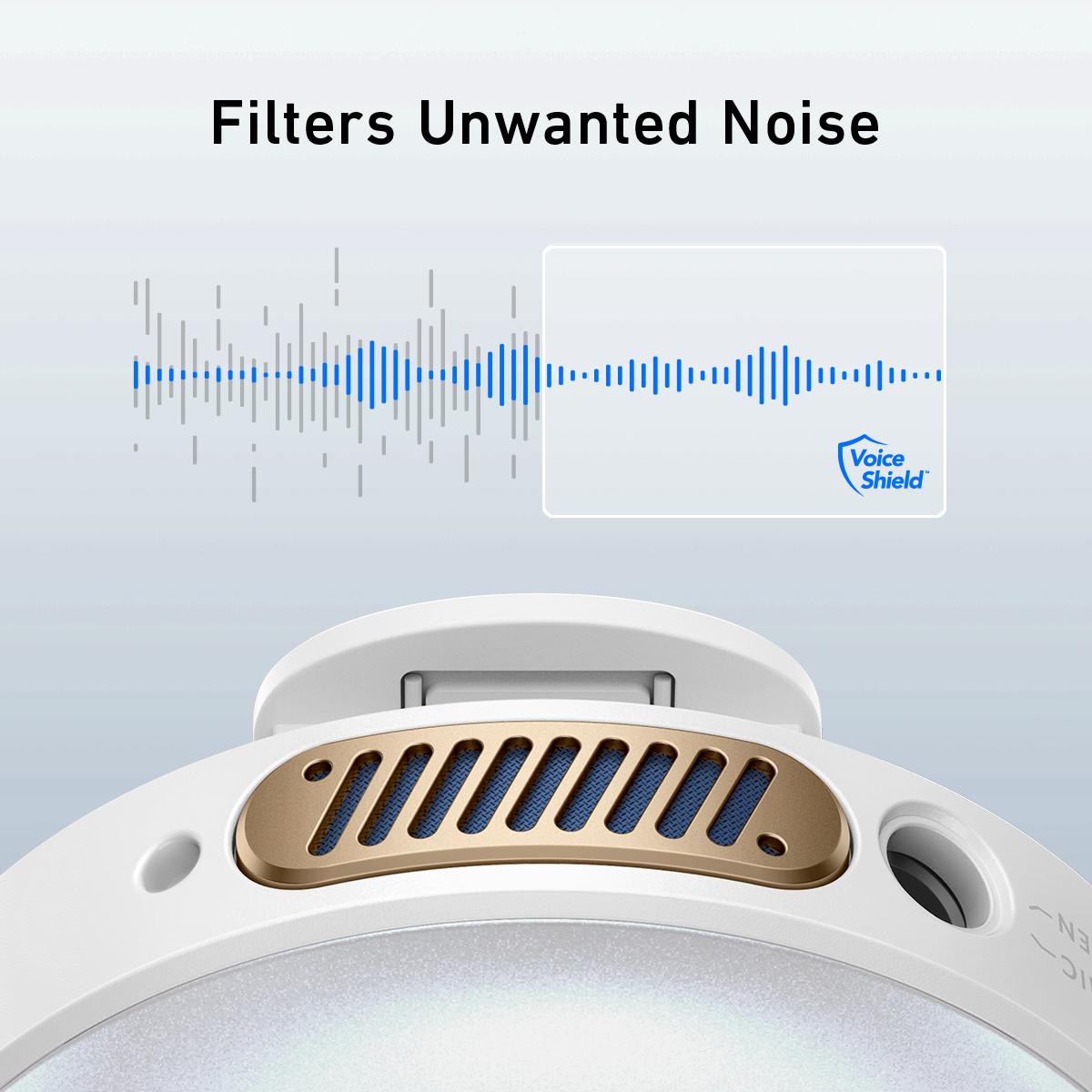
VoiceShield™ Noise Cancellation
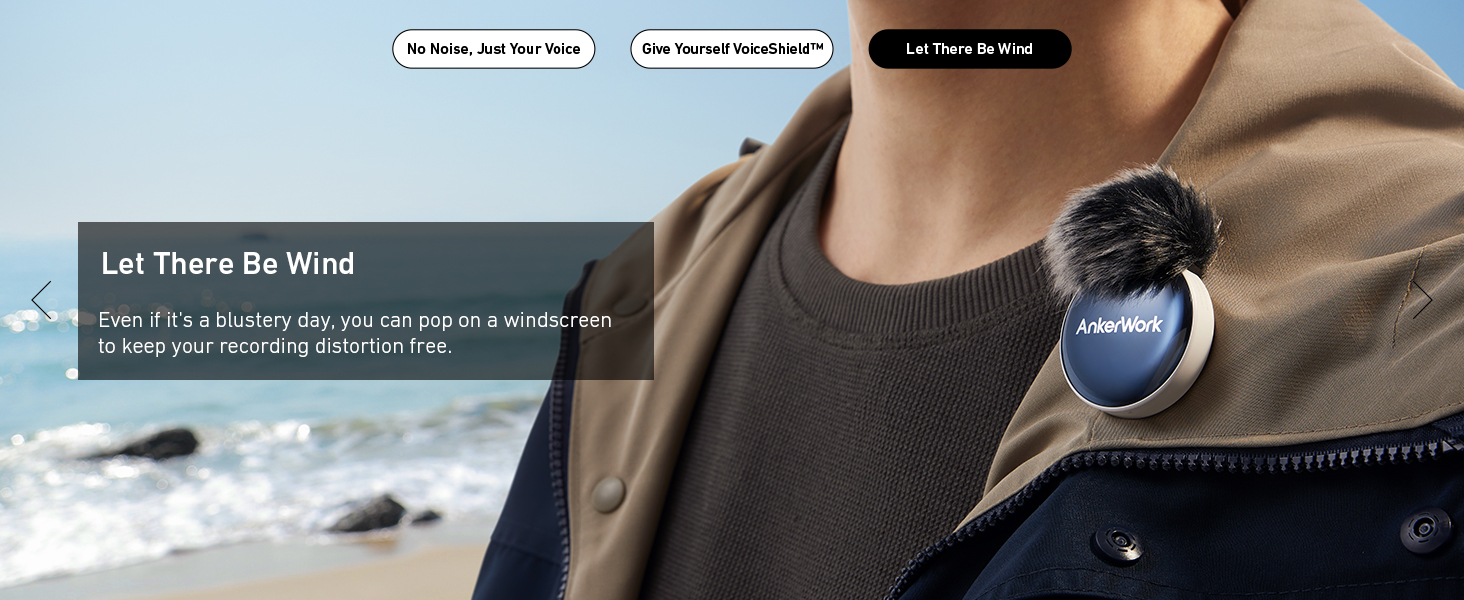
Eliminate wind, background voices, or any unwanted noise with the VoiceShield™ algorithm.


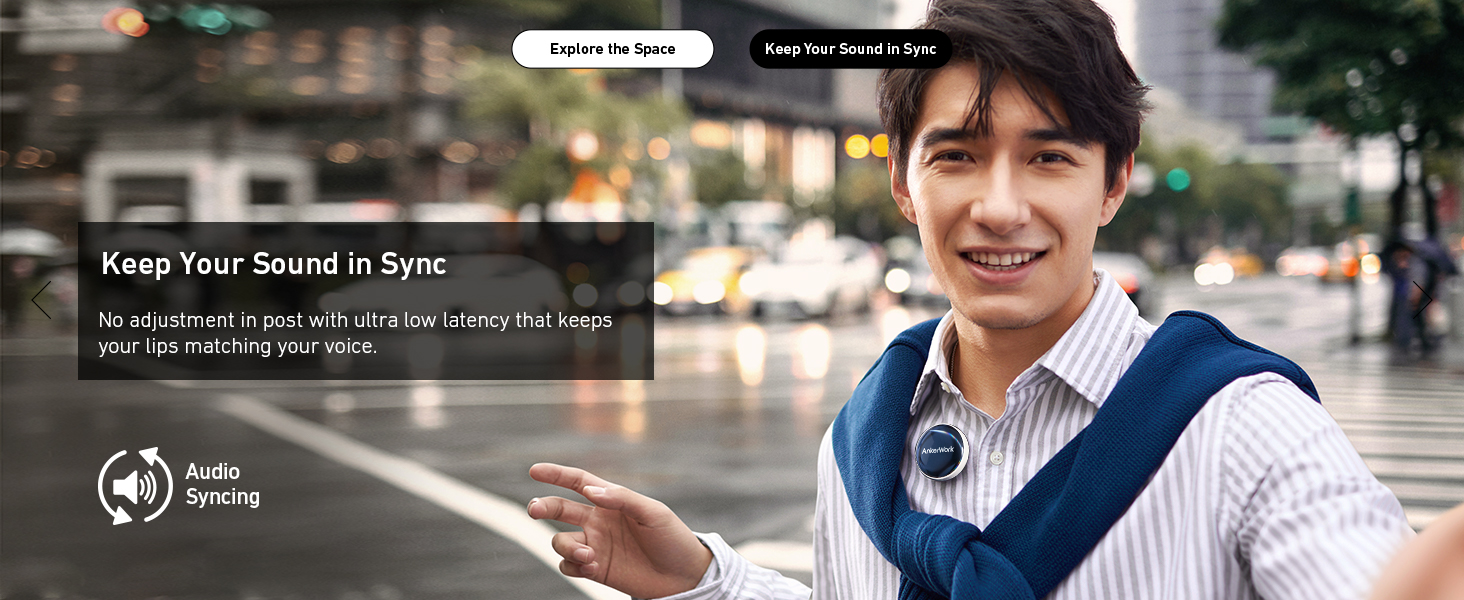
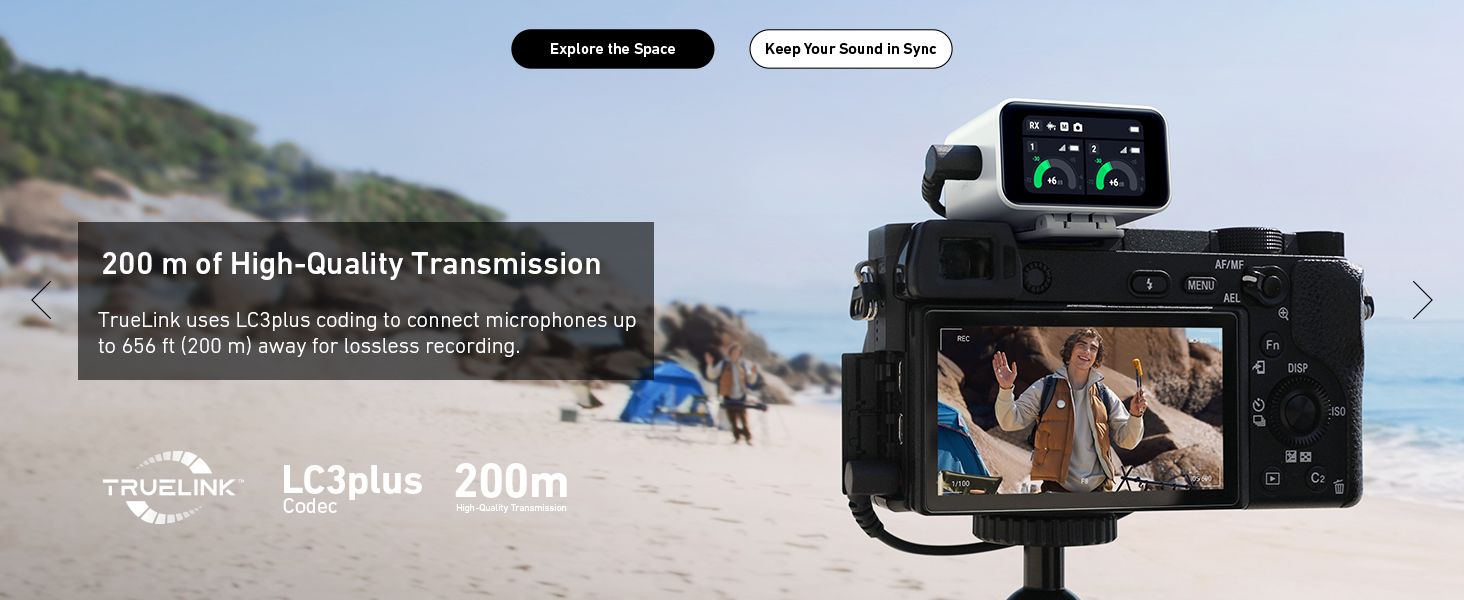
Keep Your Sound in Sync
With AnkerWork's low-latency wireless transmission, your takes stay synced to avoid an unnecessary cut when you nail the one-take

Specs
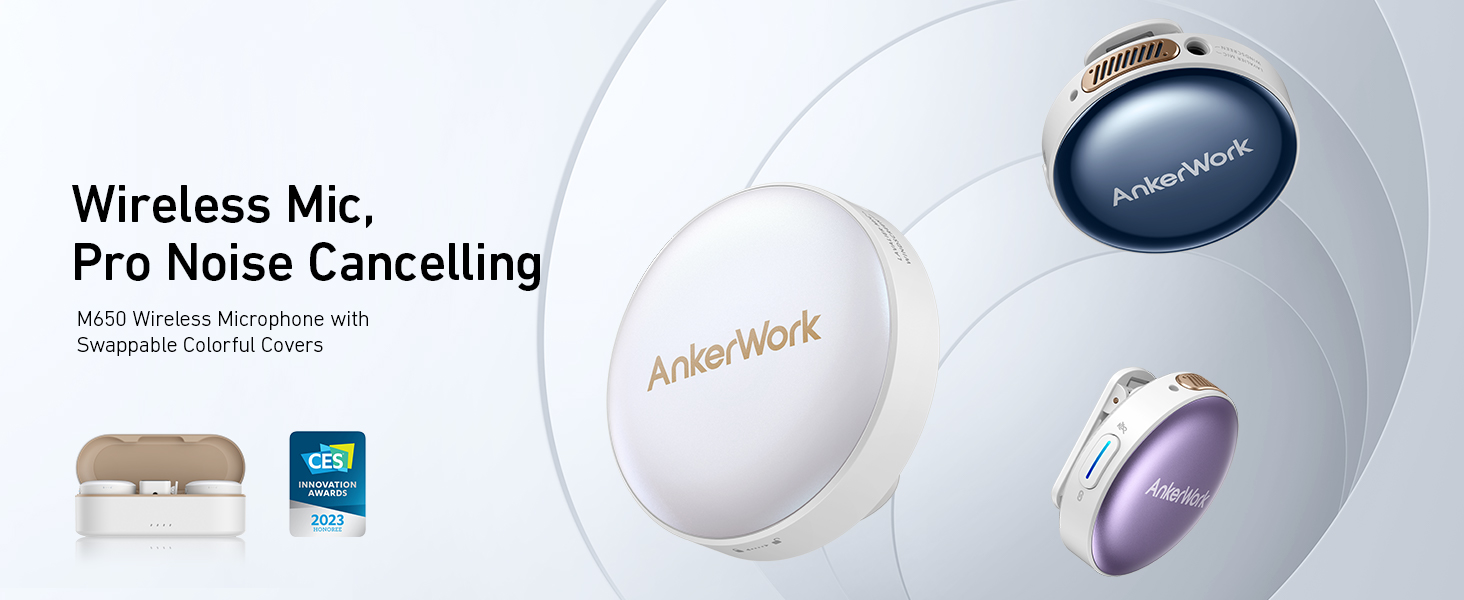
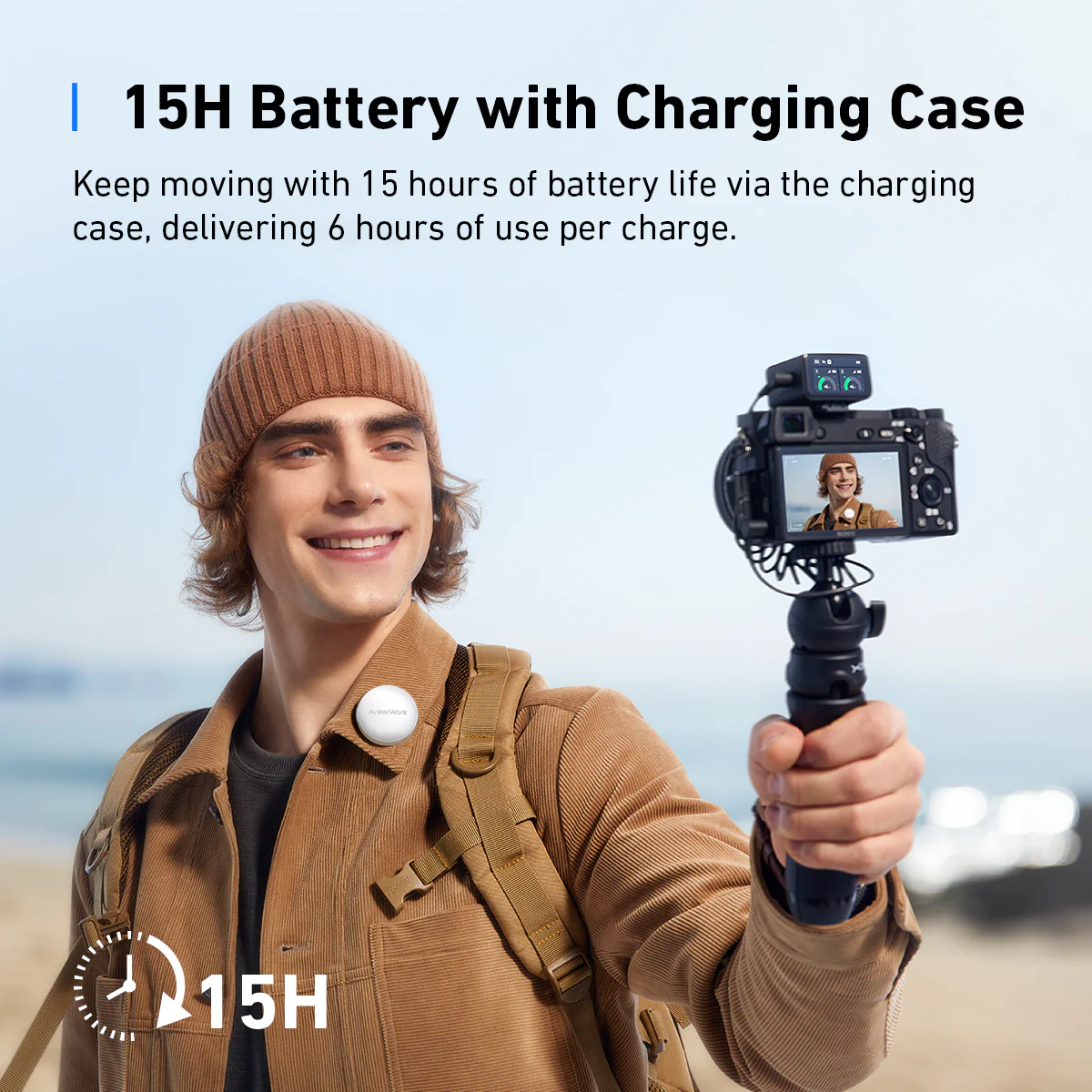
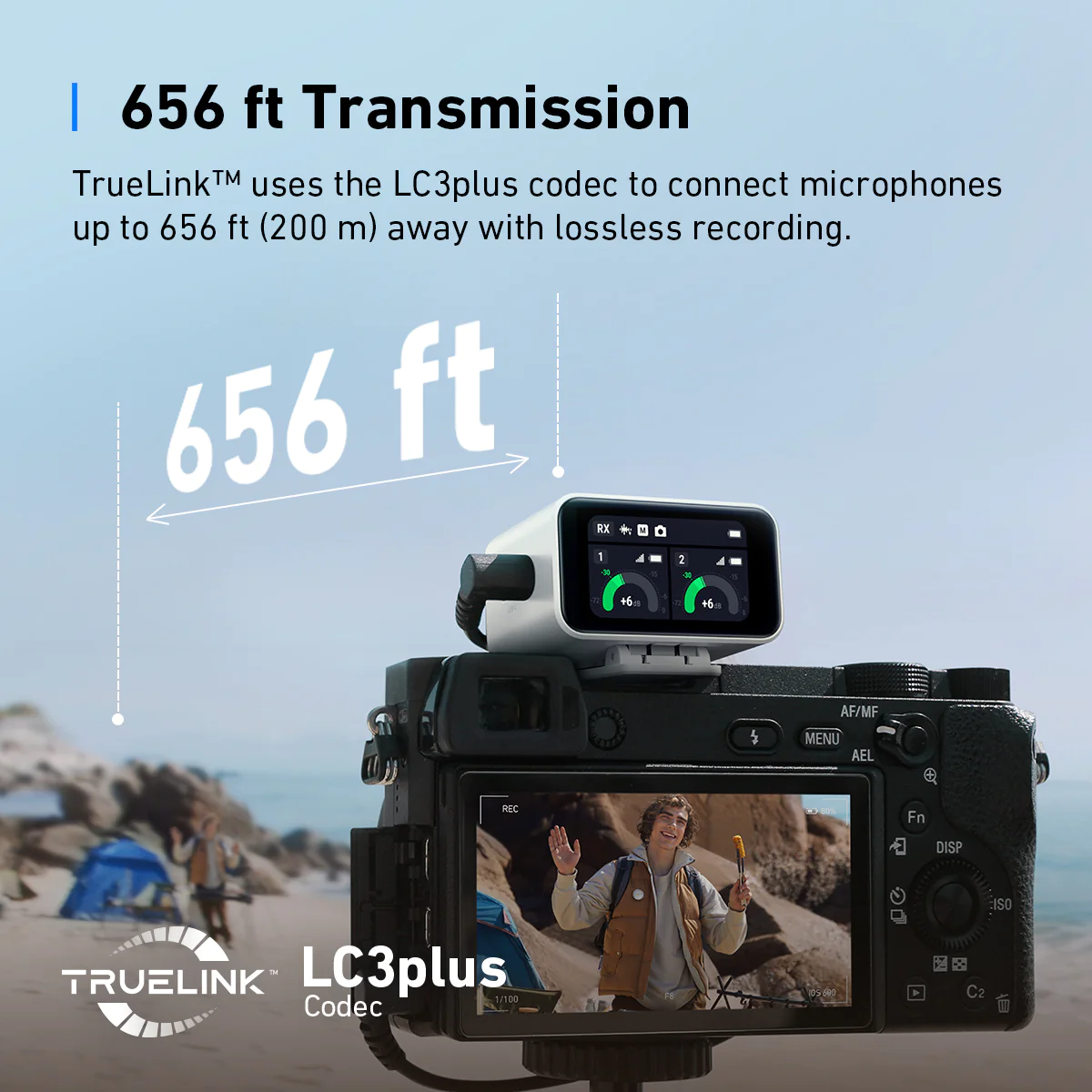
Acoustic Principle: VoiceShield™ Noise Cancellation Technology Wireless Connectivity: TrueLink™ Technology with LC3plus Codec / 2 TX in 1 RX Combo Wireless Range: 656.2 ft / 200 m Operating Time: Up to 6 hours / Up to 15 hours with Charging Case Software: AnkerWork Software
Transmitter (TX)
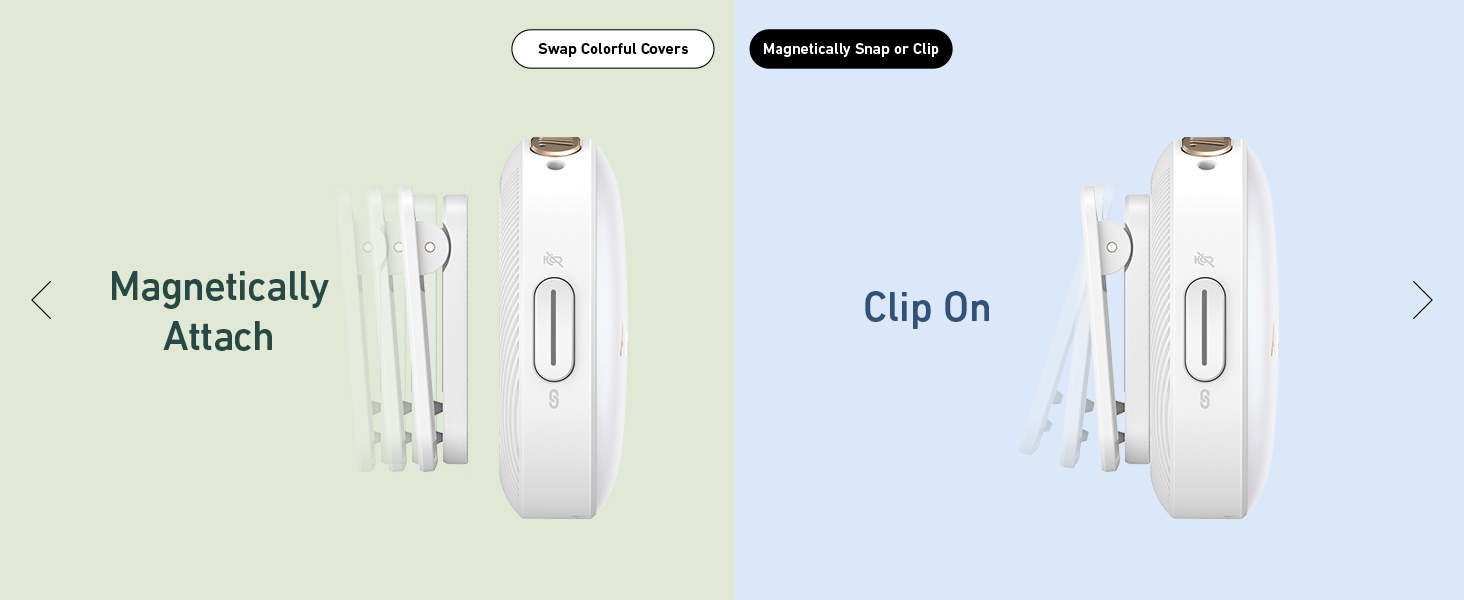
Microphone: Omnidirectional Onboard Recording: 7 hours Replacement Cover: ×2 Analog Input: 3.5 mm TRS (lavalier microphone input) Operating Time: Up to 6 hours / Up to 15 hours with Charging Case Battery: 350mA Wearable Design: Back Clip / Built-in Magnet Weight: 1.1 oz (30 g) Dimensions: 1.8×1.8×0.9" (45.5×45.3×23.6 mm)
Receiver (RX)
Touch Display: 1.47" touchscreen Battery: 350mA Operating Time: Up to 6 hours / Up to 15 hours with Charging Case Outputs: 3.5 mm TRS for Camera / Built-in Lightning and USB-C Adapter for Phone / USB-C for Computer Weight: 1.3 oz / 37 g Dimensions: 1.7×1.4×1.2" / 43.2×35×30.4 mm
Charging Case
Battery: 2600 mAh Weight: 6.5 oz / 184 g Dimensions: 5.3×2.1×1.9" / 135.3×54.2×48.3 mm
How do I pair the receiver and the transmitters?
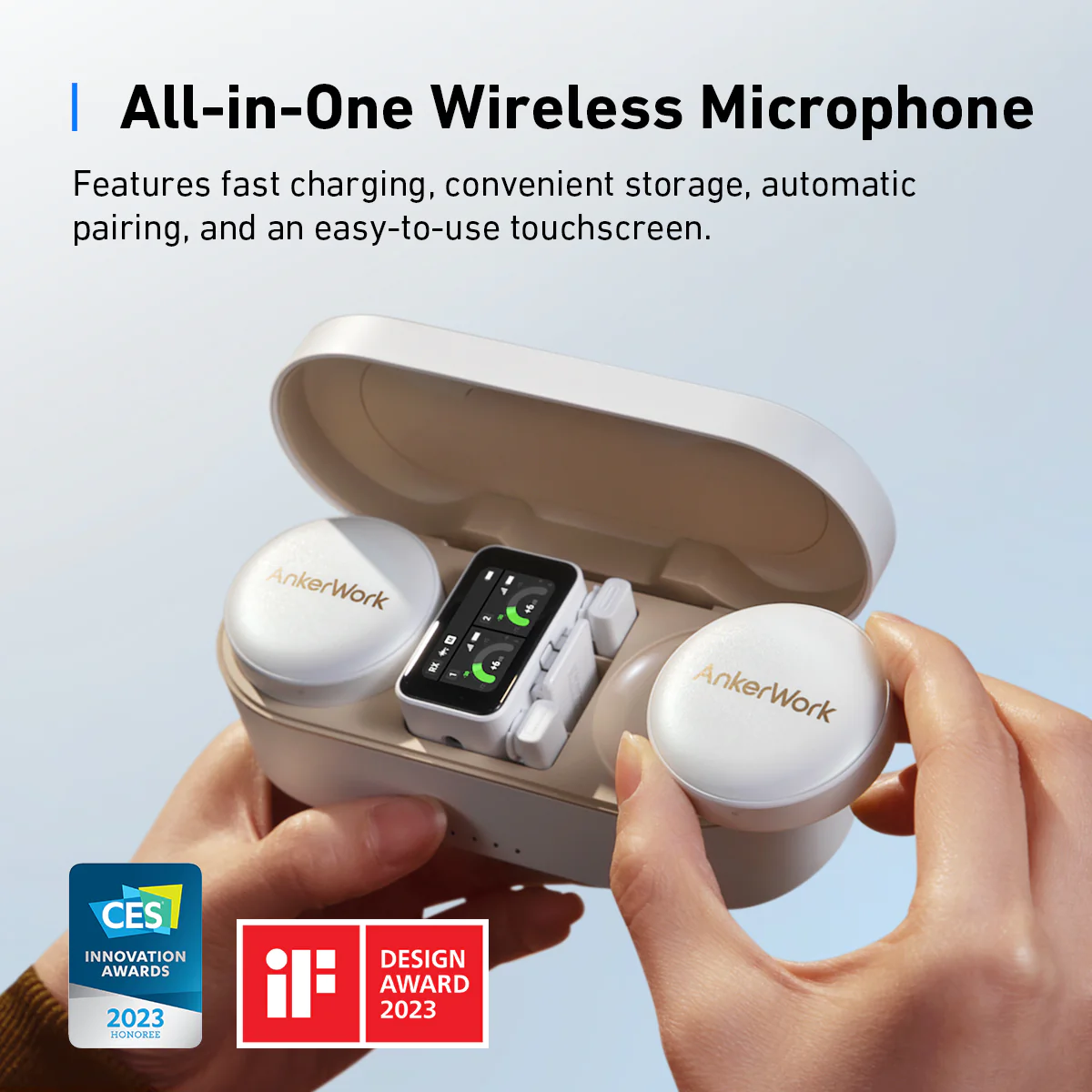
The receiver and transmitters automatically pair as soon as you open the charging case. If they disconnect, put the receiver and transmitters back into the charging case, and turn the charging case off, then on, or restart the receiver and transmitters manually to restore connection.
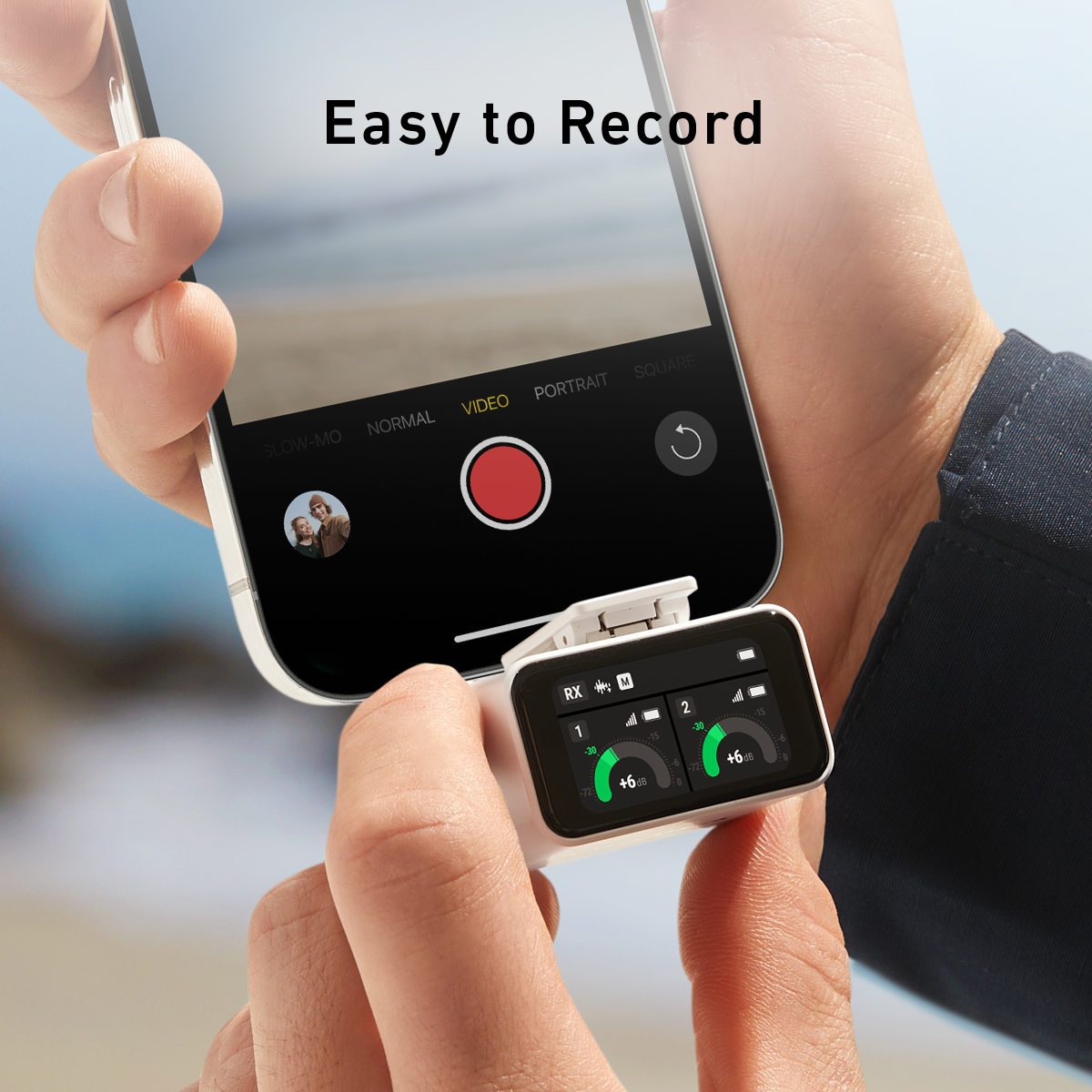
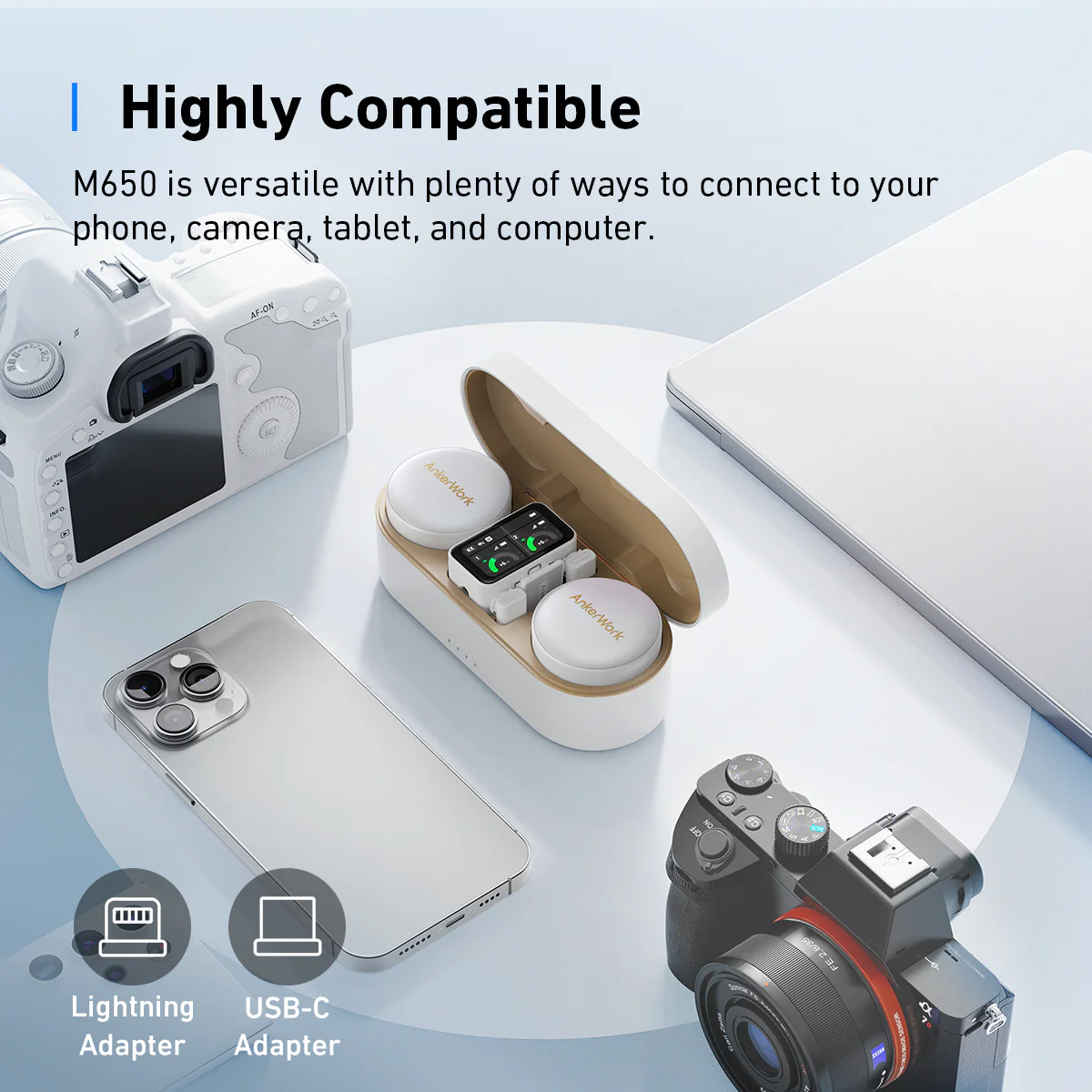
How do I connect M650 Wireless Microphone to my phone?To connect to a phone, just use the provided USB-C or Lightning adapter to connect your phone with the receiver. Notes: - An iPhone speaker cannot output sound when connected to the receiver. Use Bluetooth headphones or a speaker instead. - Stereo mode and Safe mode are not supported when using the Lightning adapter. Only Mono mode is available.
How do I connect M650 Wireless Microphone to my computer?To connect to a computer, use the provided USB-C cable to connect your computer with the receiver. You can also use an AUX cable. Note: - M650 works as an external microphone for a computer. Please make sure you have selected the AnkerWork M650 RX as the input audio device for your computer and recording software. - When connected via the AUX port, laptop users should use a third-party TRS to TRRS AUX cable. For desktop users, use the provided AUX cable (TRS).
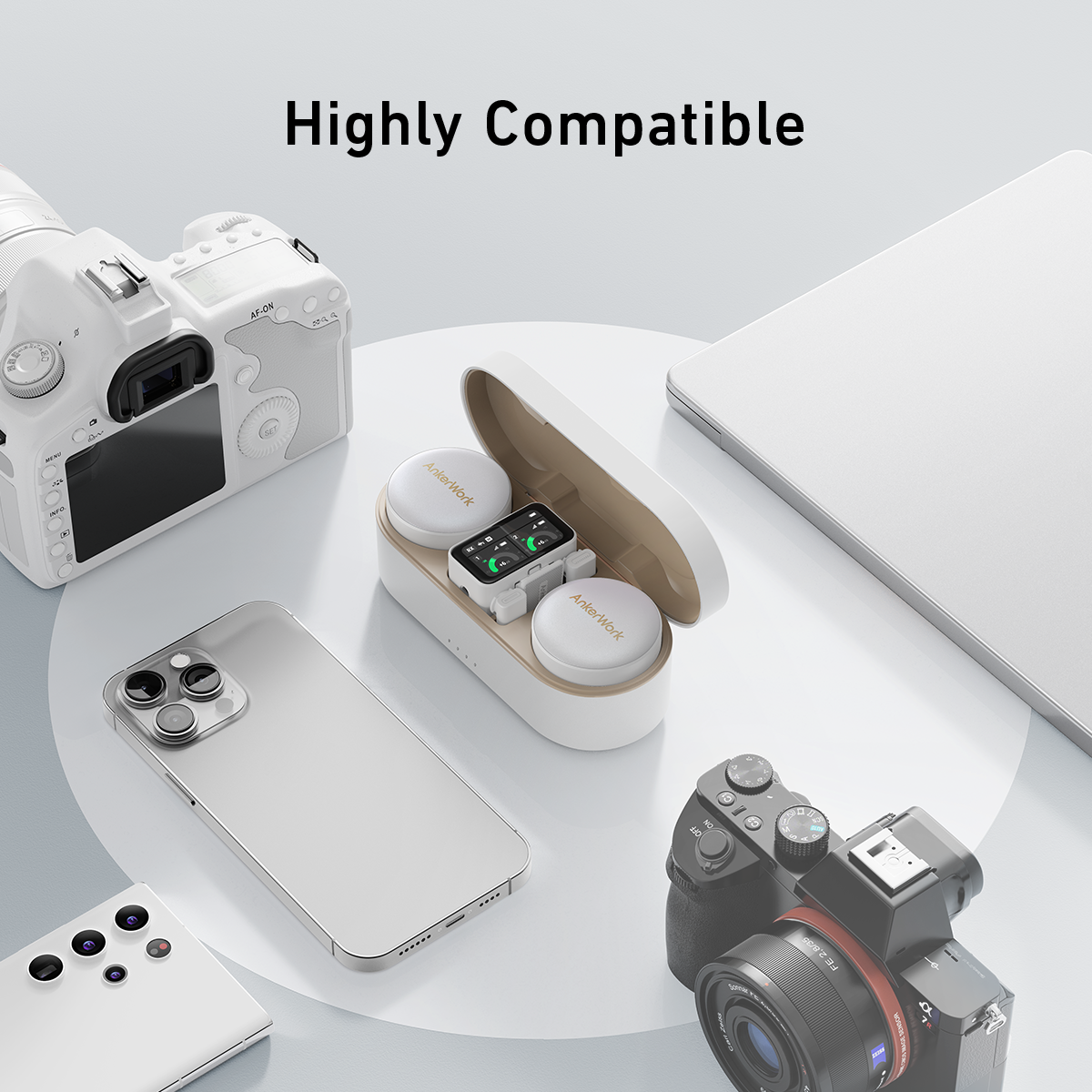
How do I connect M650 Wireless Microphone to a camera?Mount the receiver to the camera with the built-in adapter and connect with the provided AUX cable. Notes: 1. For best results, manually adjust the camera recording volume. 2. To reduce distortion and background noise, lower the camera gain and turn off the automatic gain control on your camera. 3. M650 may not be compatible with the wind noise suppression and noise reduction functions of your camera. It is recommended that you turn off both functions when recording.

![【Rockhouse】 hệ thống mic không dây 2 4G có kết nối XLR pin sạc ổn định tín hiệu tầm xa và khả năng nhiều thiết bị [Sản phẩm Mới]](https://sg-test-11.slatic.net/p/3c61ebaa08367fcbf07a39c7555fce5d.jpg)
![[COD] Bsuimki Micro âm thanh xe hơi chuyên nghiệp Mini Micro giắc cắm 3.5mm micrô gắn ngoài Có Dây Mini đơn âm cho máy vi tính Radio DVD ô tô mới](https://sg-test-11.slatic.net/p/f2205be2776334b0f1a2703a5841515b.jpg)
![[ Top Mic Bán Chạy ] Micro Karaoke Bluetooth AK JBL 950S Cao Cấp, Âm Thanh Mượt Mà, Rõ Nét, Giúp Nâng Giọng Hát, Lọc Âm Tốt, Chống Hú Rít Rè, Chất Liệu Kim Loại, Tương Thích Mọi Loại Thiết Bị, Bắt Sóng 25m, BH 12 THÁNG](https://vn-test-11.slatic.net/p/3f2e56fe720294492ed29eb66037aa4f.jpg)


![[HCM]Dây phin Mazda 626 1998-2002 dùng mobin FSD7-18-140](https://vn-live-01.slatic.net/p/ece6f599543746542801dbf63d6d0800.jpg)

