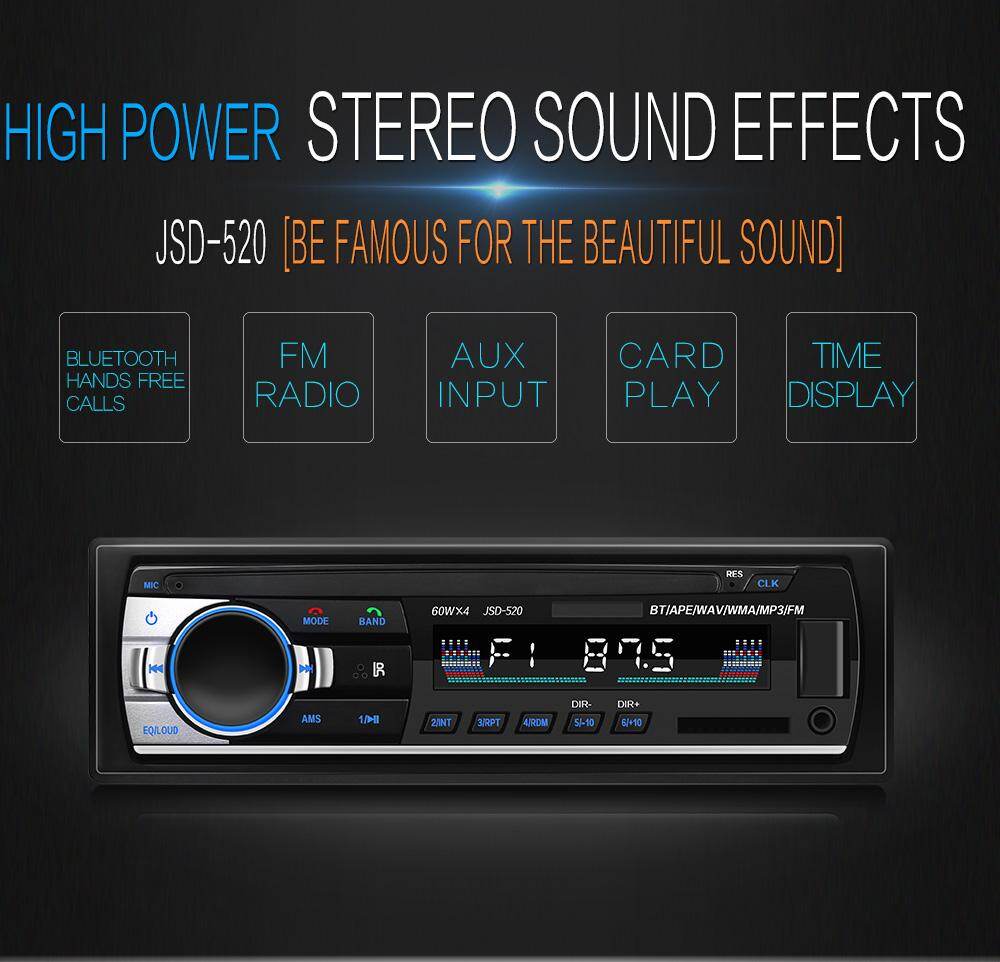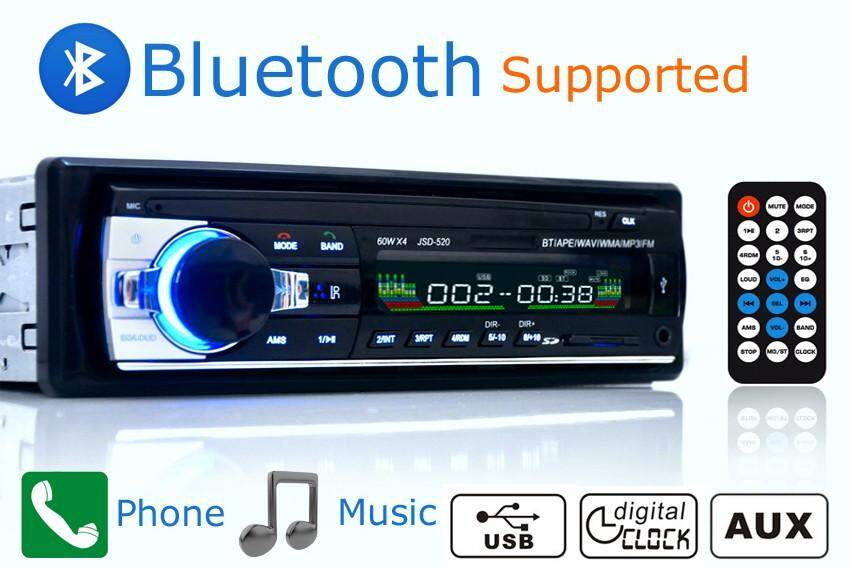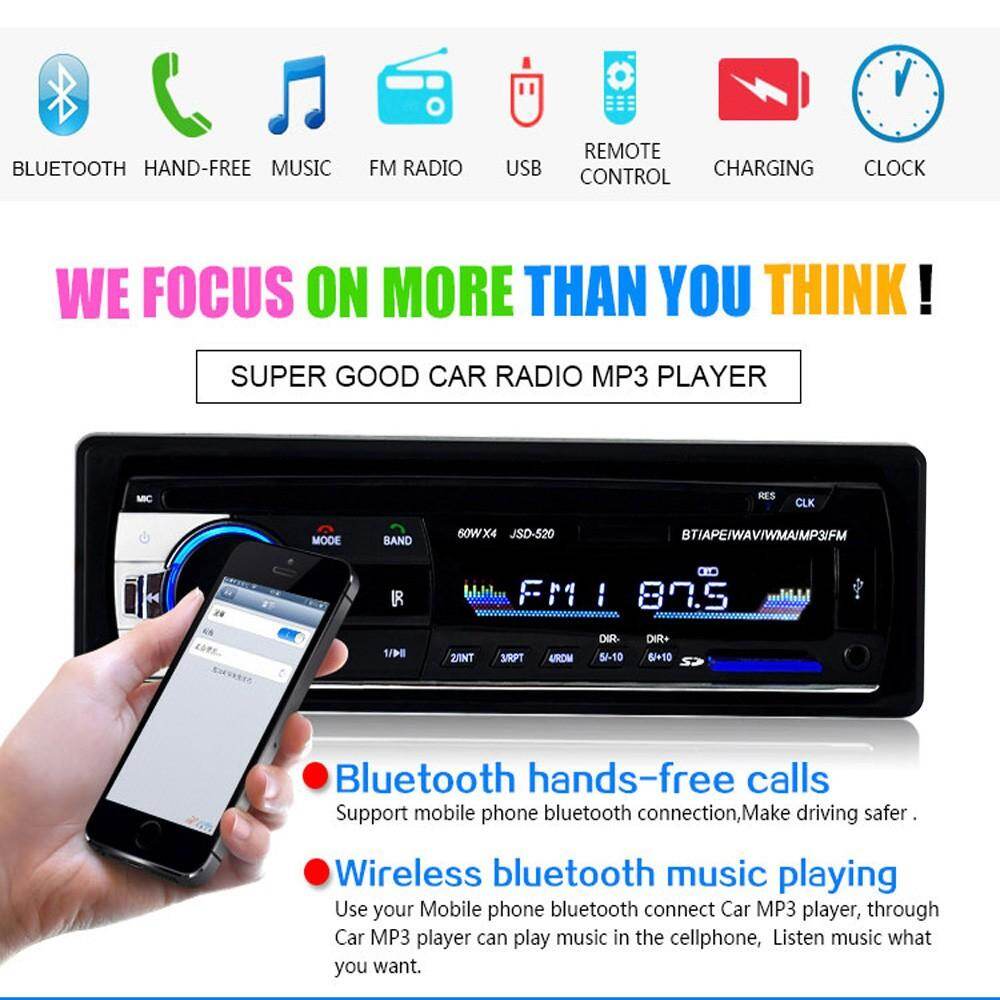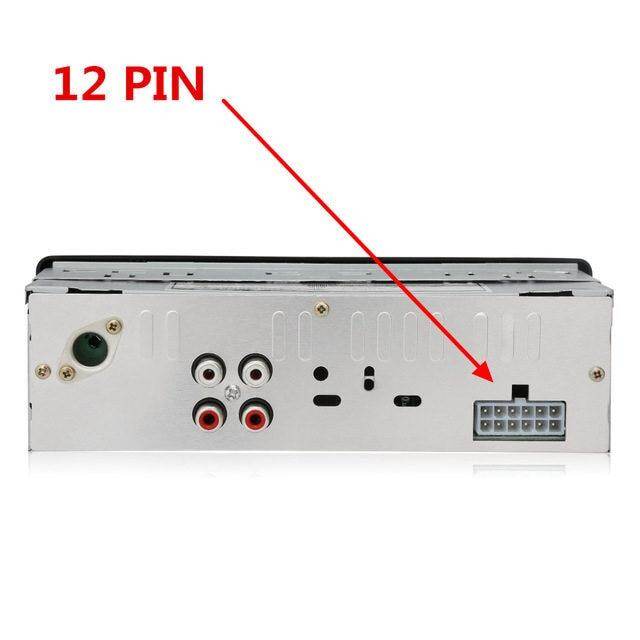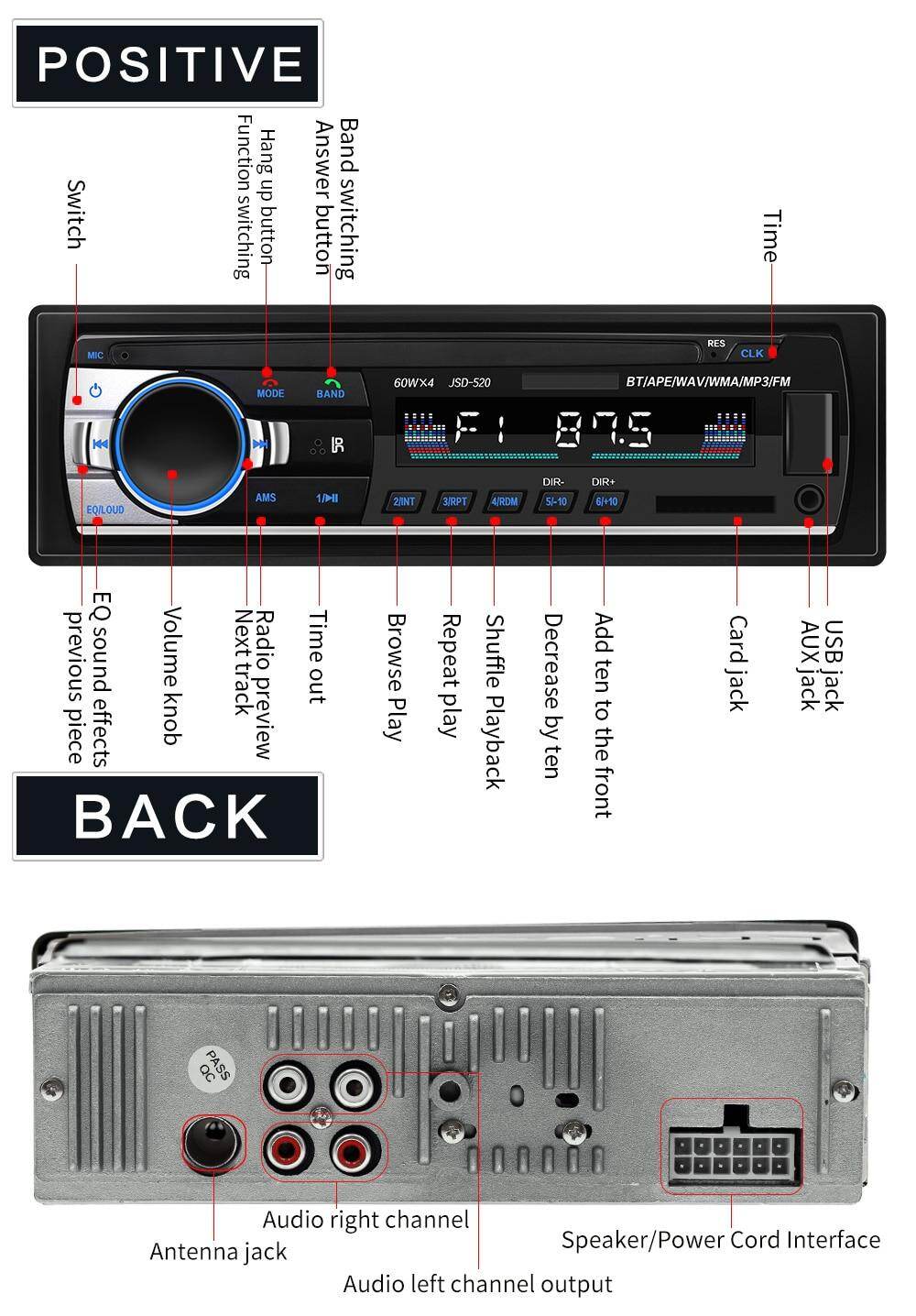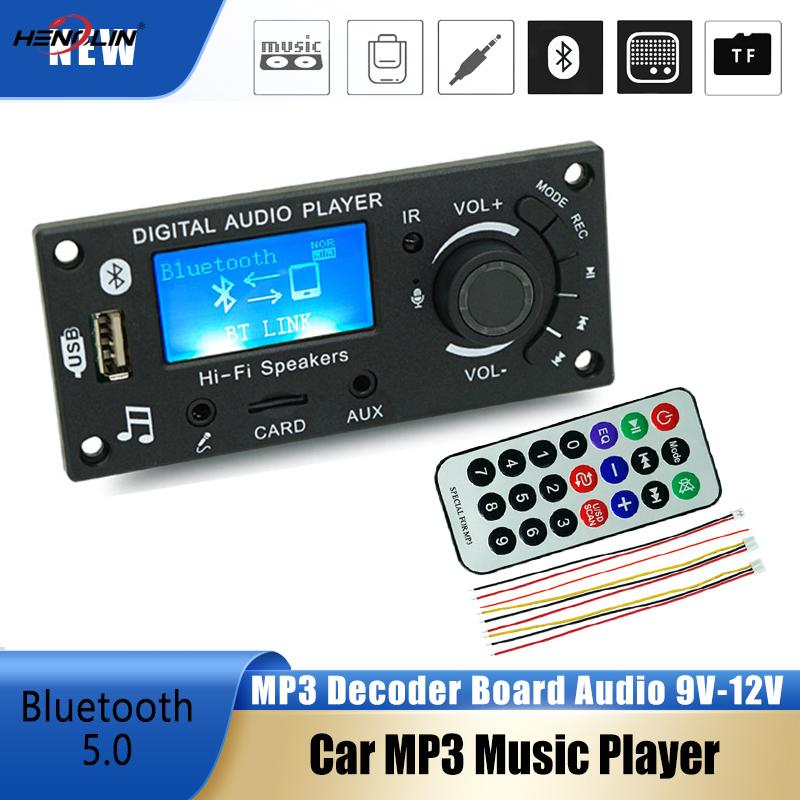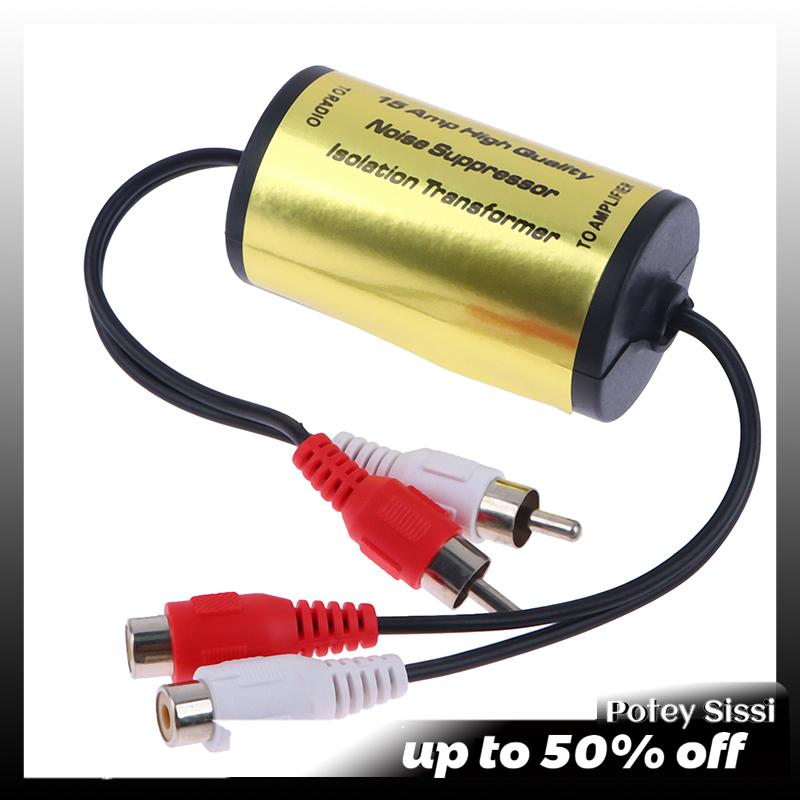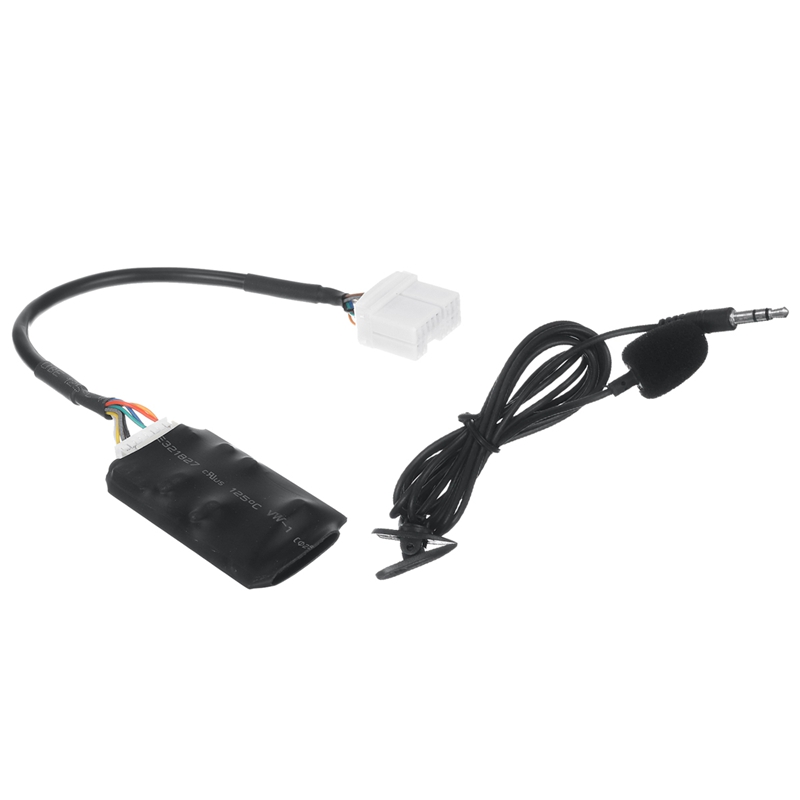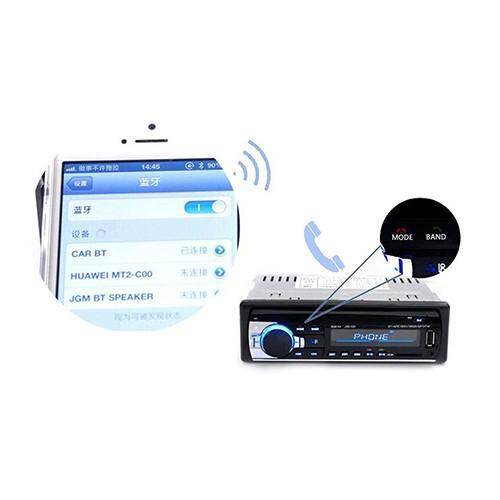
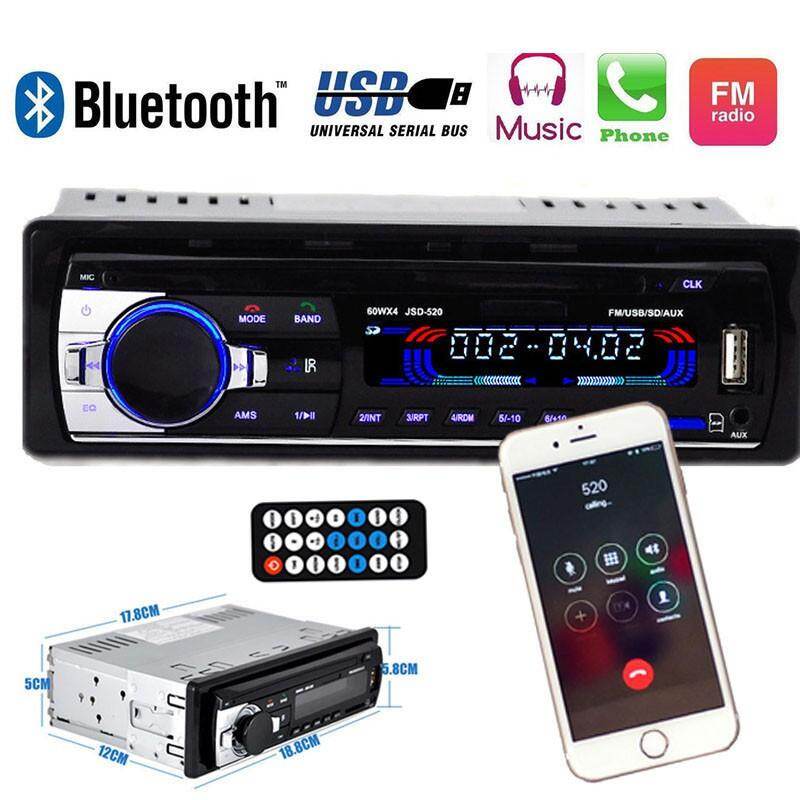
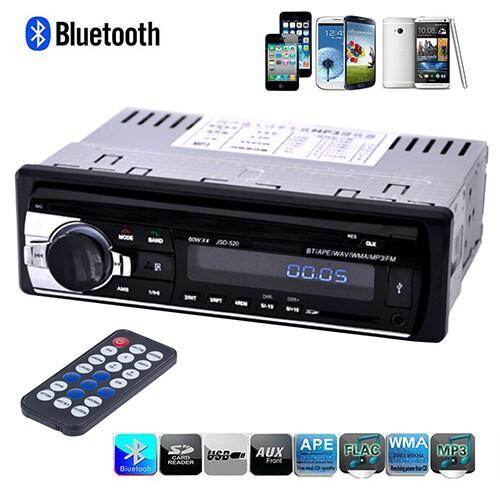
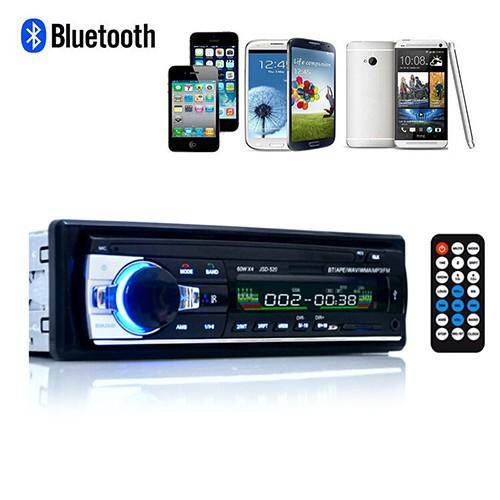

12Pin 1 Din Car Radio Auto radio 12V Bluetooth V2.0 JSD520 Car Stereo In-dash SD USB MP3 MMC WMA Car Radio Player FM Aux Input Receiver

Descriptions:
Brand Name :Evean
Suitable Car Model:Universal All Car
Display Size :2.5"
Resolution:240*320
OSD Language: English
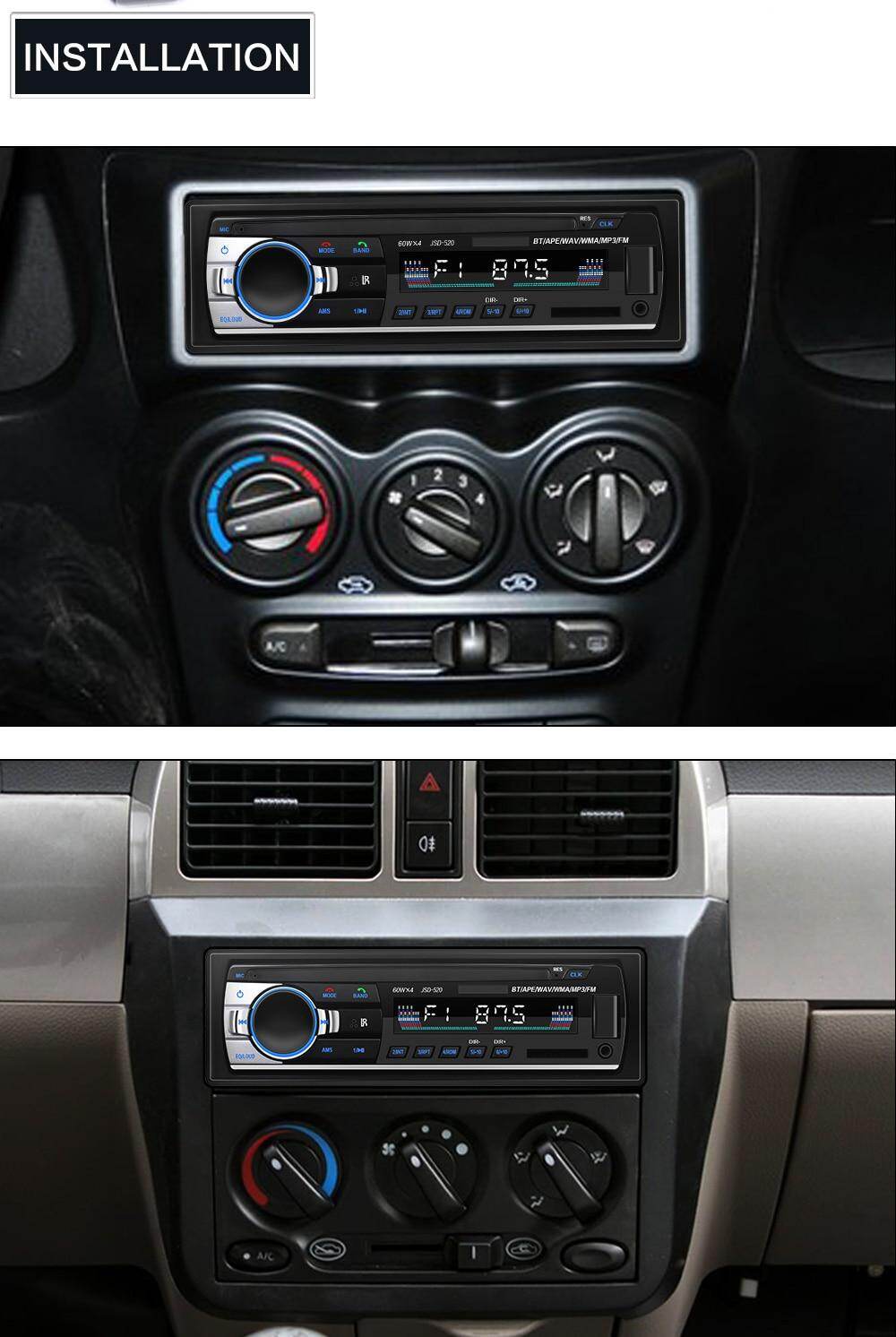
Install Size:1 Din
Color:Black
Model Name:JSD - 520
Material Type:ABS
Item Weight:490kg
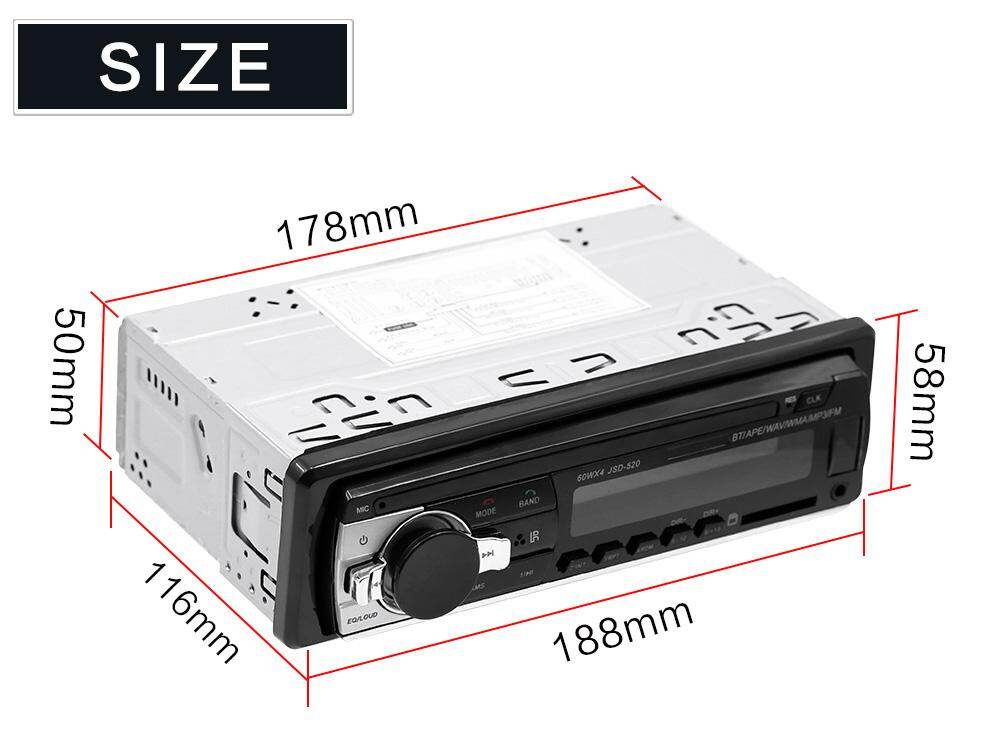
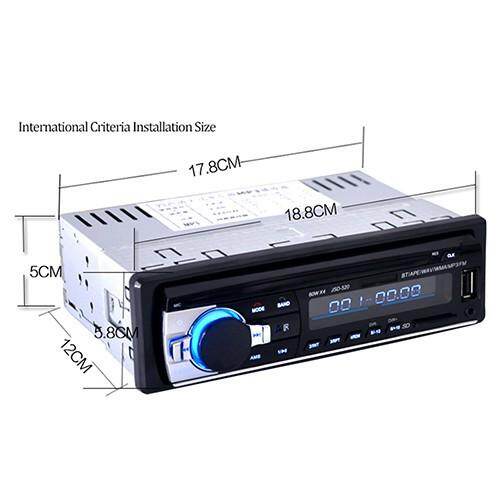
Item Size:18.8mm x 12mm x 5.8mm/0.74" x 0.47" x 0.23" (Approx.)
Voltage :12V
Out Power:4 x 60W
Radio Response Bandwidth:87.5 - 108.0MHz
Special Features :Car Radio Tuner
Type:Car MP3 Player
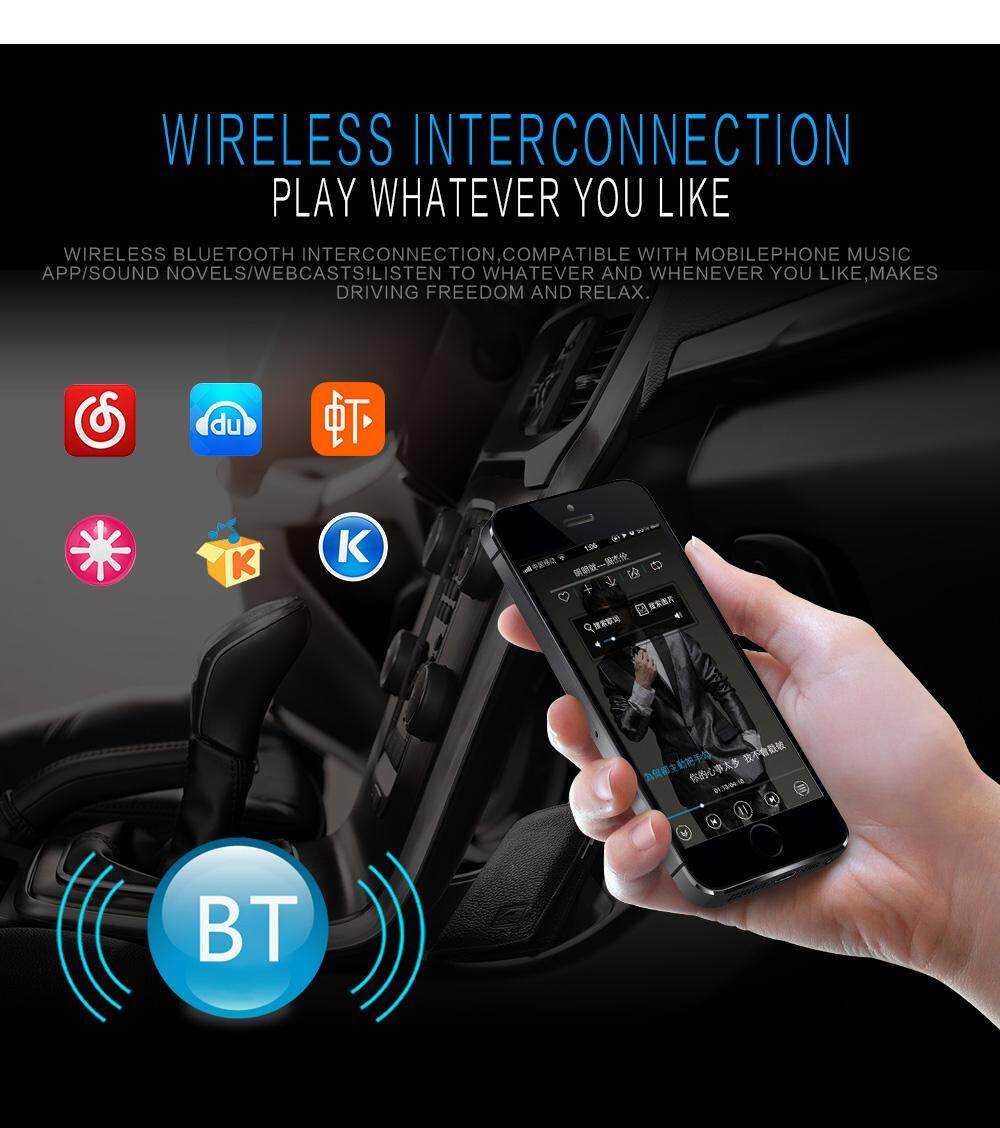
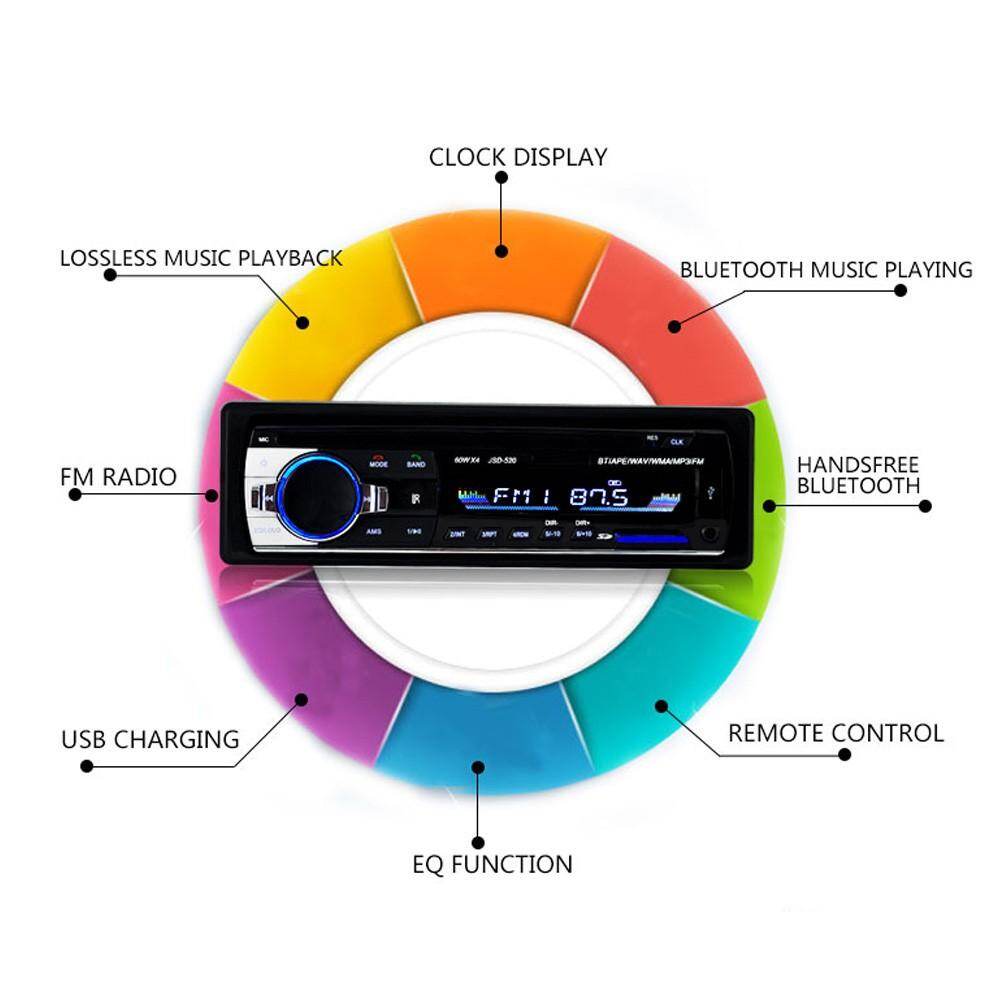
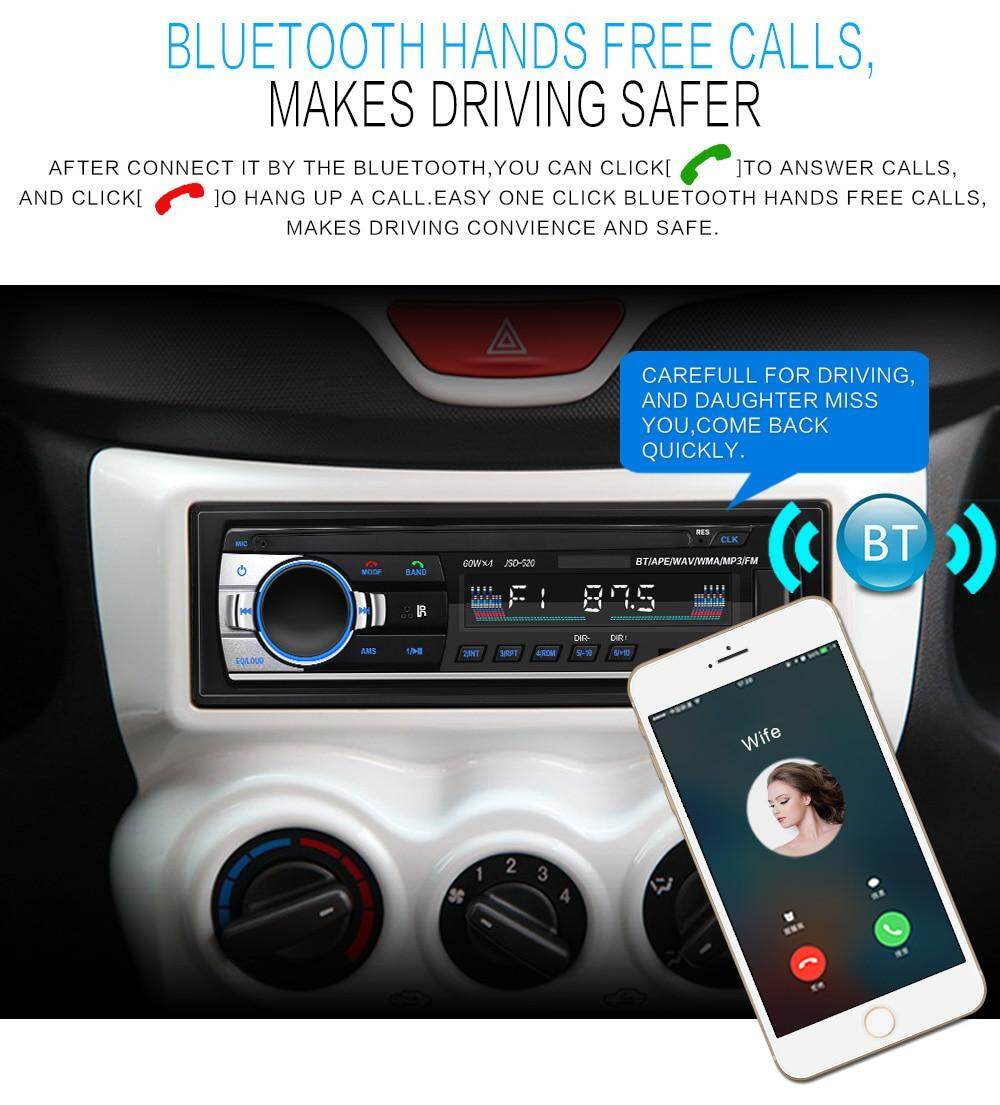
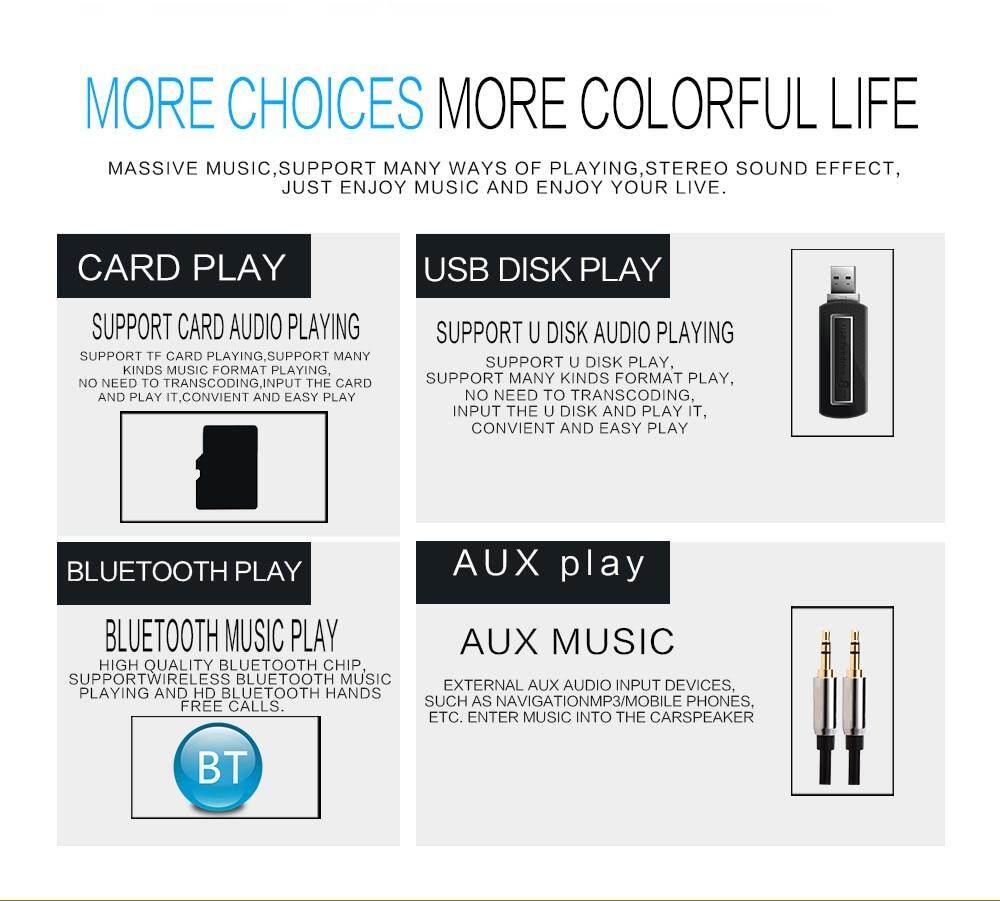
Special Function:Car FM Radio, Bluetooth, Hands-free calls, MP3 Player, USB flash disk
Music Source: Car SD card, 3.5mm stereo headphone jack, Cellphone, Flash drive
Built-in EQ :car Rock, Classic, Pops, Jazz
SNR (dB): 60db
Degree of Distortion (%):0.3%
Bluetooth Version:2.0
Media Format:WAV, WMA, Mp3
Features:
1.Bluetooth Specification: V2.0
2.Supports advanced audio distribution profile
3.Off time display function
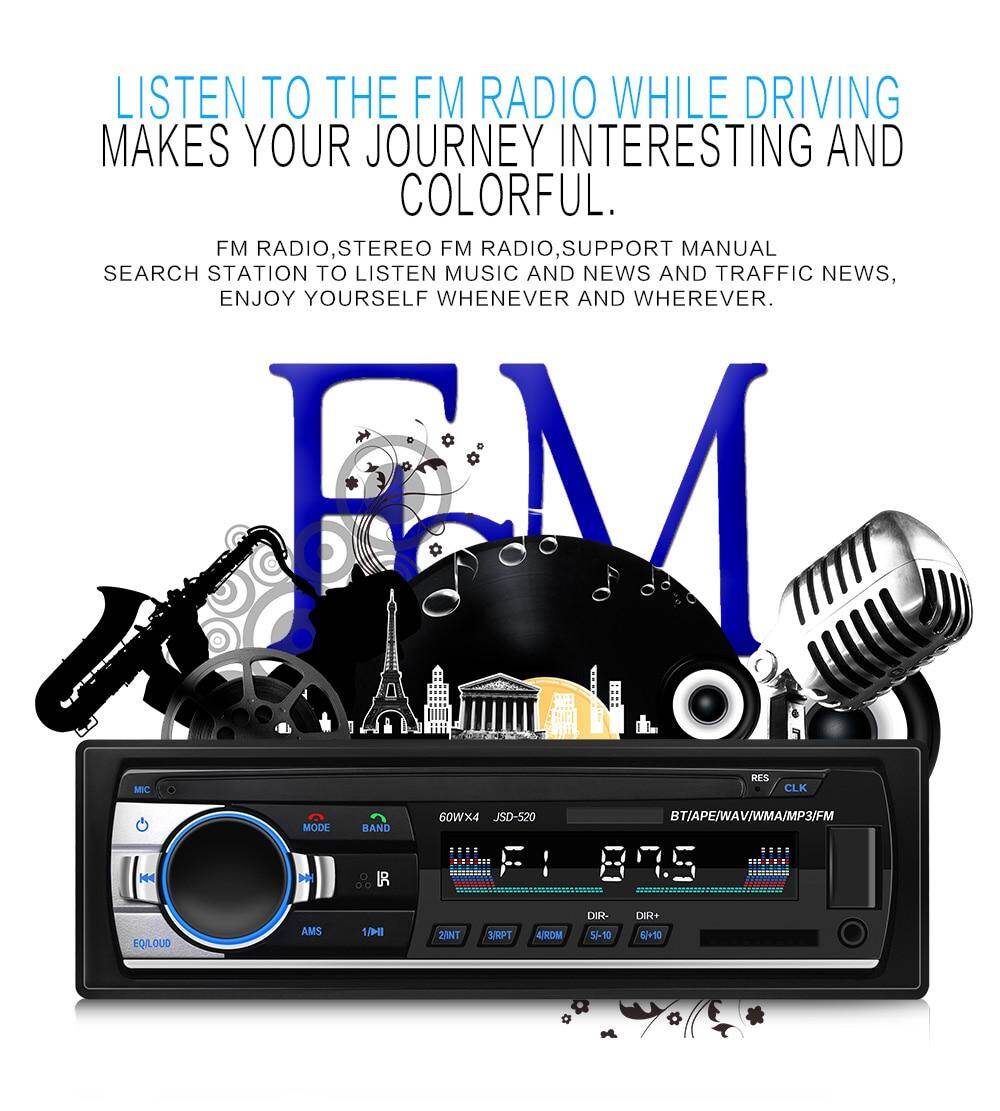
4.Digital high-quality FM stereo radio
5.Preset 18 stations ( frequency: 87.5-108 MHz )
6.Support USB / SD / MMC card reader
7.Support Audio: MP3 / WMA / APE / FLAC / WAV etc.
8.Support folder function
9.Support breakpoints and ID3 Play
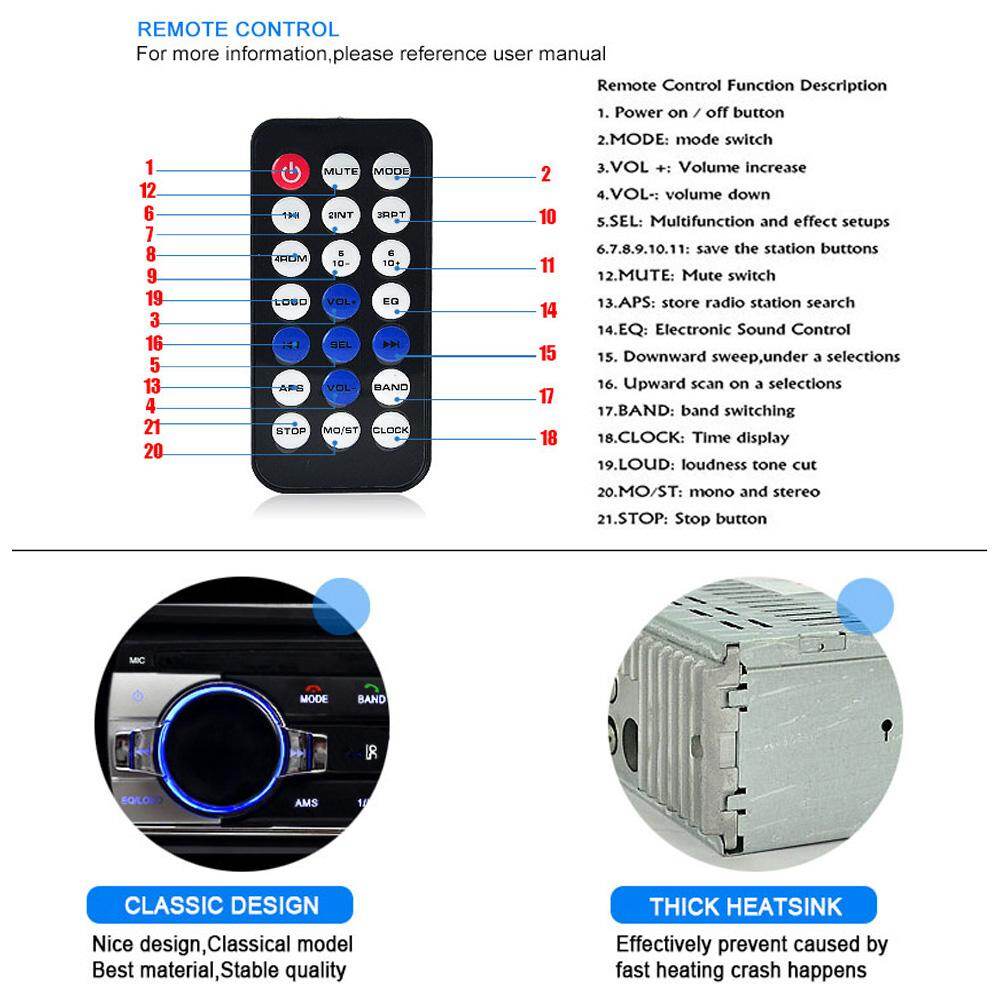
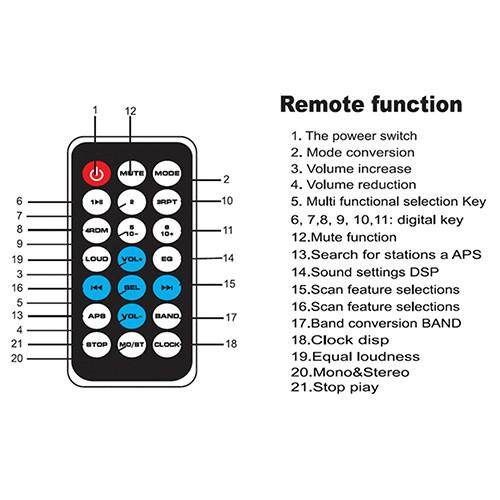
10.Support remote control
11.Rotary volume control
12.MP3 randomized, 10 track up / down playback
13.Electronic control volume treble, bass, balance and fader
14.Multiple EQ scene selection: Jazz, rock, pop, classical, etc.
15.Mute and loud control
16.L / R RCA audio output jacks
17.4-channel high power output ( 4 loud speaker )
18..Support modes: BT / APE / WAV / WMA / MP3 / FM
19.The remote control battery (not included ): CR2025 3V
Specifications:
1.FM Radio
Tuning Range: 87.5 - 108.0MHz
Sensitivity: Less than 20db
Stereo Separation: More than 25db
SNR: More than 60db
2.Some Playback
Music format support: MP3 / WMA
Display format: ID3 display
Distortion: Less than 0.3 percents
3.Power Supply
24V Machine: 12V
Note: This machine is 12V machine
4.Audio
Operating temperature: -20 - 60 deg.C
Quiescent current speaker impedance: 4 ohm
Frequency Response: 20 - 20000Hz
5.Fuse
Red: 1A
Yellow: 15A
Package Contents:
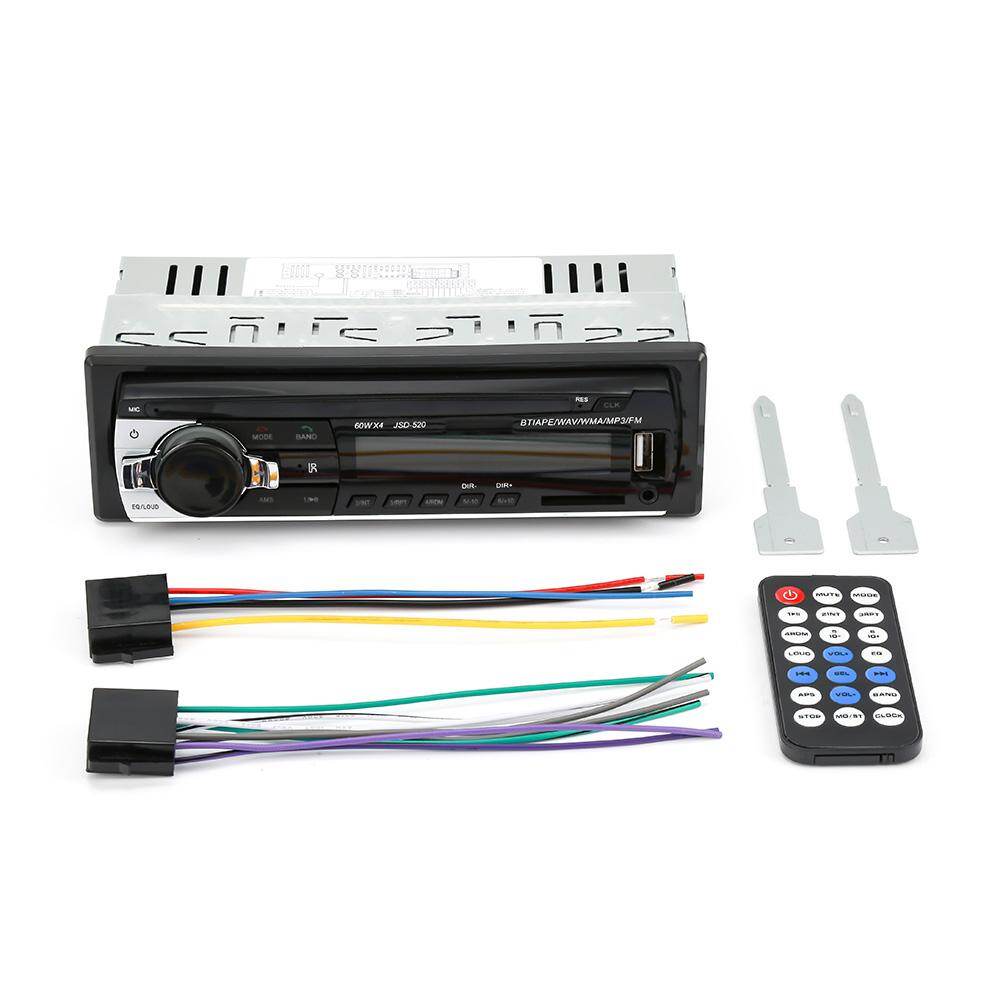
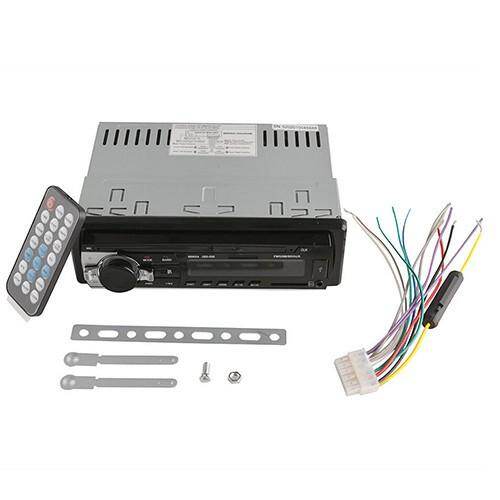
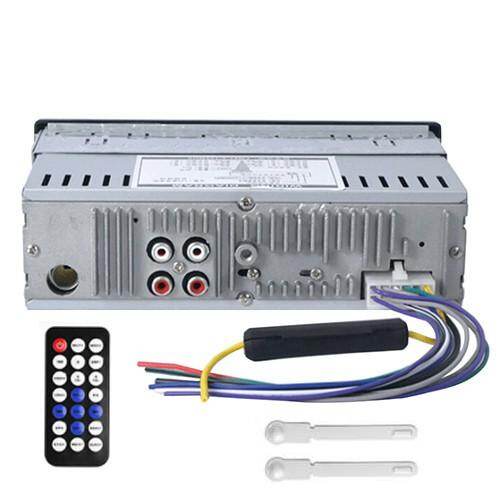
1 x 12V 12Pin JSD - 520 FM Radio ,
1 x Remote Control(no battery),
1 x Wire
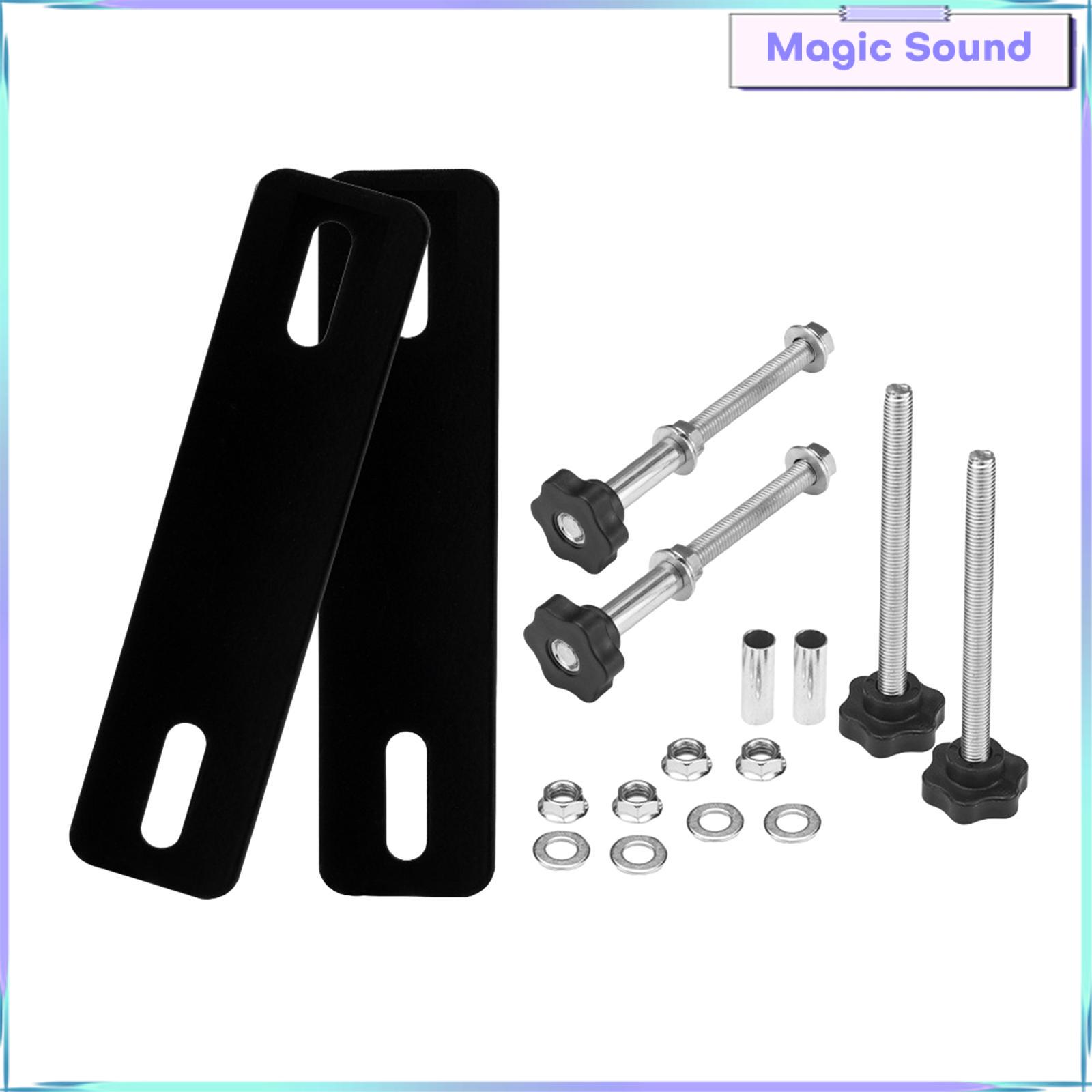
1 x Installation Tool Set,
1 x User Manual
FAQ:(Car Radio )
Q1.Why the car radio can't turn on ?
1>Please check the Voltage of car radio :DC 12V
2>When you test this car radio,you can combine the red and yellow wires and connect them to the positive side of the power supply.Black line to negative power supply.
3>Replace the same type of insurance to test the car radio.
Note:Please msut use our power cables to connect our car radio,it is not possible to insert the original car plug directly into our machine.Q2.Why the car radio will show time after we turn off this?
>That time clock is a function for the car radio ,that can't be removed.In fact that car radio had been turn off,it save the time are more convenience for people to see,
>If you didn't need this,you need to unplug the power positive and negative.Q3.Why haven't sound in car radio when playing the music?
>1.When you are not using our original audio cable, please check if your audio cable is suitable for our camera.
>2.Please check if there is any collision between the lines.
>If the line is connected, there will be no sound when the speaker cable touches the speaker cable.There is also no sound when the power cord touches the speaker cable.
>If the problem still here,please use a single speaker to connect a group of audio cables to test the car radio. The four speaker cables are connected separately to see if there is any sound.Q4.Why can't search FM?
>1. No radio antenna inserted.
>2. Please check if the radio antenna is plugged in. Please insert more antennas several times to make it well contacted.
>3.The signal of your location is not good. Please go to a better place to test again.
>4.The radio antenna on the car is broken/no effect; please replace the radio antenna and test again;Q5.Why can't connect the Bluetooth of car radio?
>1.Open the phone settings interface, open the Bluetooth in the Bluetooth function, search for Bluetooth devices, find the player's Bluetooth model to be paired; if you need a pairing code, enter 0000; if not, try 1234 or 123456.
>2.Please try to use another mobile phone to test this function.All methods are correct and still cannot use Bluetooth, Please unplug the plug on the back of the player and plug it in after 3 minutes.