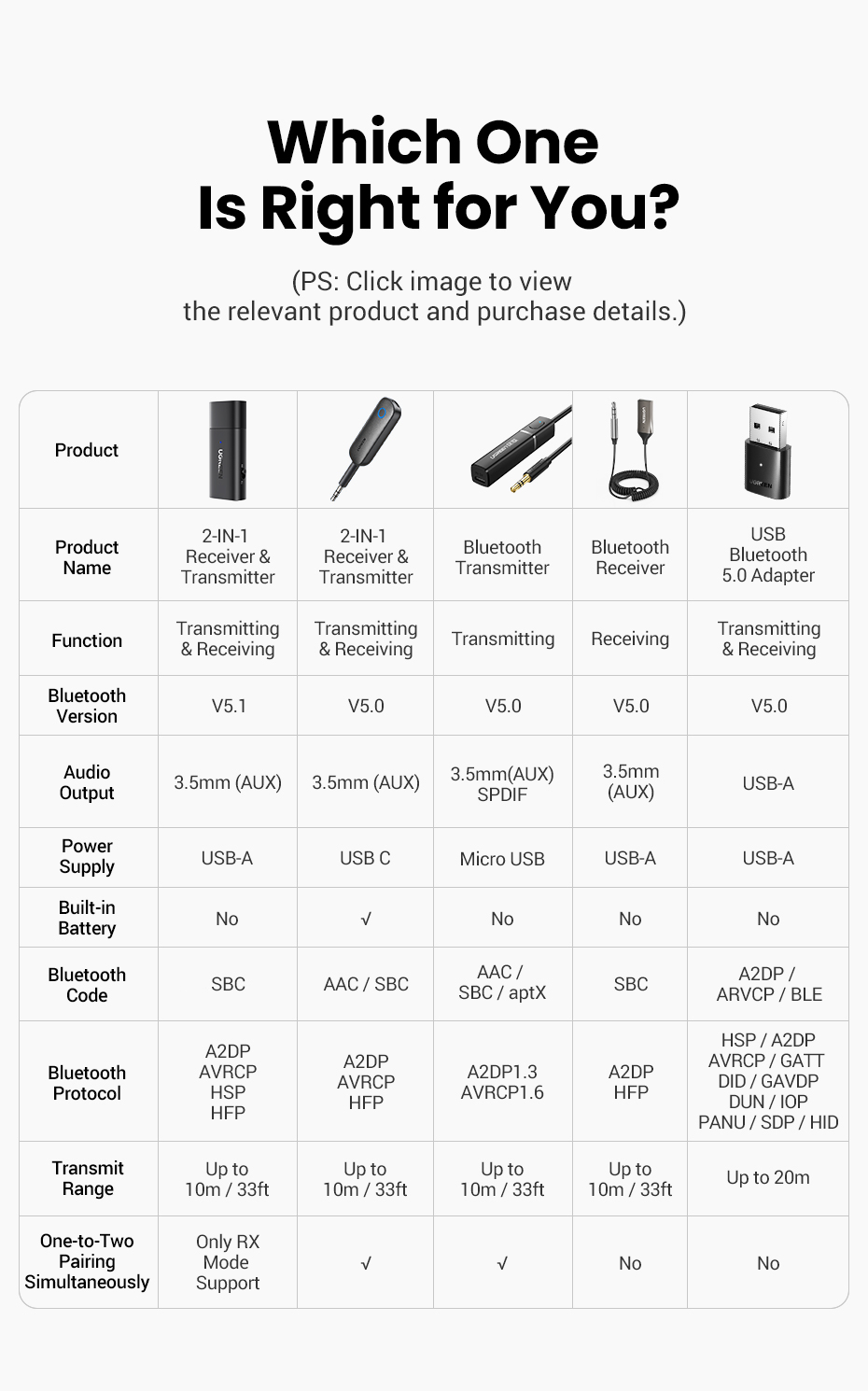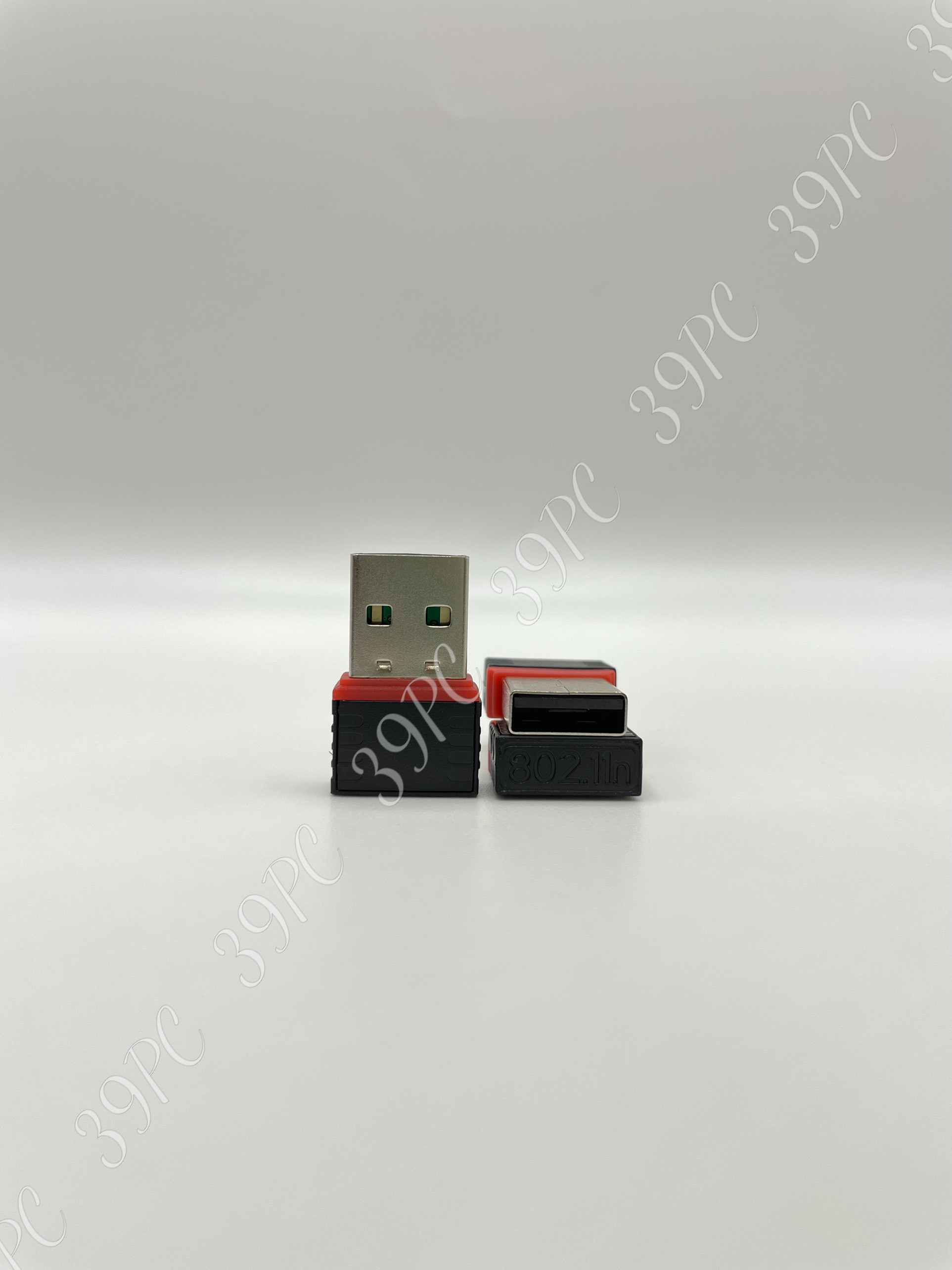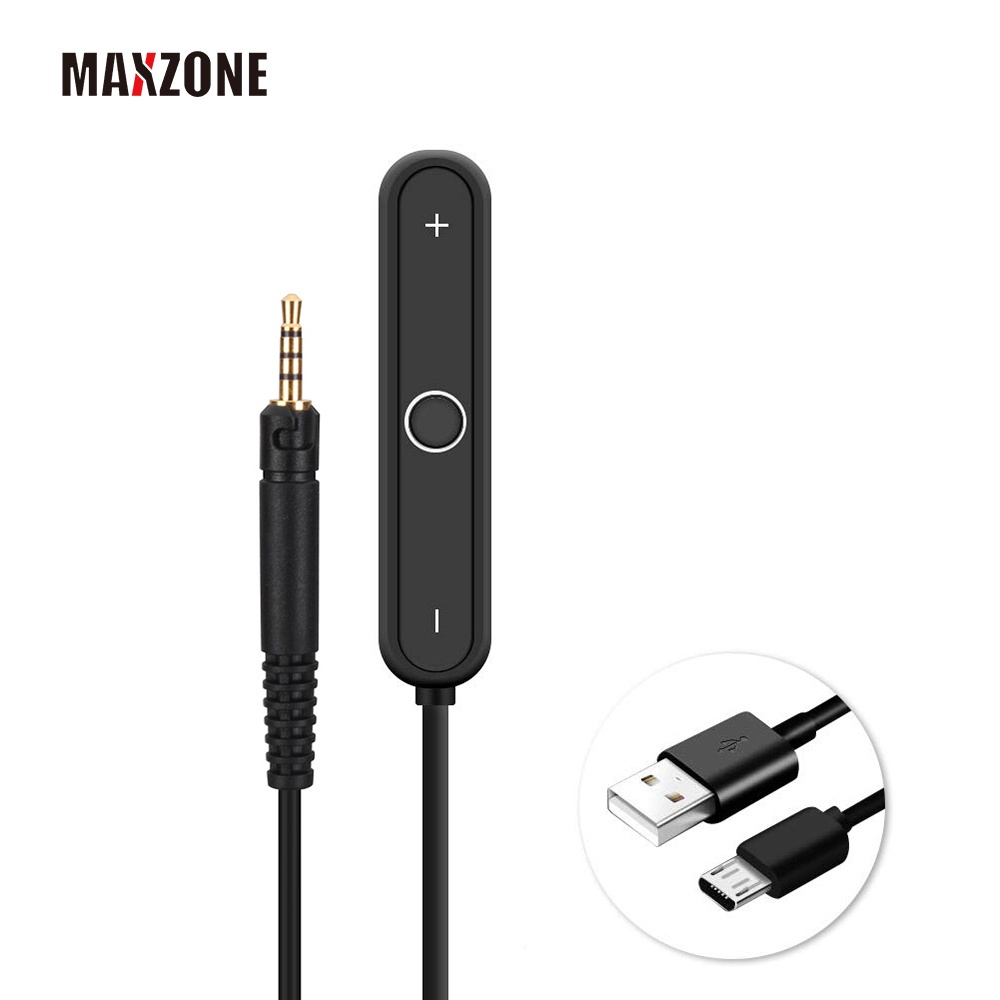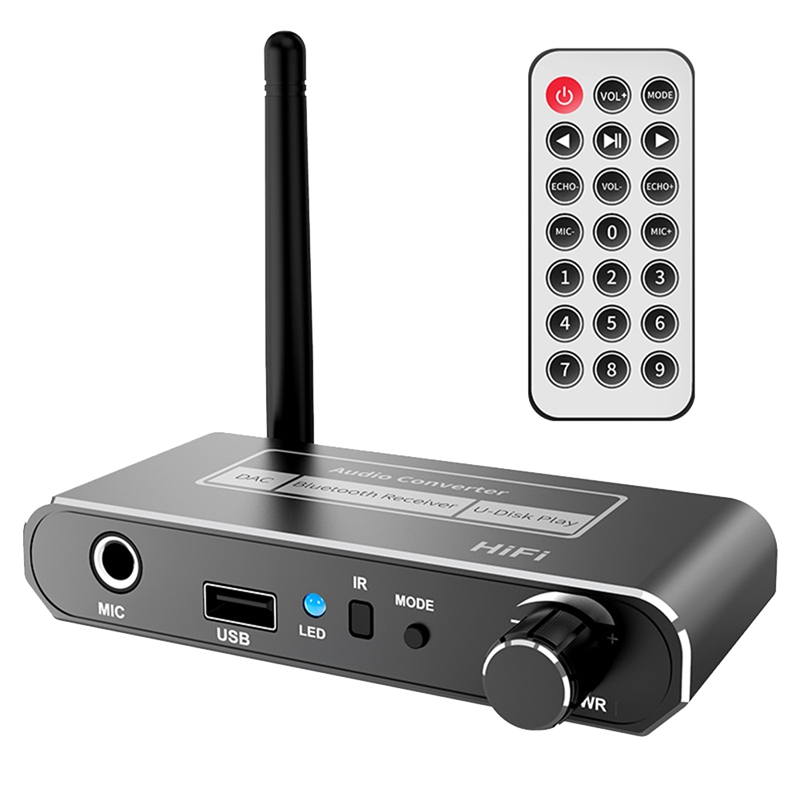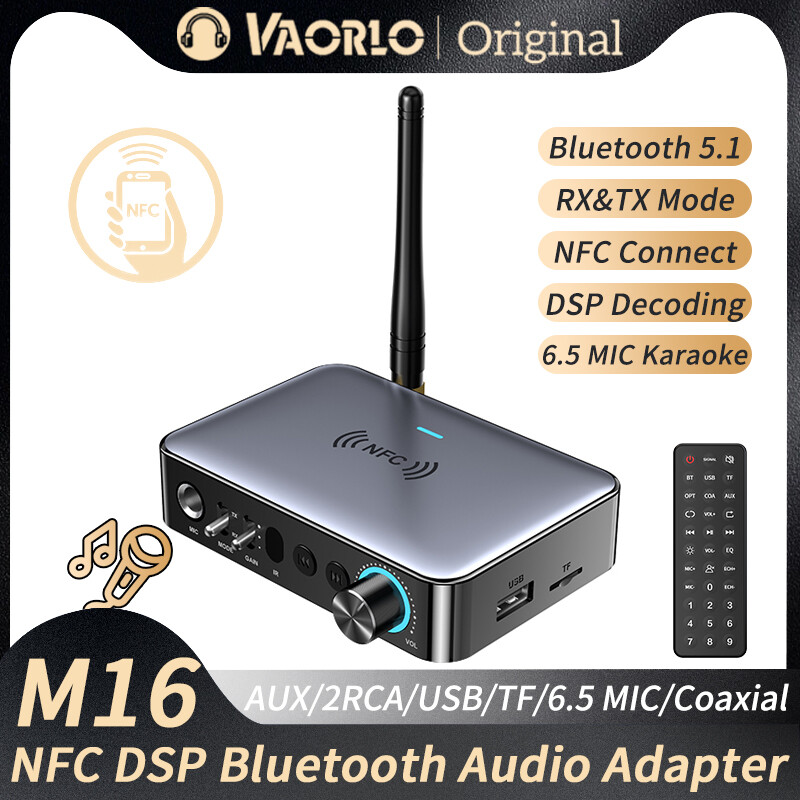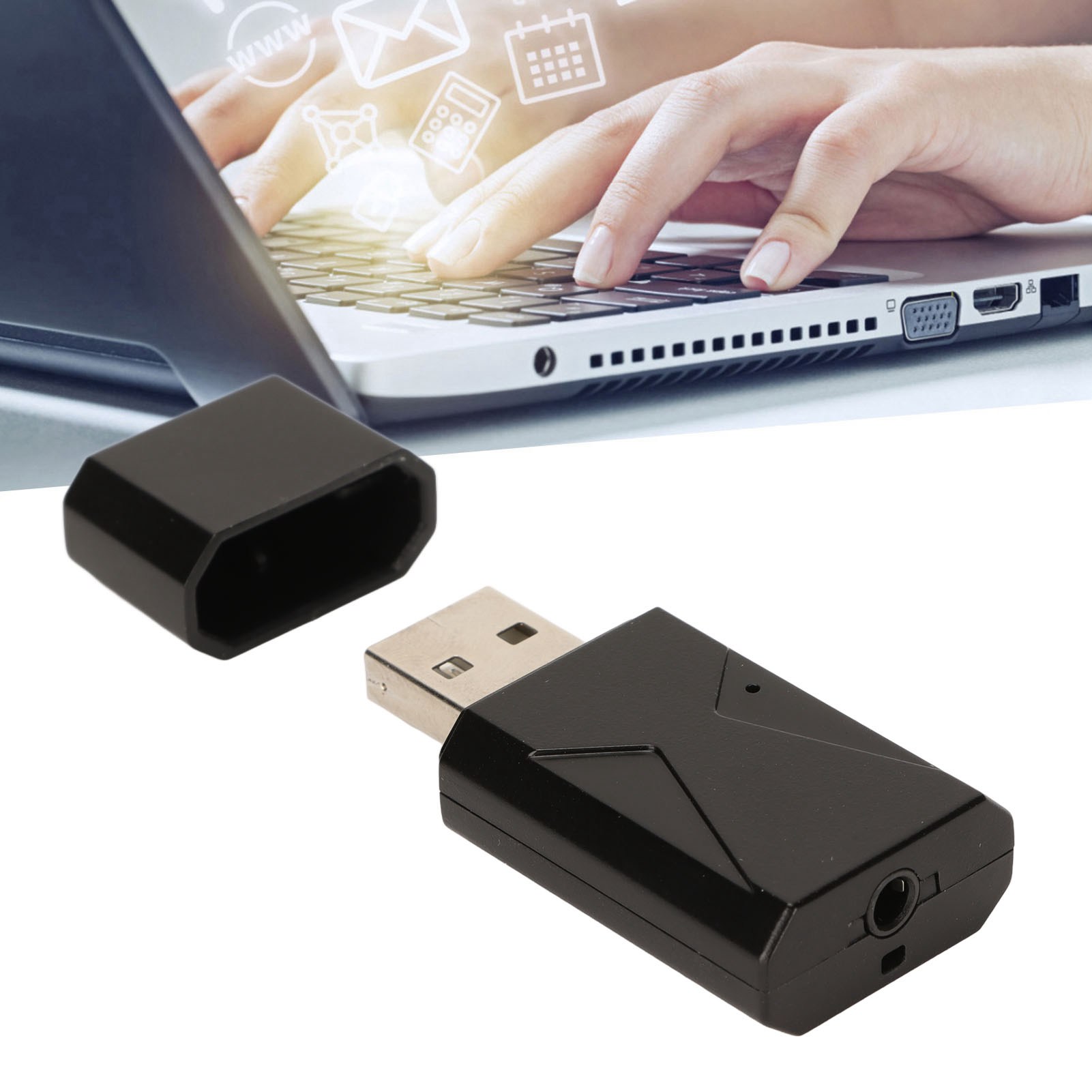
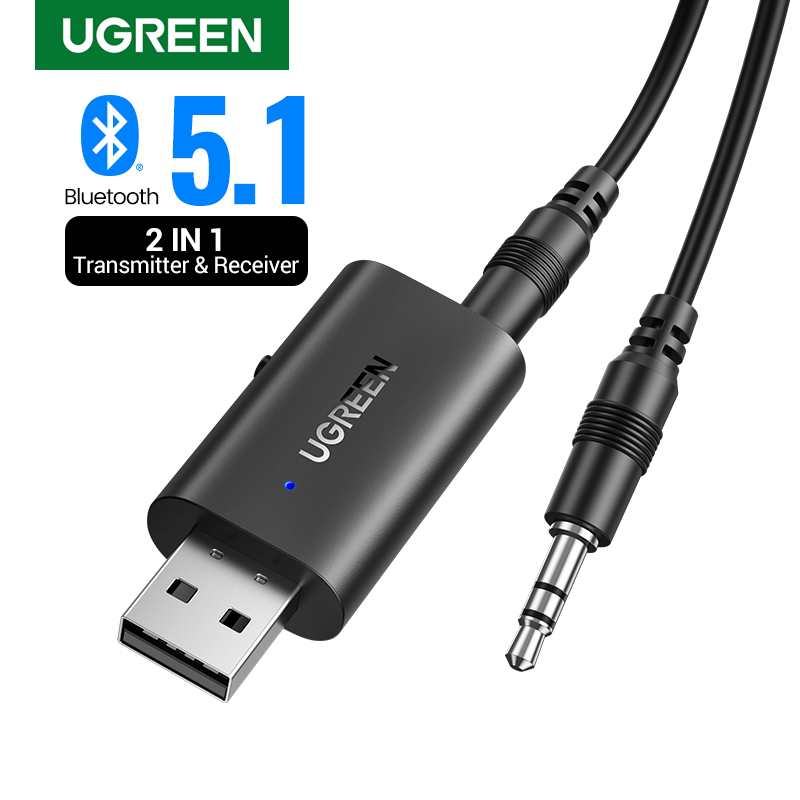



The Steps Usage of UGREEN USB Wireless Adapter:
RX mode:
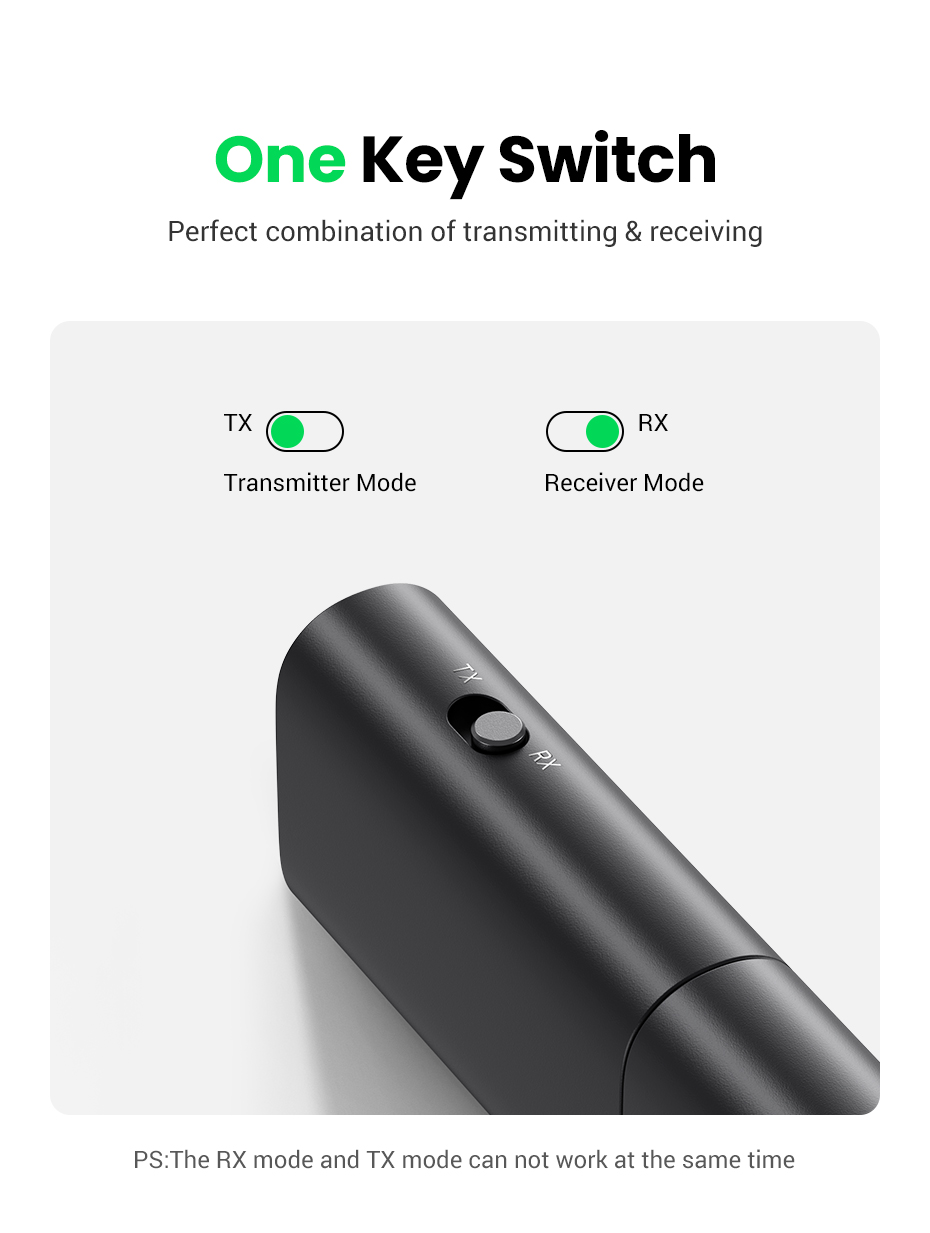
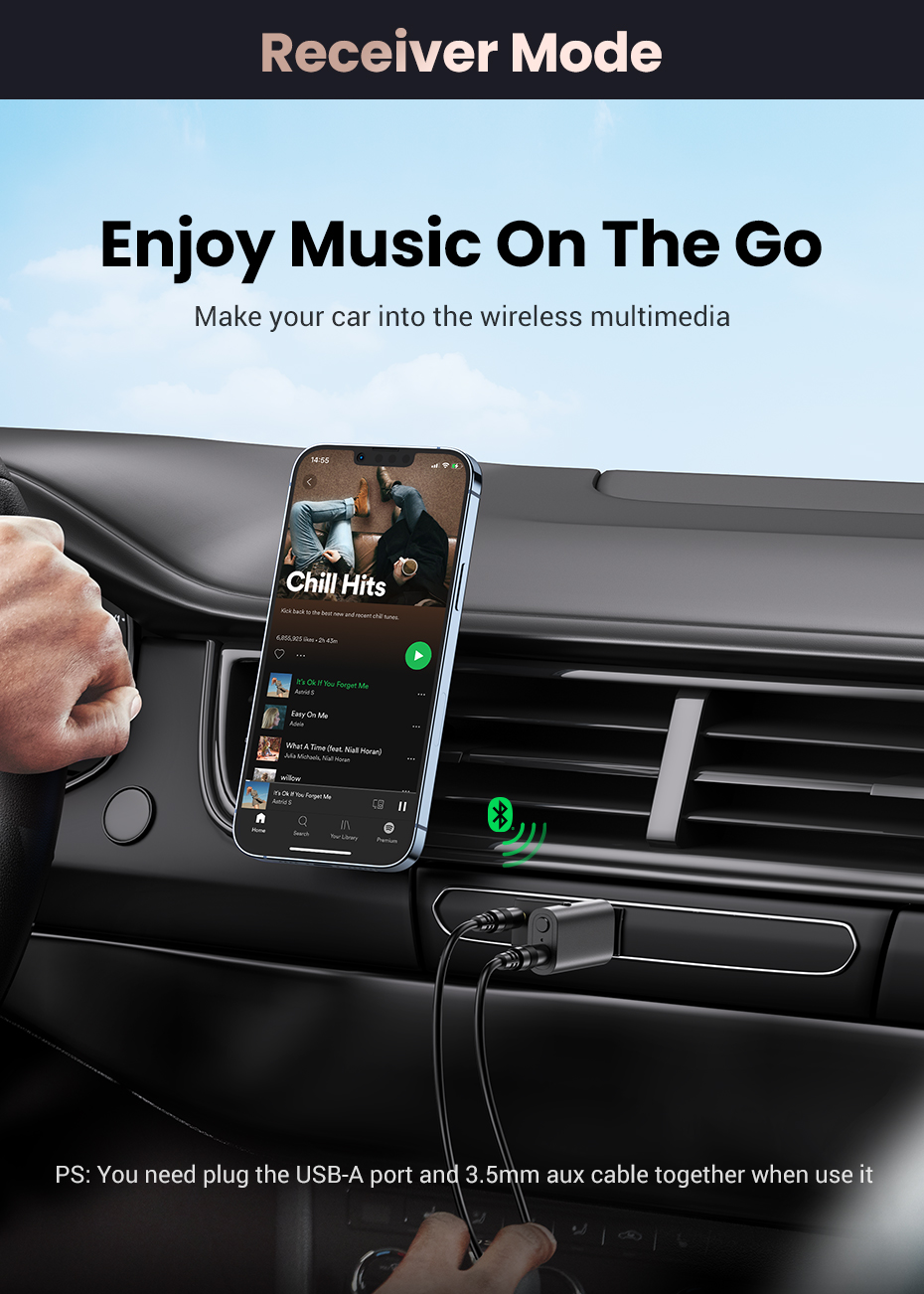
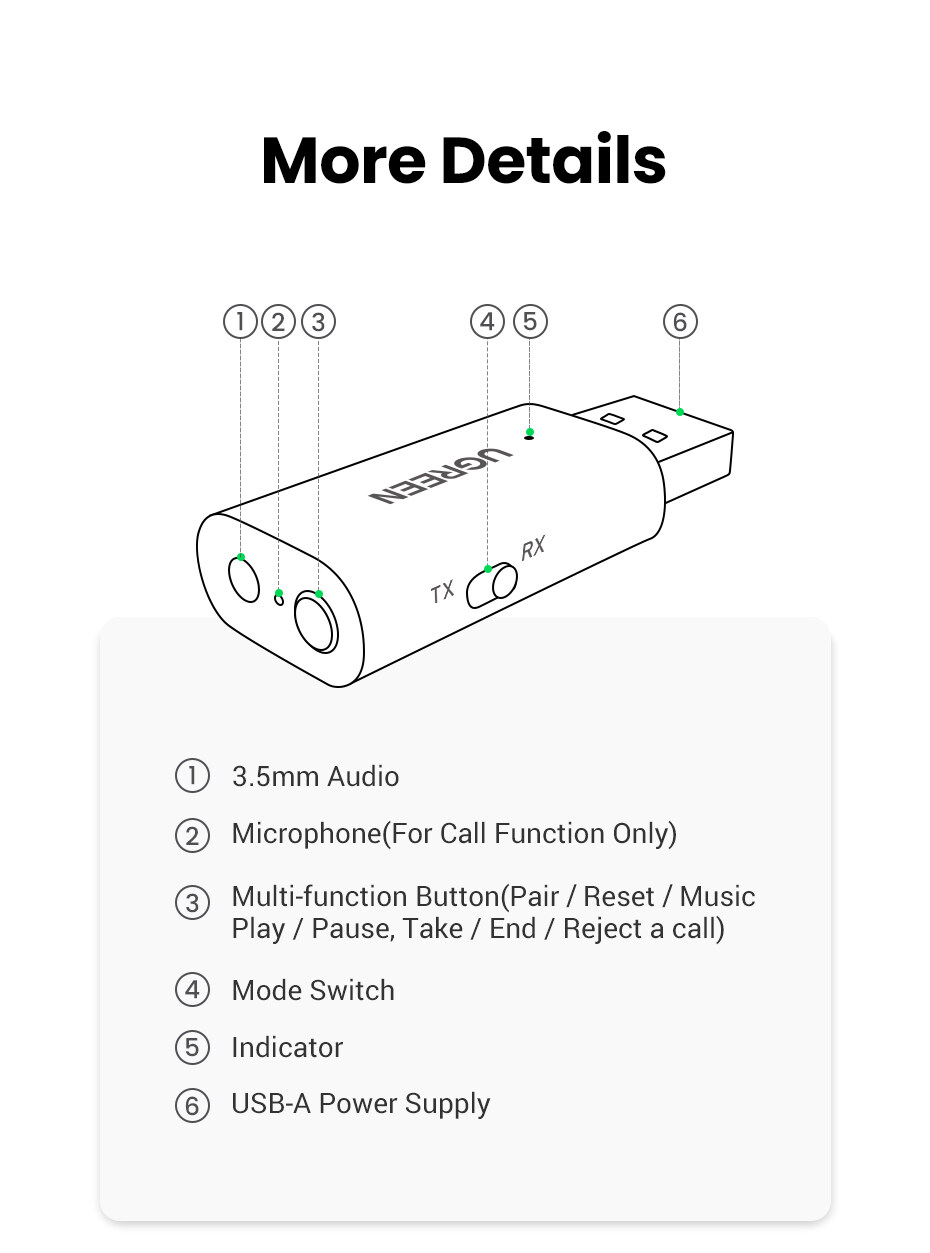
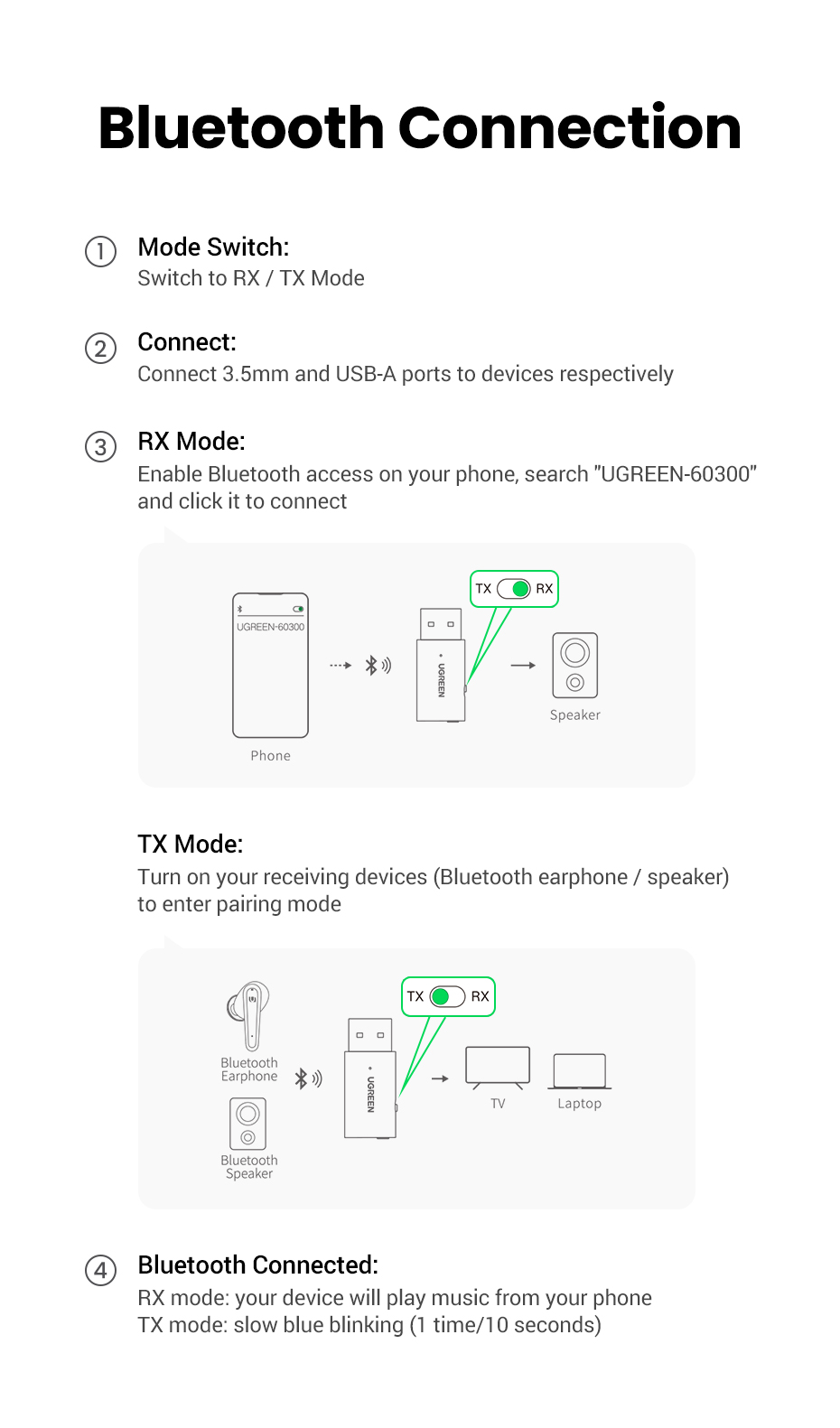
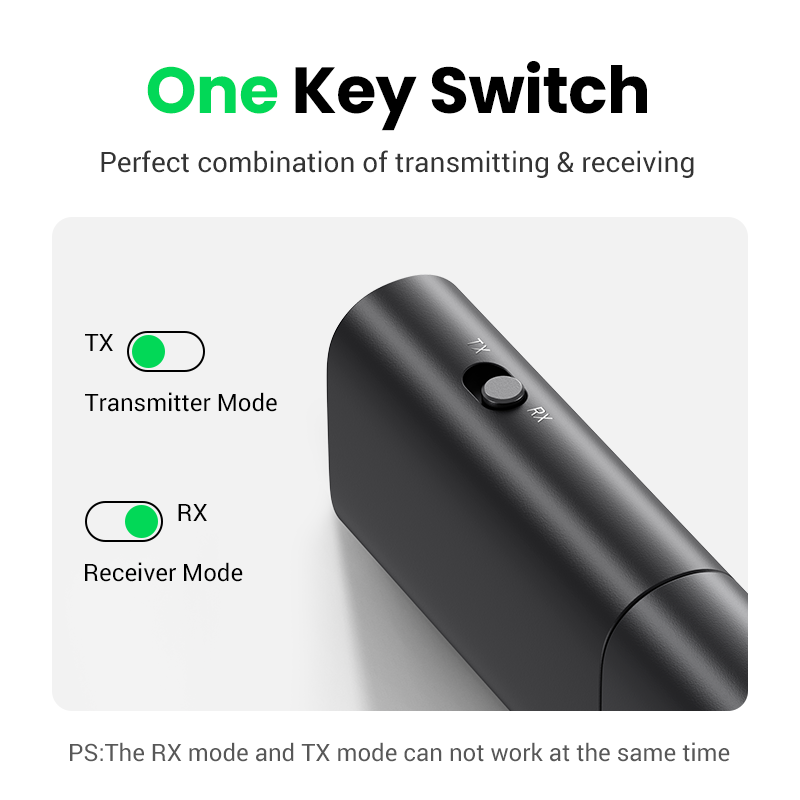
1. Change the mode switch to RX
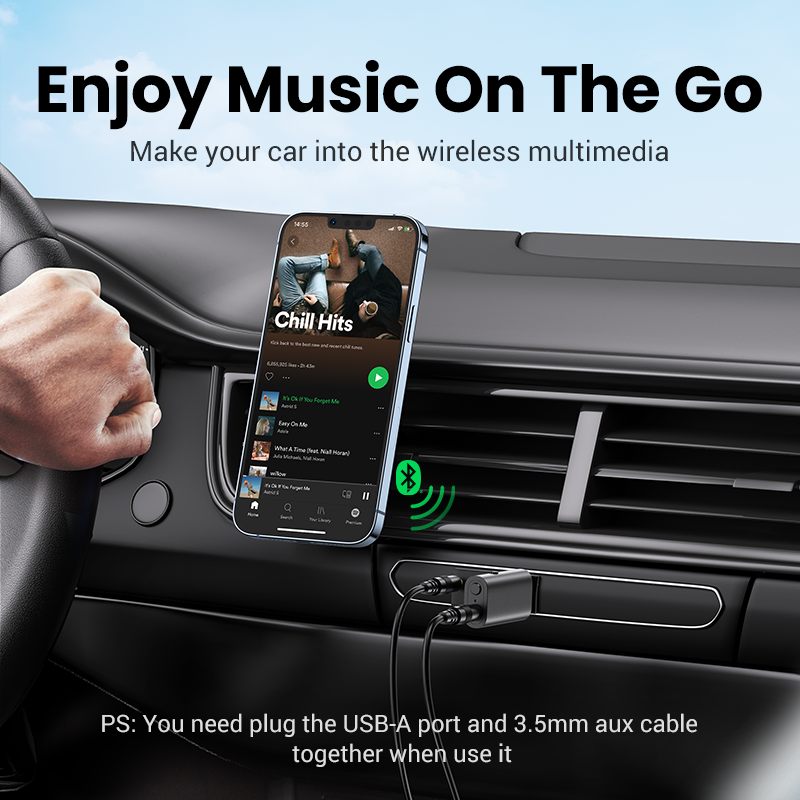
2. Connect 3.5mm and USB-A ports to your devices (Car speaker/vintage speaker, etc.) respectively.
3. Turn on Bluetooth on your phone, search for "UGREEN -60300" and connect to it.
4. If the connection is successful, your car speaker will play music from your phone.
TX mode:
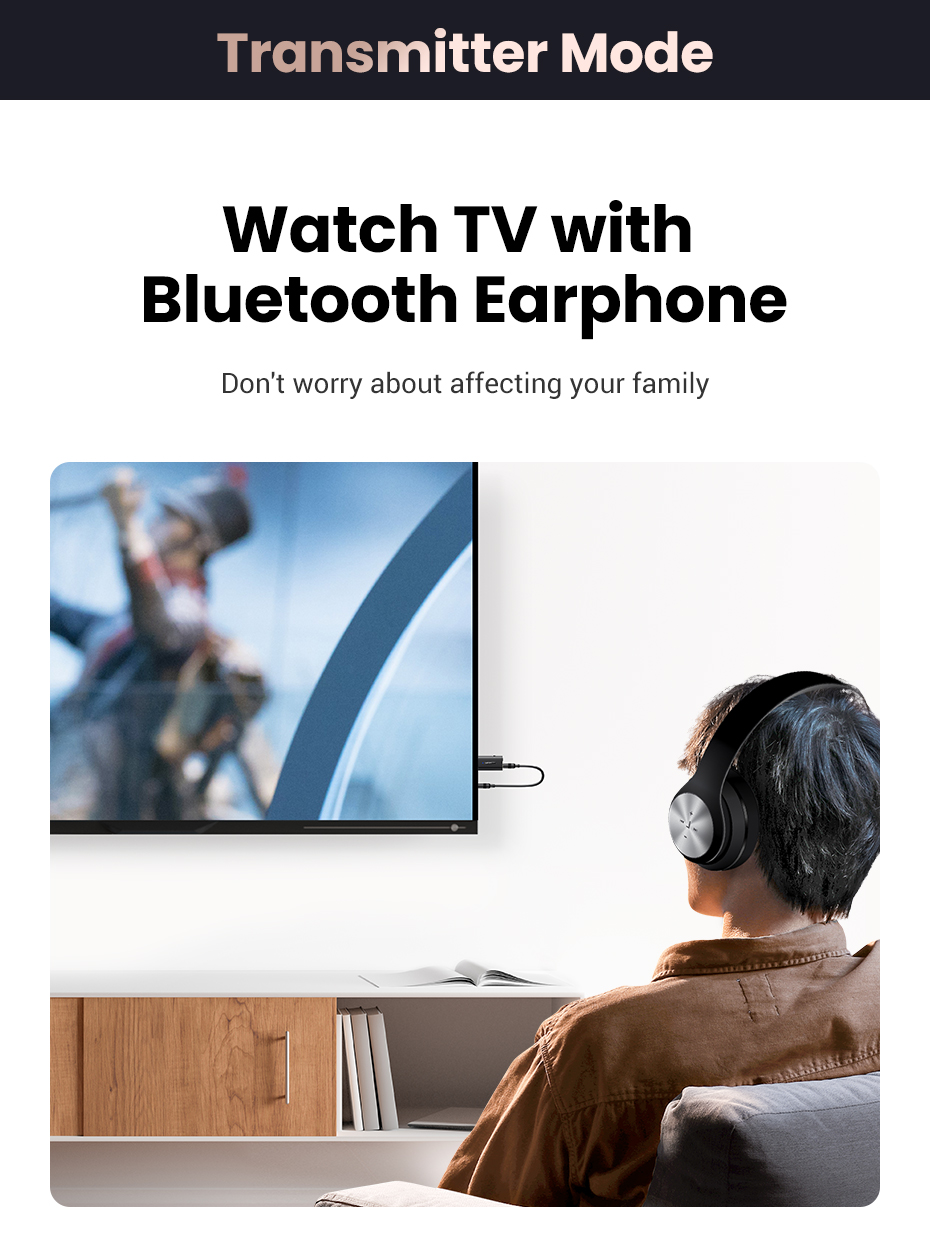
1. Change the mode switch to TX
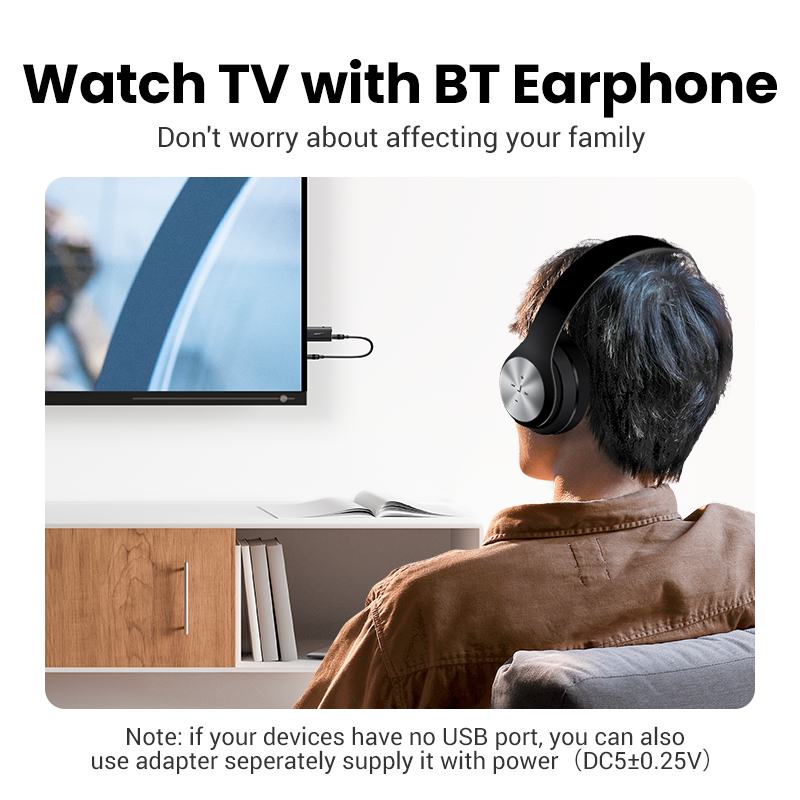
2. Connect 3.5mm and USB-A ports to your devices (TV/PC/PS5) respectively.
3. Turn on your Bluetooth devices (Bluetooth earphones/speakers) allowing them to start paring.
4. The product will search for the signal automatically and enters pairing mode.
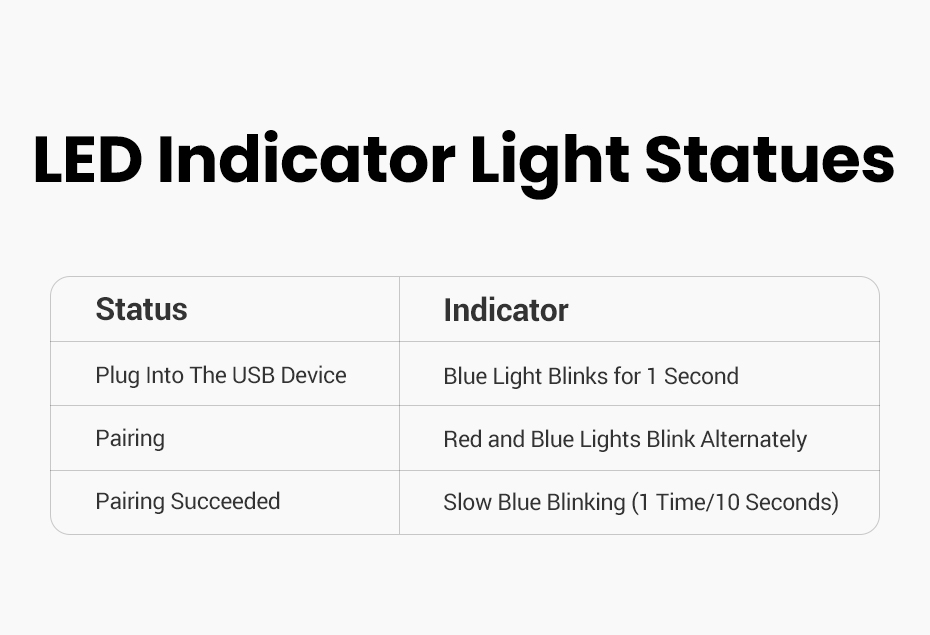
5. If the connection is successful, the product light turns slow blue blinking.
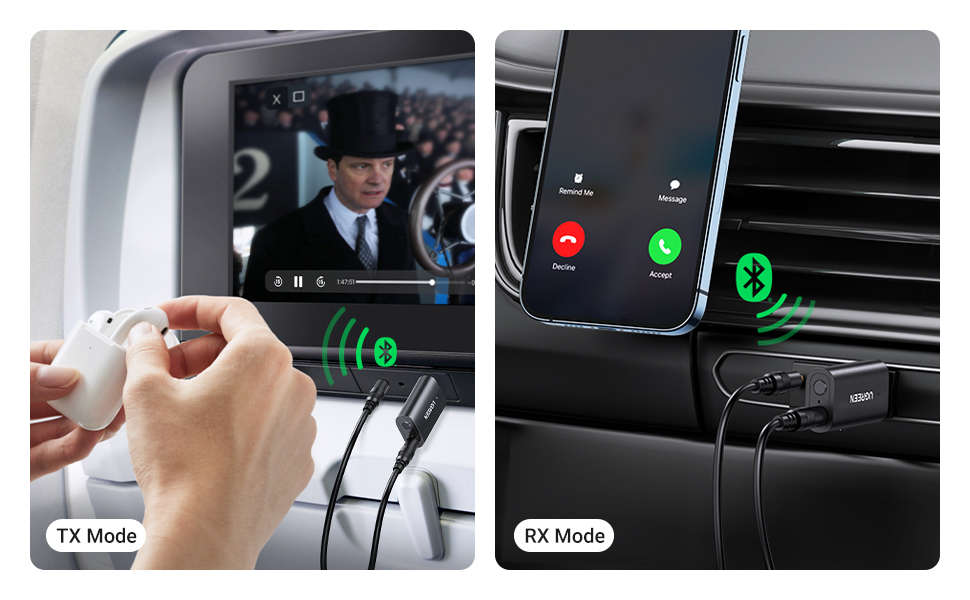
Steps for Usage of Two Modes of 2 in 1 Bluetooth Adapter Only for RX Mode:
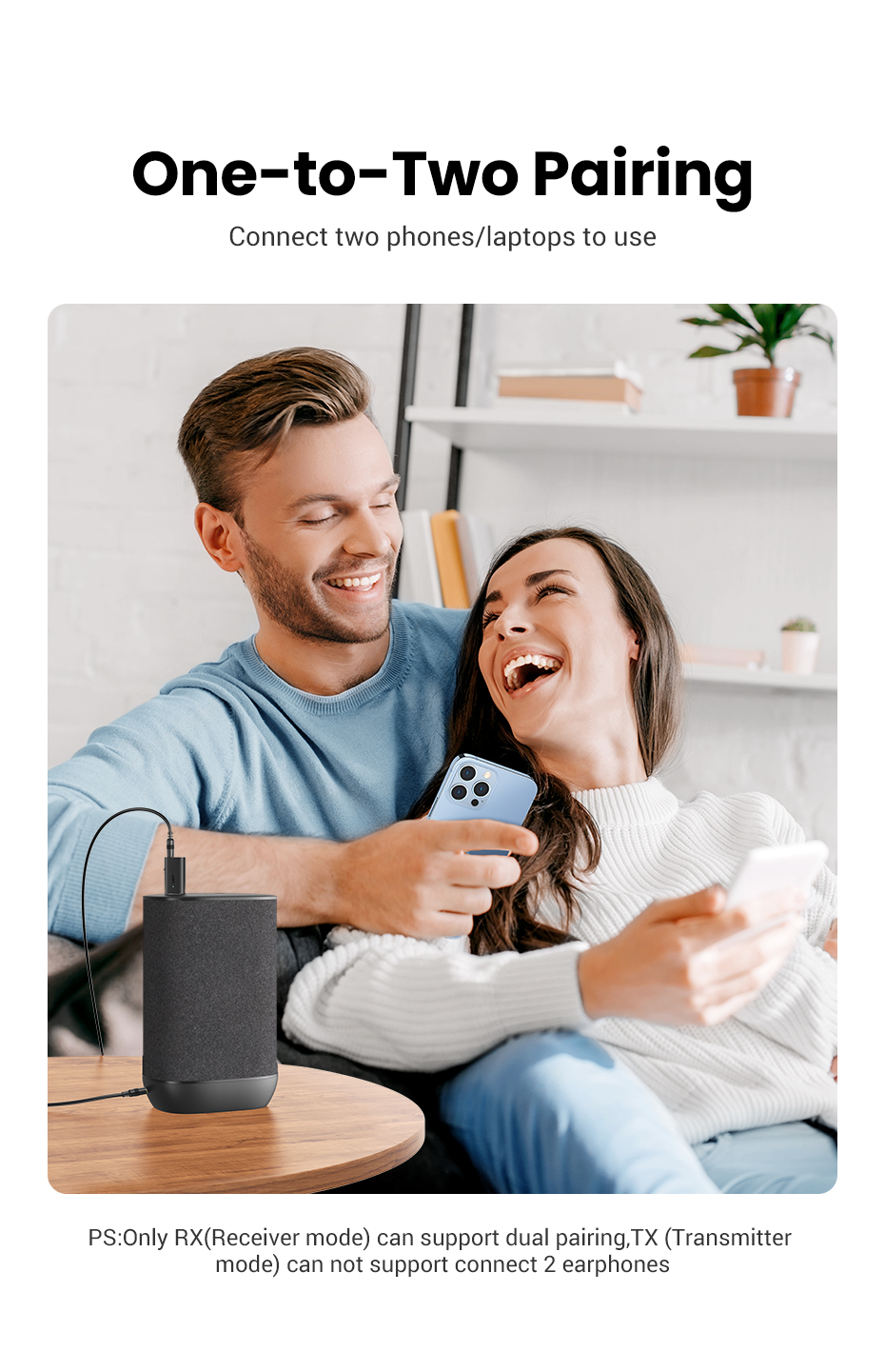
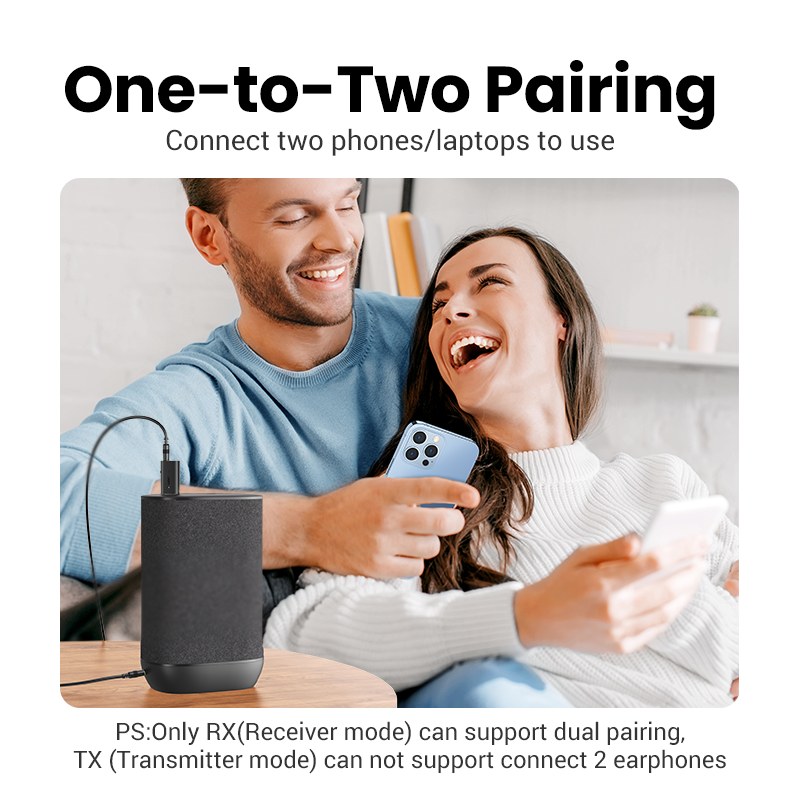
RX Mode One-to-Two
In "Receiver" mode, the product can connect to two phones/laptops.
1. Connect the product to Phone A, then turn off the Bluetooth of Phone A.
2. Search for the product name and connect to it on phone B.
3. Turn on Bluetooth on phone A, the product will be connected to phone A automatically.
Note: Some phones may require a manual connection.
Applied Devices for Two Modes:
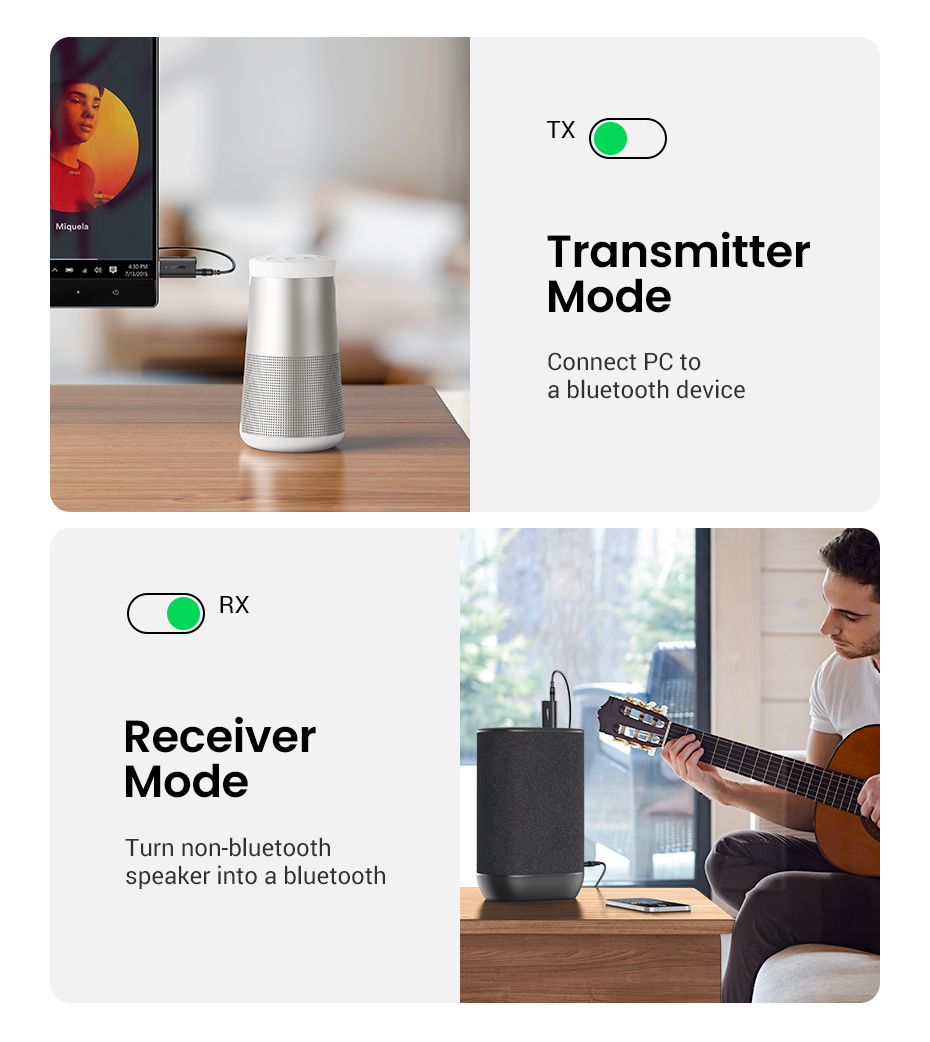
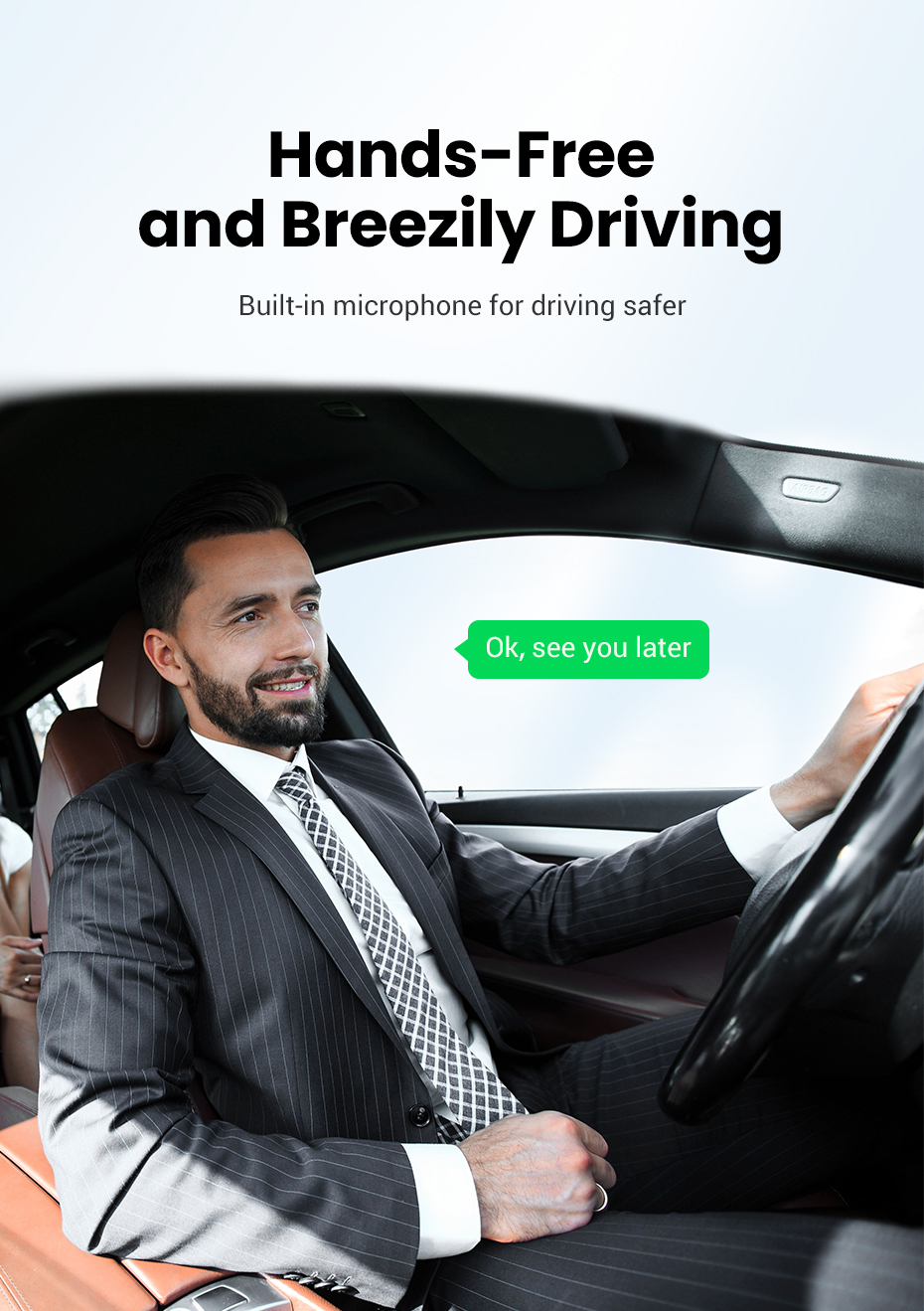
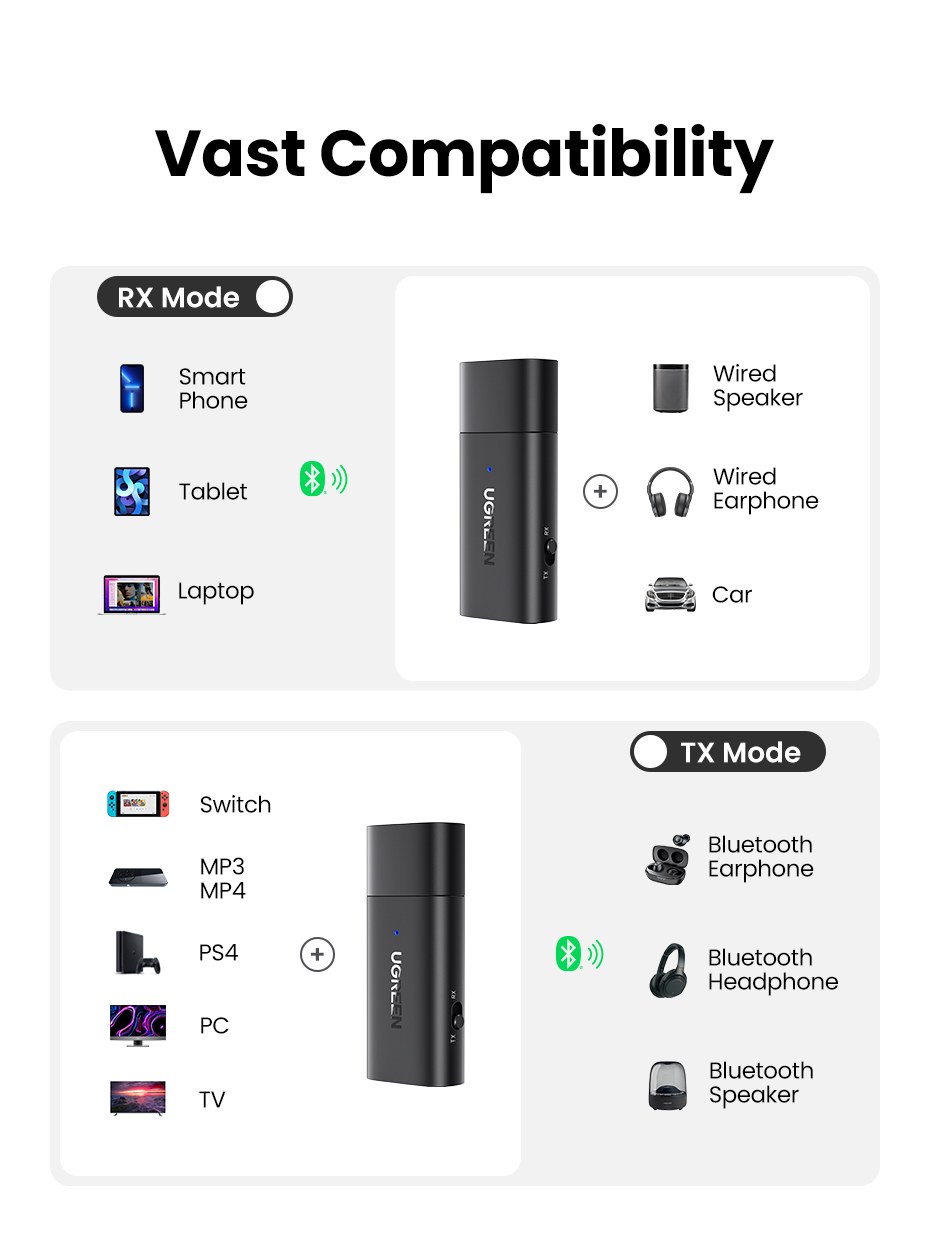
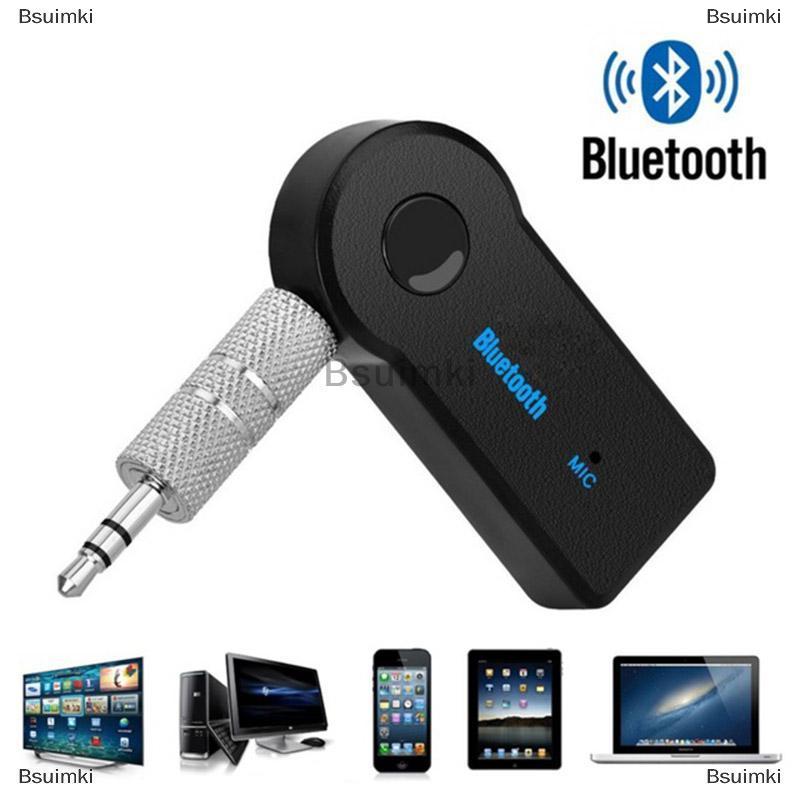
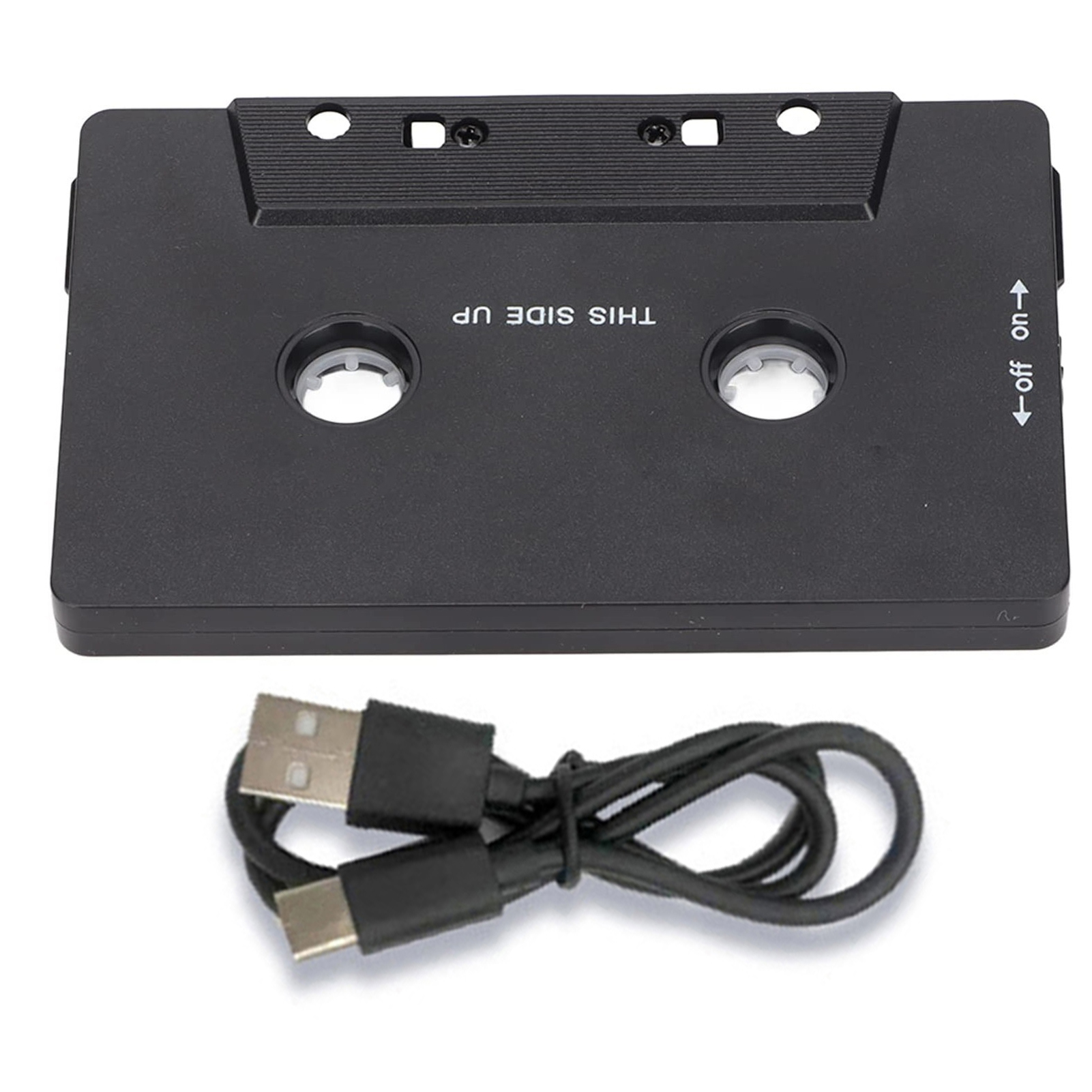
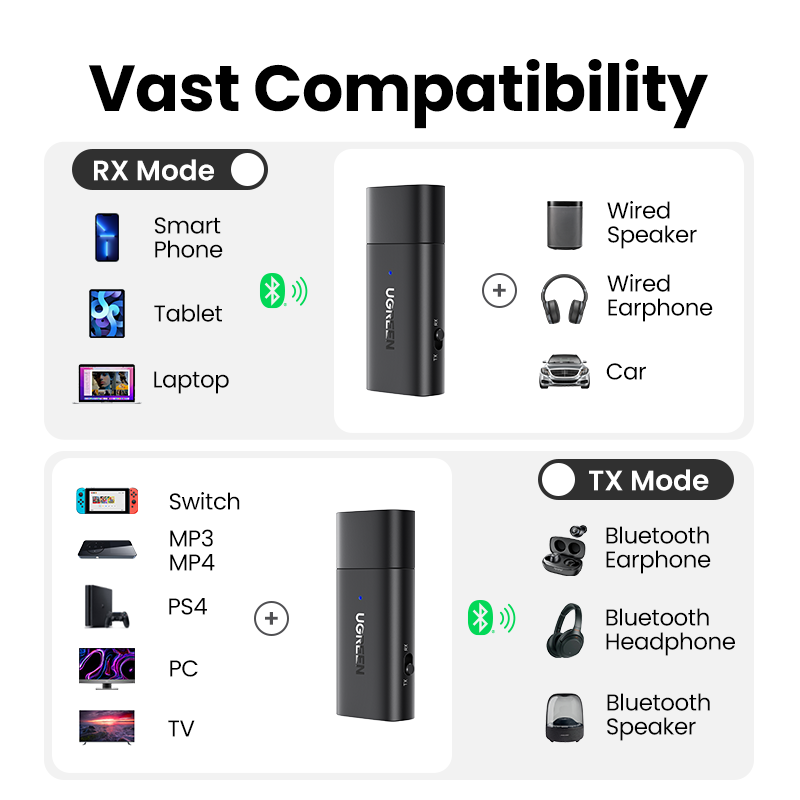
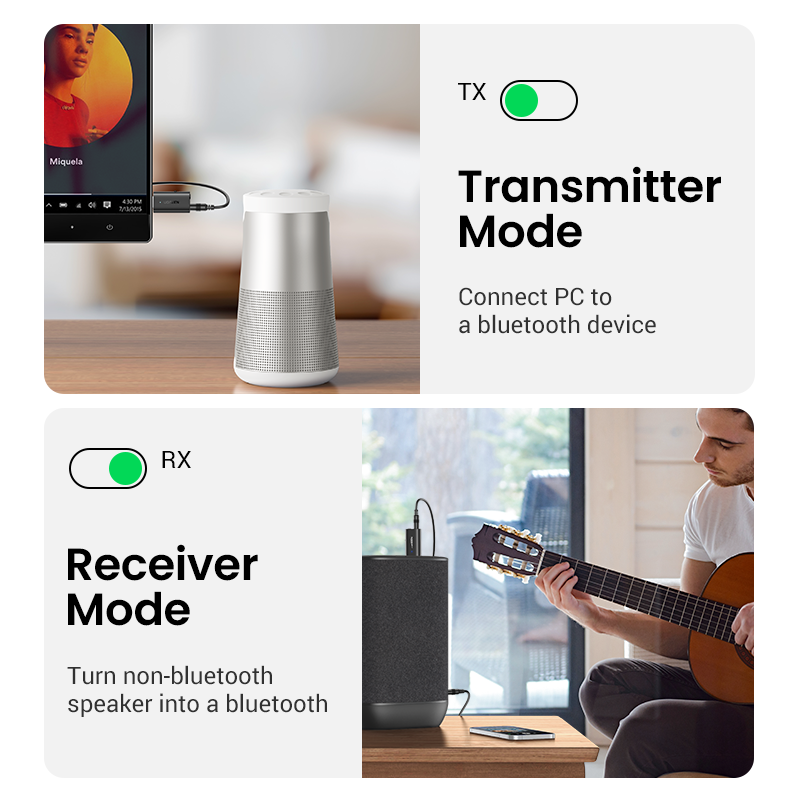
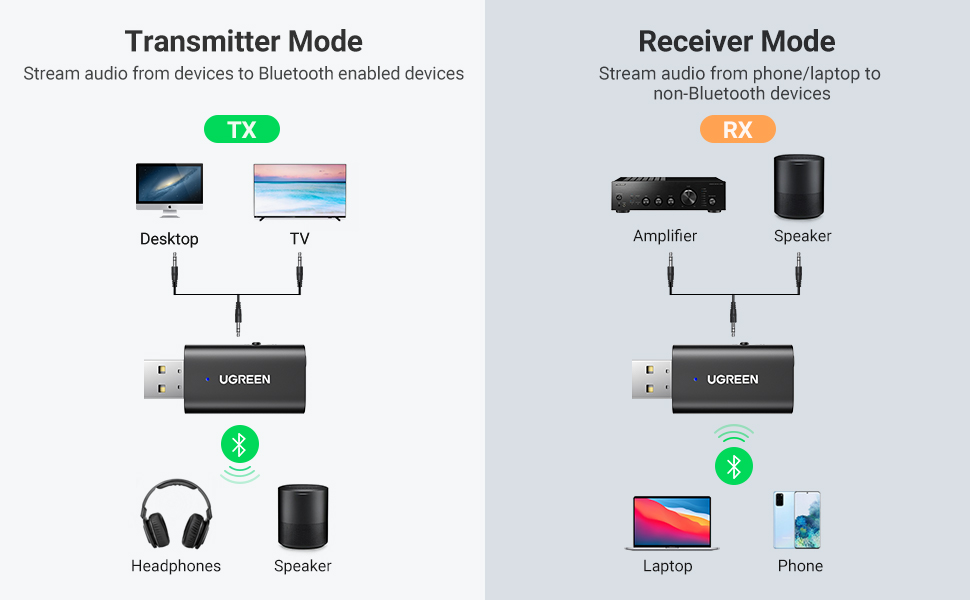
The RX mode offers Bluetooth functionality to an array of non-Bluetooth car stereos or headphones to experience high-quality music and can be used for car stereo, home stereo, audio music streaming sound system, amplifier, speaker, headphones, etc.
The TX mode delivers a high-fidelity stereo sound, content transmission experience without delays and can be used for TV, PC, desktop, MP3, MP4, switch, etc.