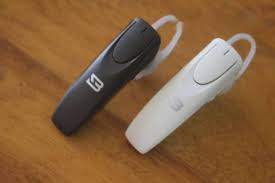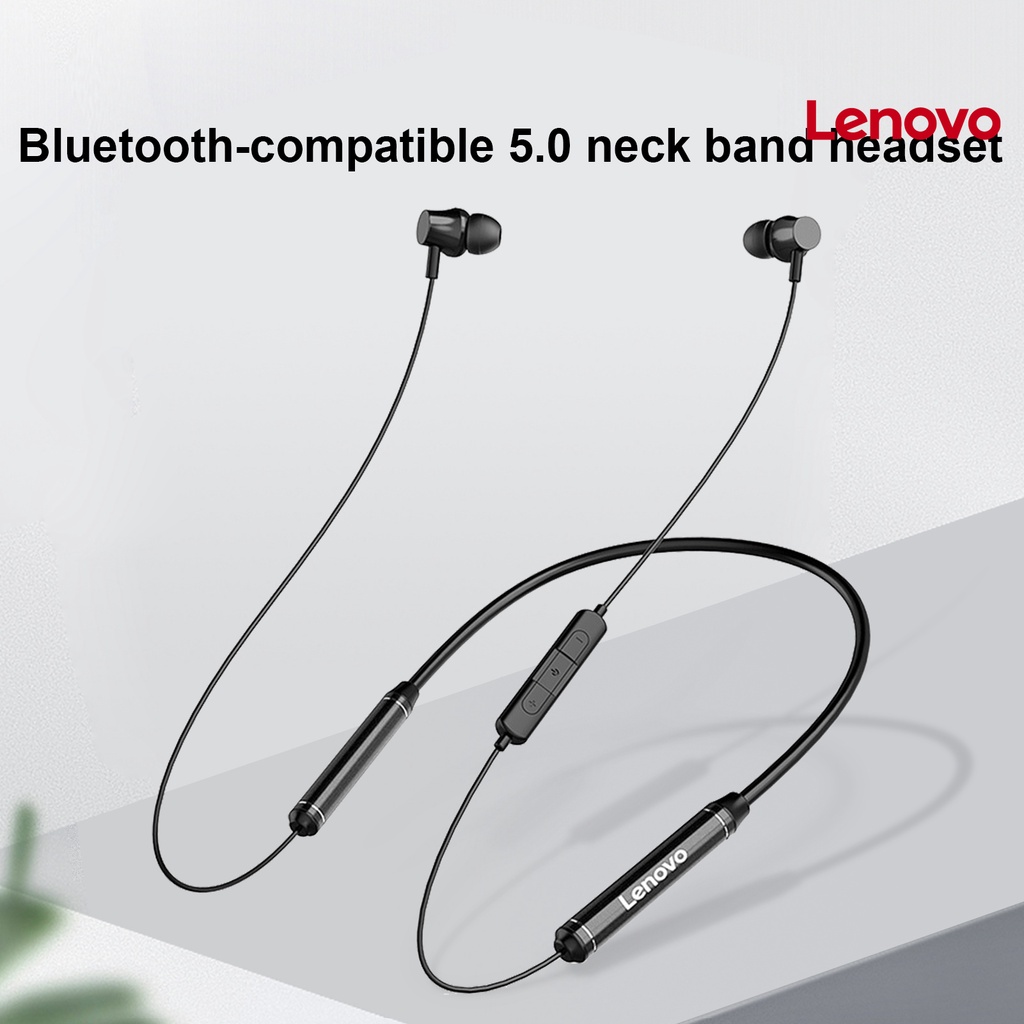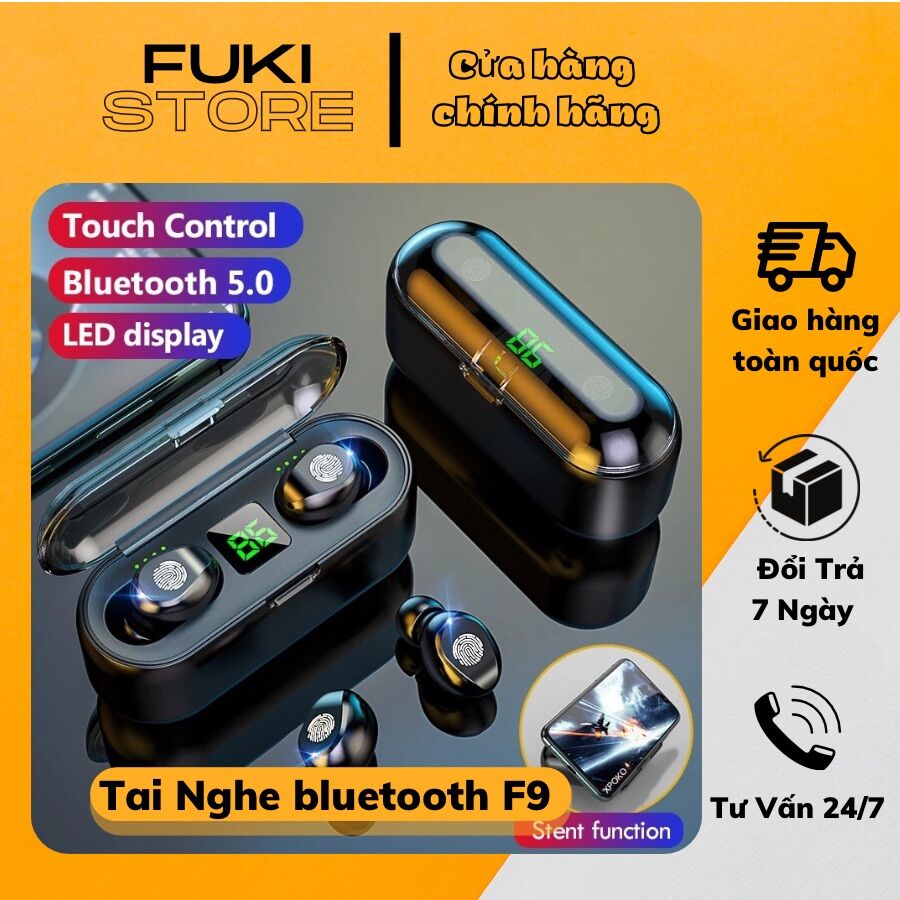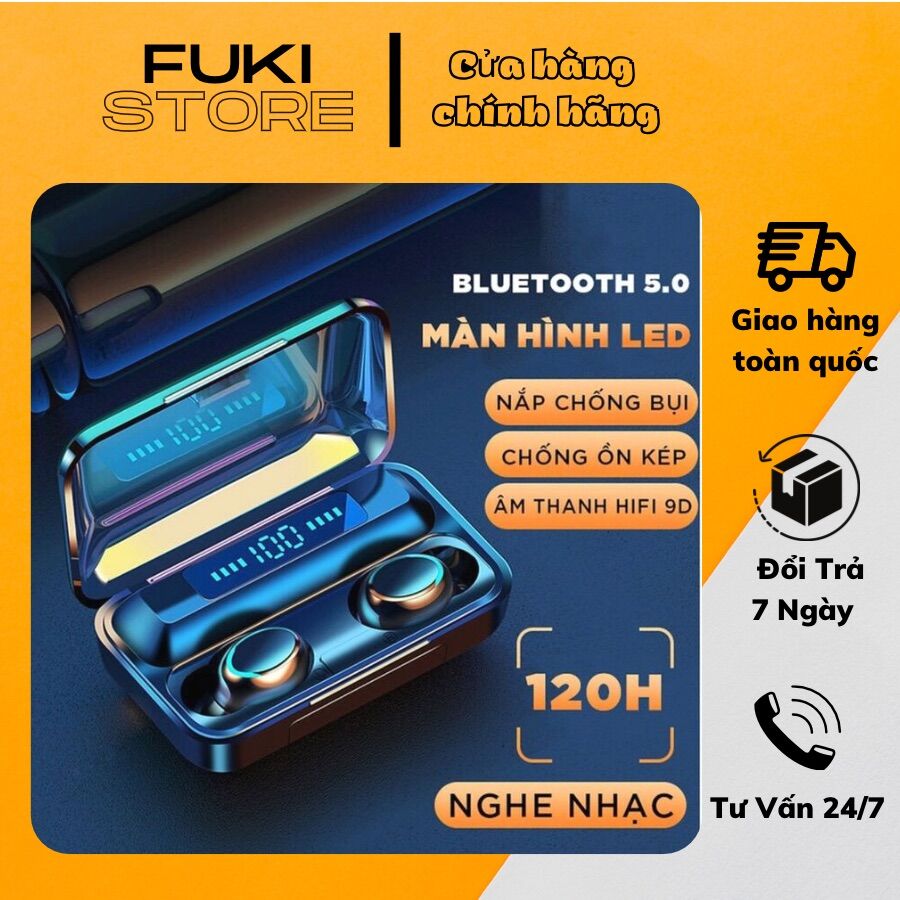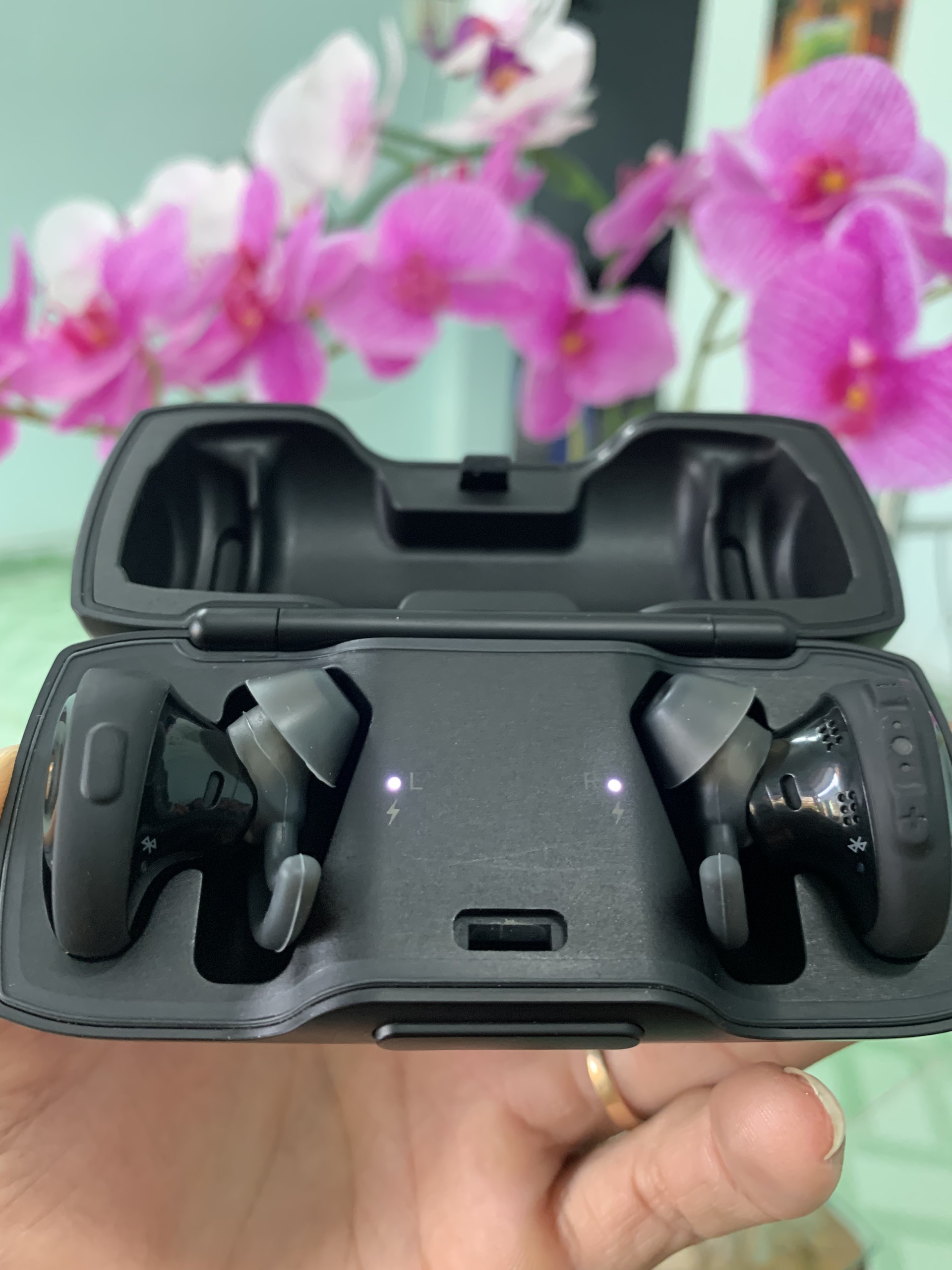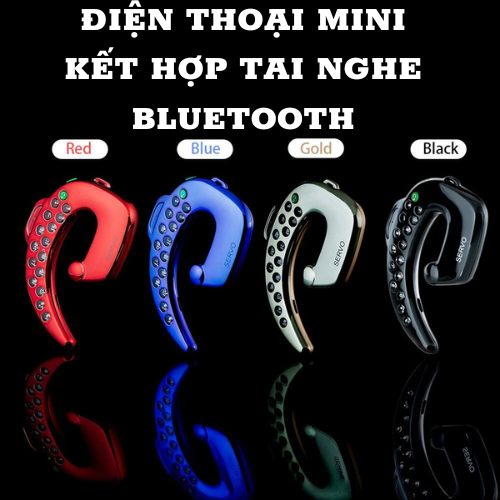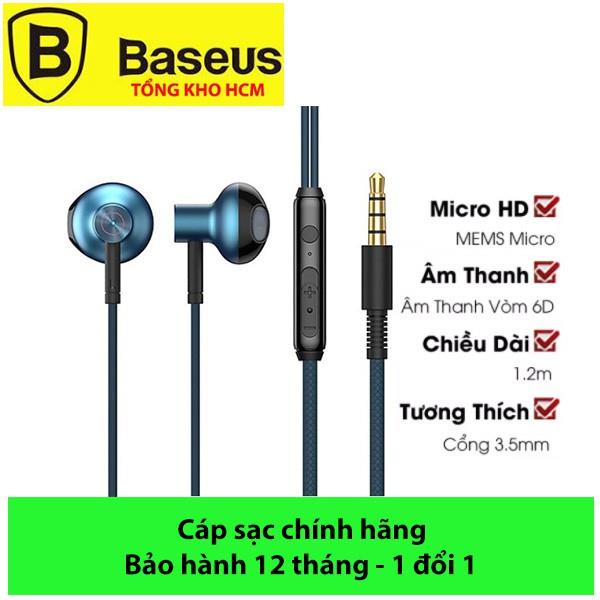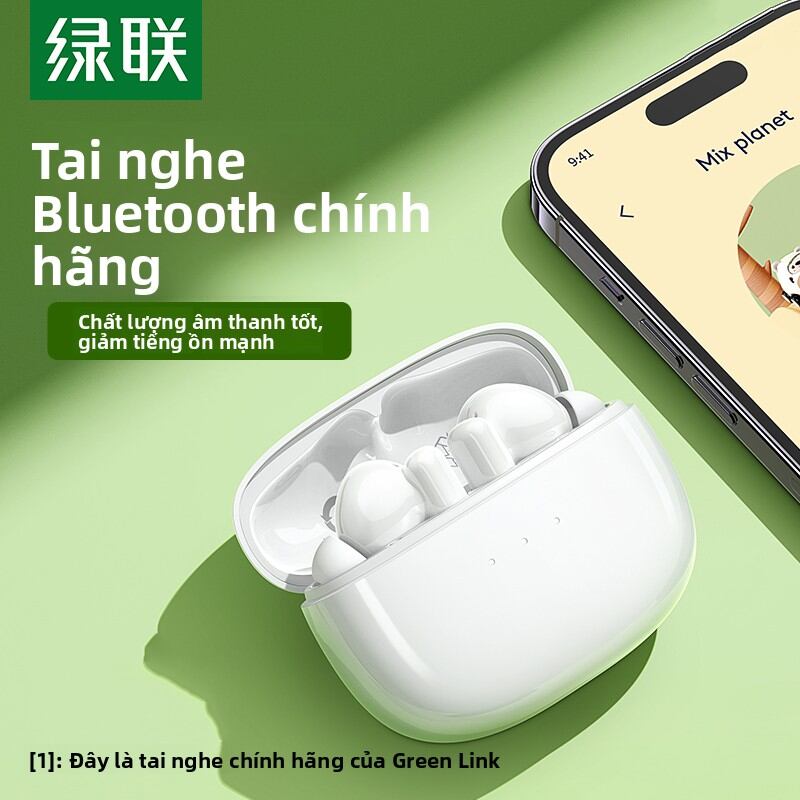

Để mở tai nghe: nhấn giữ nút nguồn của tai nghe trong vòng 2 giây cho đến khi đèn xanh sáng
Để tắt tai nghe: nhấn giữ tai nghe trong vòng 5 giây đến khi đèn tắt
Để kết nối tai nghe với phone
B1: Bật tai nghe
B2: vào phần thiết lập bluetooth của điện thoại để tìm kiếm thiết bị bluetooth
B3: Nhấn mã 0000 Khi điện thoại yêu cầu
B4: Sau khi điện thoại tìm thấy tai nghe, xác nhận bằng việc chọn thiết bị tai nghe từ danh sách thiết bị bluetooth mà điện thoại vừa dò tìm (bạn có thể làm lại lần nữa nếu chưa kết nối thành công)
B5: Kết nối thành công tai nghe sẽ sáng đèn xanh Bluetooth, lúc này tai nghe đã sẵn sàng.
Để trả lời hoặc kết thúc cuộc gọi: bạn nhấn nút trên tai nghe