

Tìm thấy 13 nơi bán khác, giá từ 800.000 ₫ - 999.900 ₫
Đến nơi bán
Đến nơi bán
859.900 ₫
Đến nơi bán
Đến nơi bán

Đến nơi bán
Xem thêm 7 nơi bán khác
Theo dõi giảm giá
Giá từ Lazada
818.680 ₫
998.517 ₫
Đến nơi bán
Đến nơi bán
Đến nơi bán
Đến nơi bán
Đến nơi bán
Xem thêm 7 nơi bán khác
type
Wireless mouse
Mouse size
Ordinary mouse (100-120mm)
How to connect to a computer
bluetooth
Suitable machine type
Laptop Computer
Photoelectric resolution
3200 (dpi)
Number of keys
8 (key)
interface
USB
Wireless transmission frequency
2.4 GHz
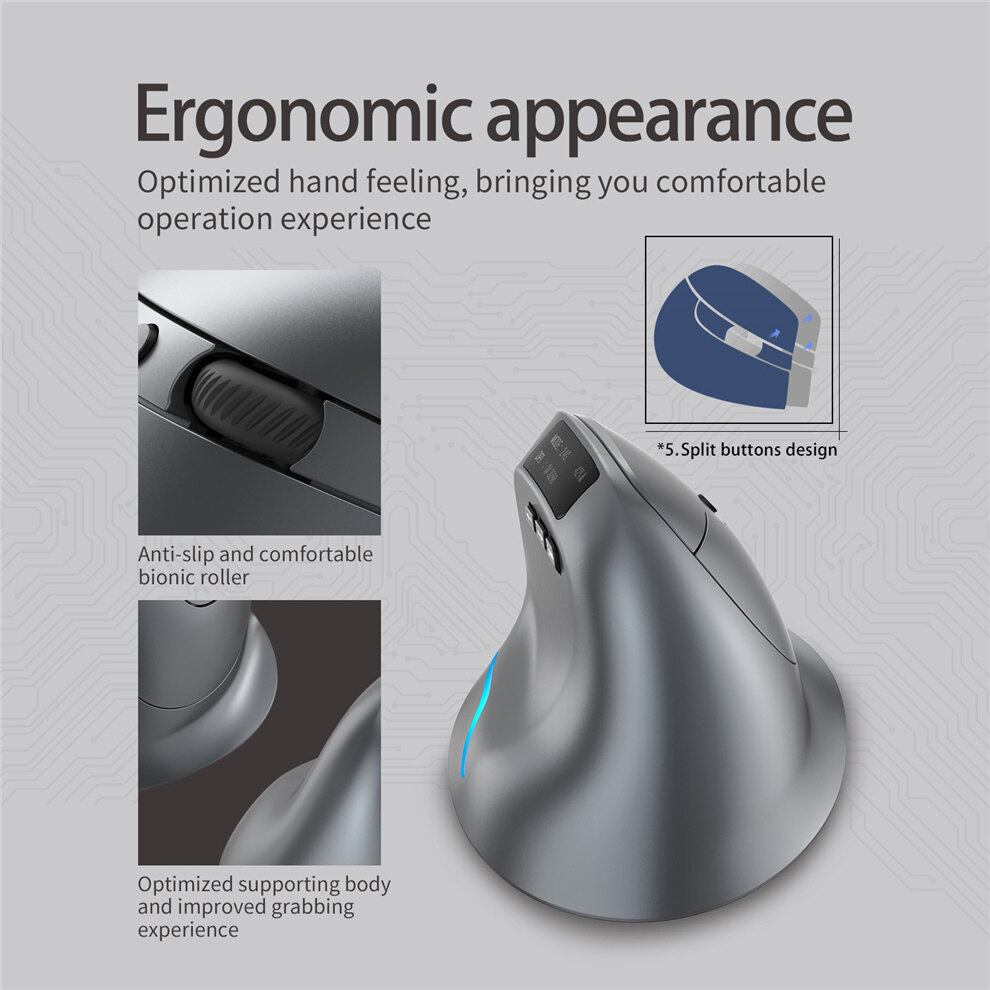
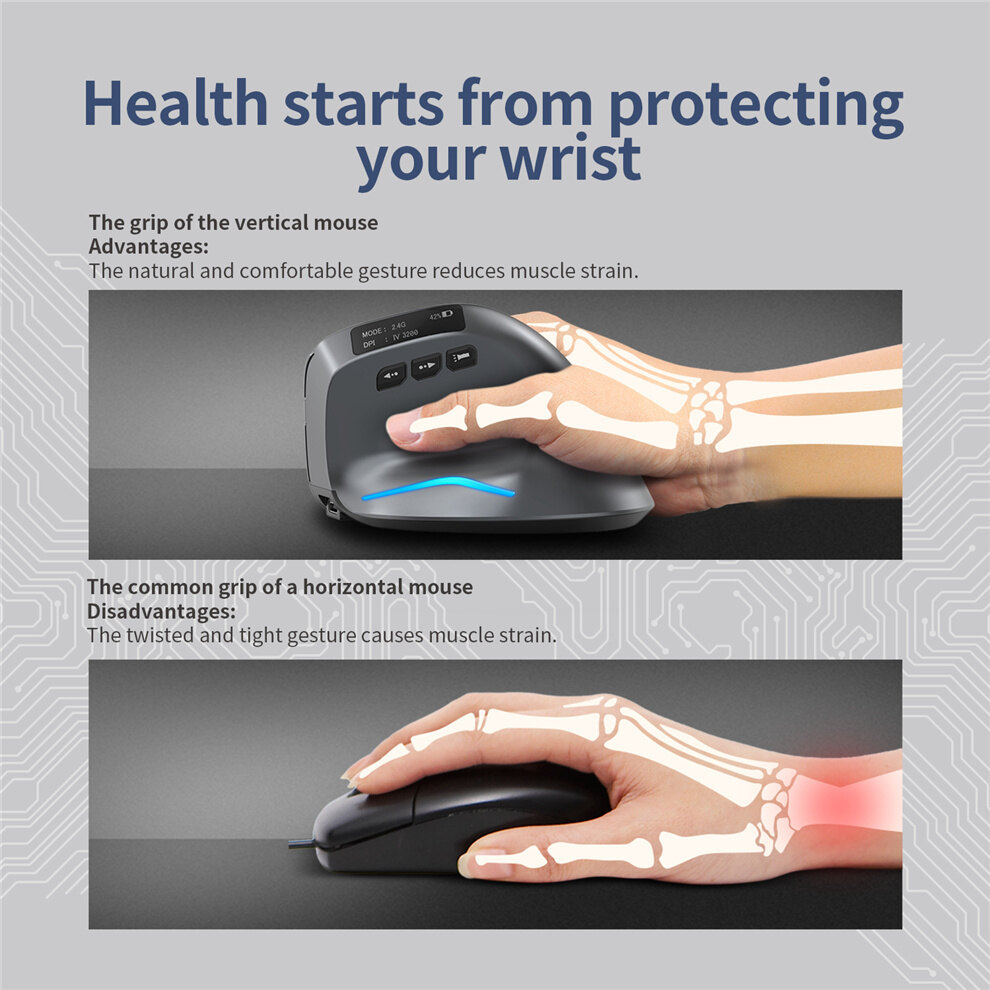
Whether ergonomics is supported
support
Adjustable resolution
Four files
Distance of operation
10 (m)
Mode of operation
photoelectric
Direction of roller
Four way roller
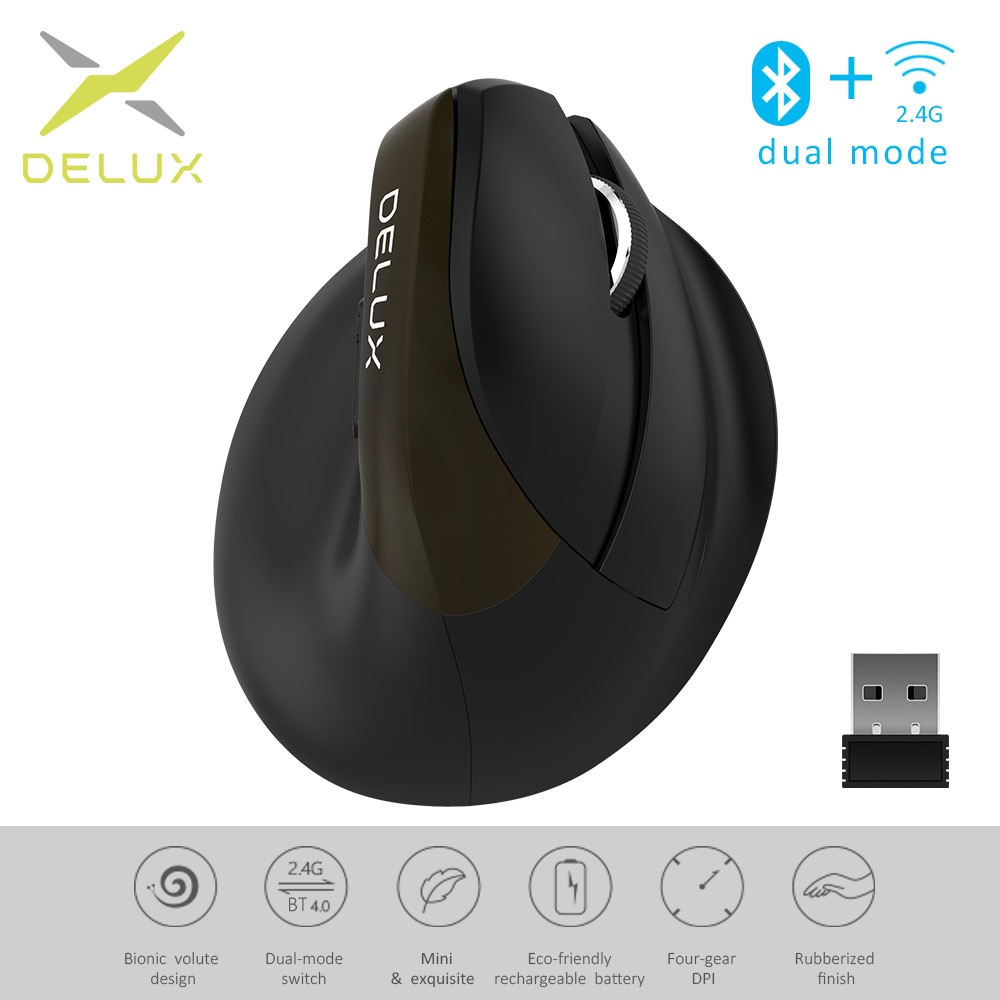
features
Game mouse, ergonomics
Line length
1.5 (m)
Size of product
110*72*75mm
Weight of product
0.11 (KG)
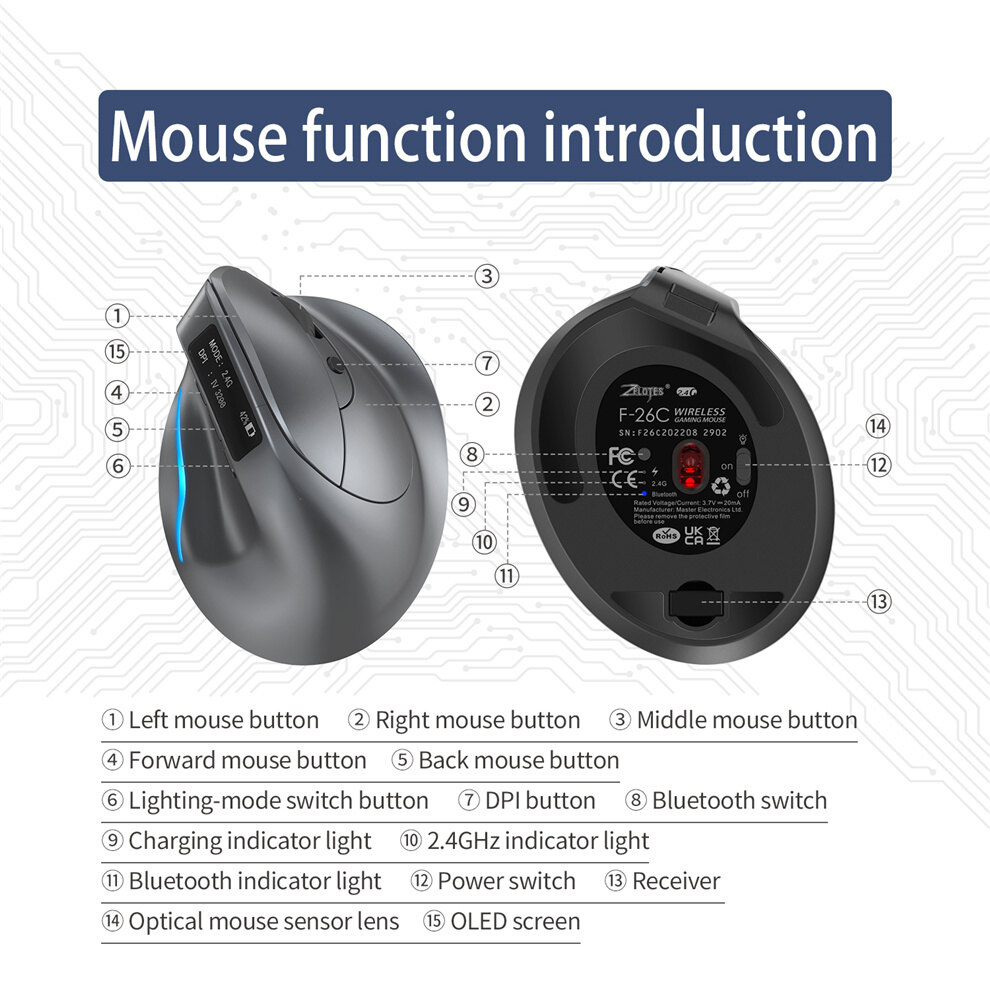
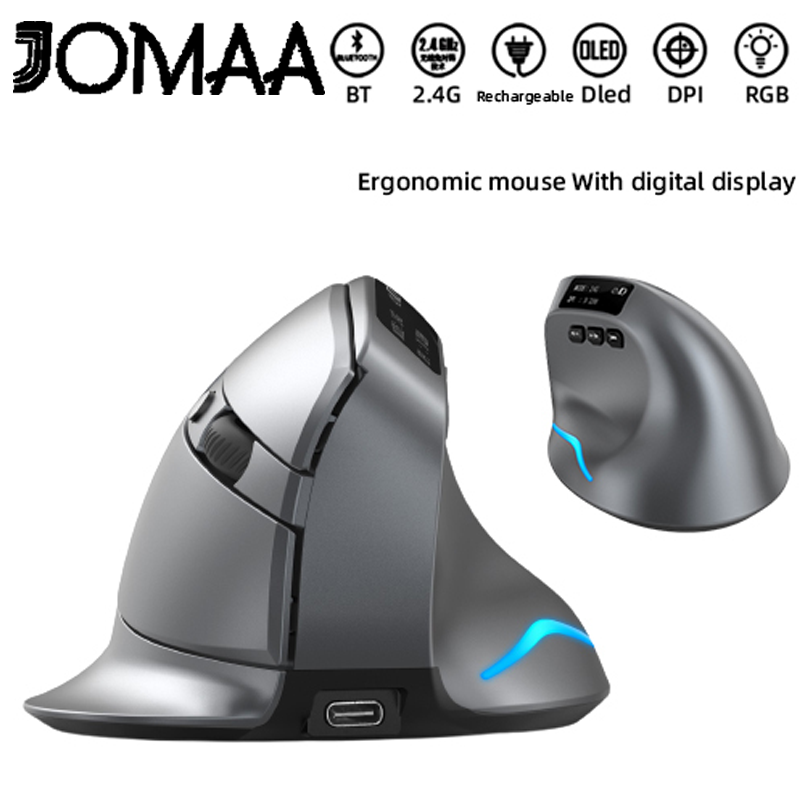
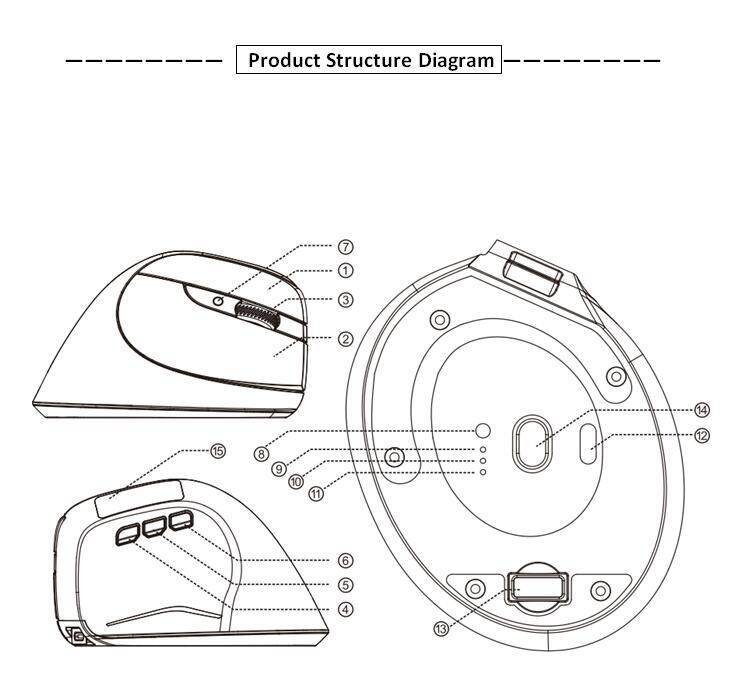
Component function description
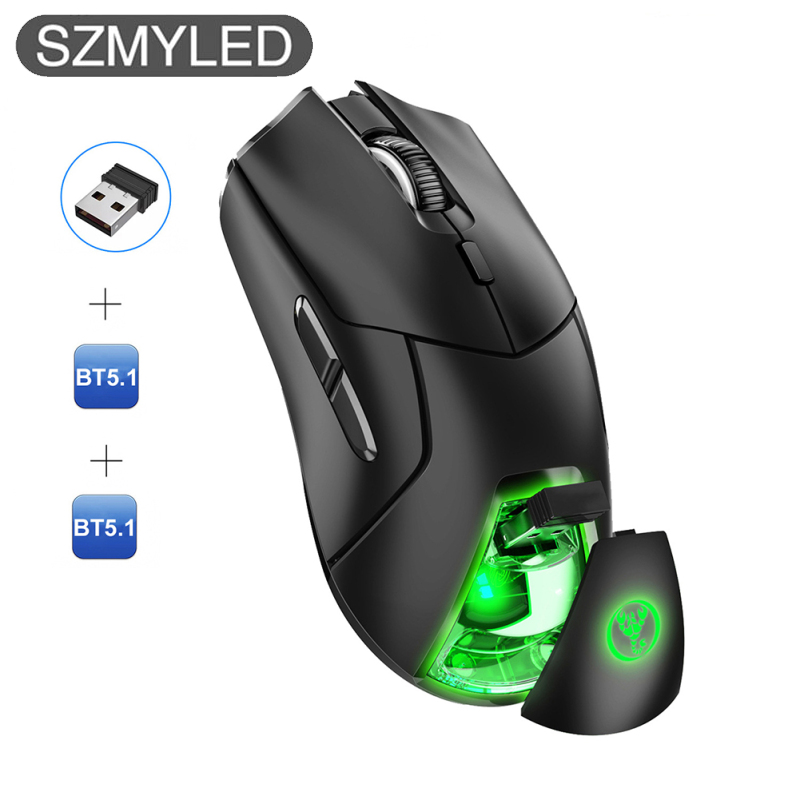
(1)Left key②Right click③Middle key
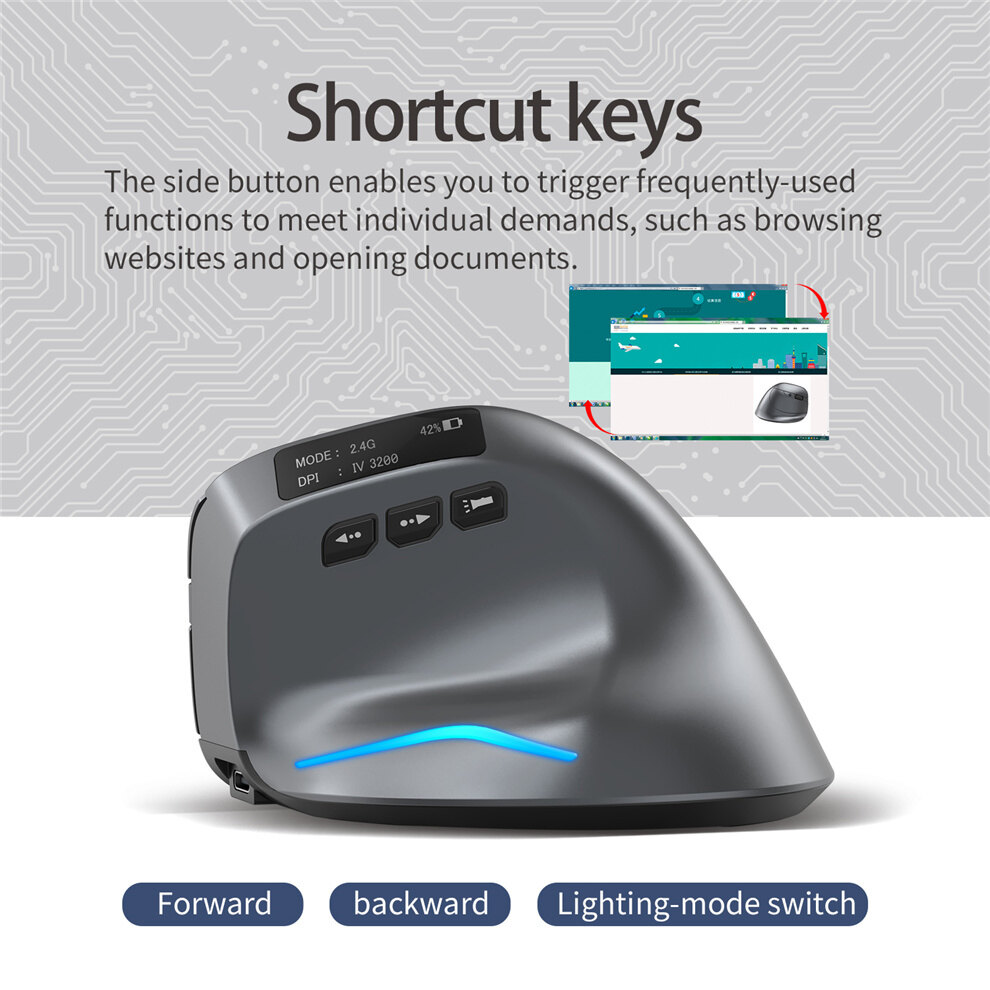
4.Forward key⑤Backspace⑥Light switch key
⑦ DPIkey⑧Bluetooth key⑨Charging indicator
⑩ 2.4GHzindicator light⑪optional feature⑫power switch
⑬receiver⑭Lens⑮ OLEDdisplay screen
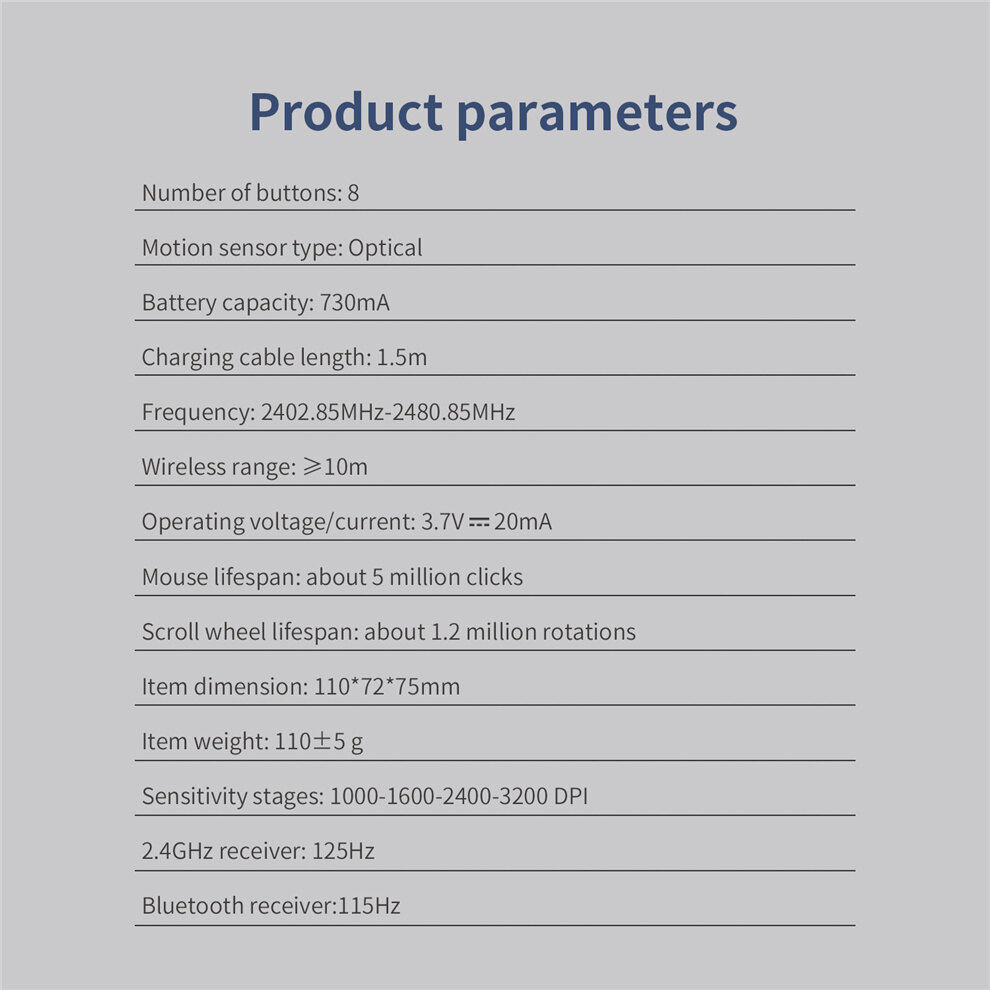
Specification parameters
Number of keys:8key
Tracking system: Optics
Frequency:2402.85MHz-2480.85MHz
Effective distance: ≥10m
working voltage/Current:3.7v20mA
Key life: ≈50010000 times
Service life of roller: ≈120Wanzhuan
product Size:110*72*75mm
Product weight:110□5gram
Resolution:1000-1600-2400-3200 DPI
2.4GHzRate of return:125Hz
Bluetooth return rate:115Hz
What if the mouse doesn't respond?
1.Please charge the mouse with the data cable.
2.Please replace the receiverUSBGive it a try.
3.Make sure the power switch on the bottom of the mouse is ononOr bulbLocation.
4.Try restarting the computer.
5.Hold down the right mouse button at the same time+Middle key, turn on the bottom power switch, and insertUSBReceiver, waiting5Seconds later, release the key at the same time, and re code successfully. (Please keep the distance between the mouse and the receiver at30CM(within)
6.If the above operation is not successful, please email toE-mail:[email protected] for technical assistance.
[Bluetooth profile]
A.Pair your devices.
1Turn on the mouse power switch.
2.Long press Bluetooth key3More than seconds, the blue light flashes quickly, and the mouse is in2Will be searchable within minutes.
3.Complete Bluetooth pairing on your device:
Windows 7and8:
(1)Click Start and select Control Panel>Add Device.
(2)Select from the list“Bluetooth mouse”, click Next.
Windows 10:
(1)Select Start, select Settings>Devices>Bluetooth.
(2)Select from the list“Bluetooth mouse”, click "Pair".
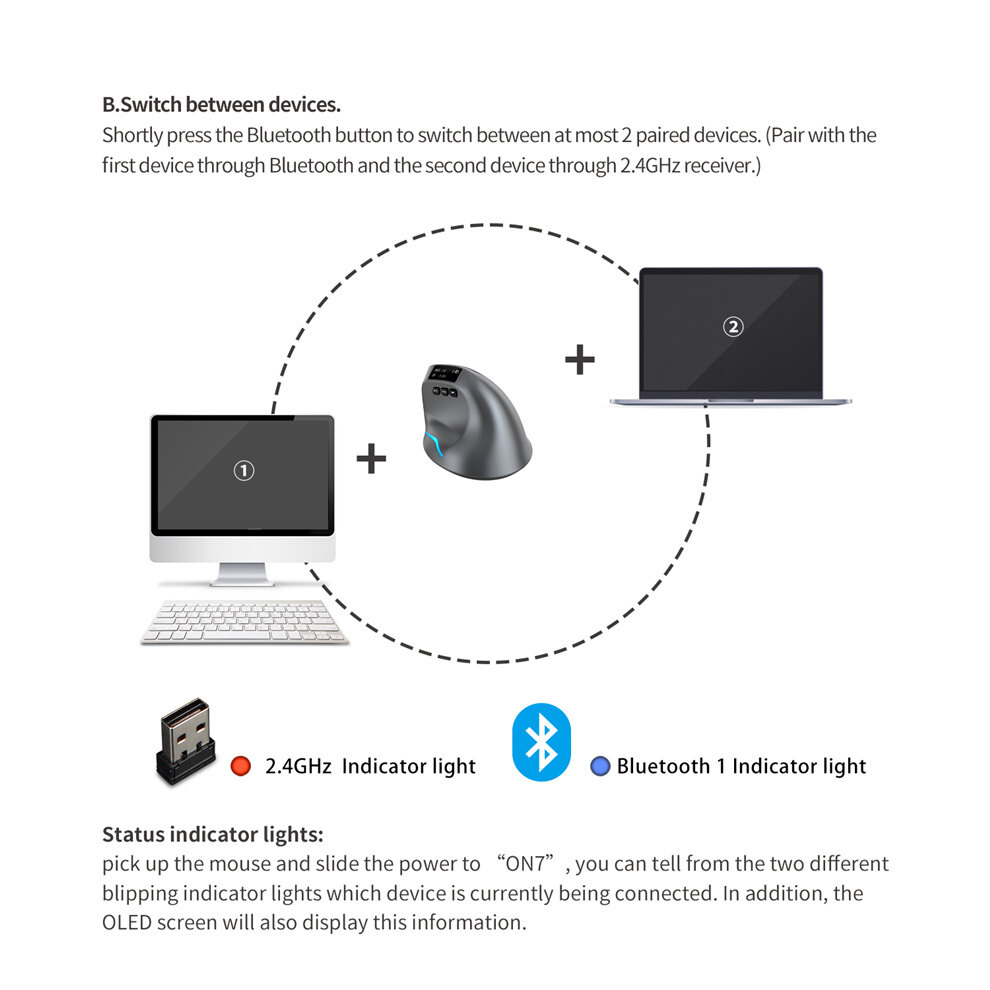
4.Switch devices.
Short press the Bluetooth key to2Cyclic switching between paired devices (via Bluetooth connection1Equipment, through2.4GHzReceiver connection1Equipment).
Charging tips:
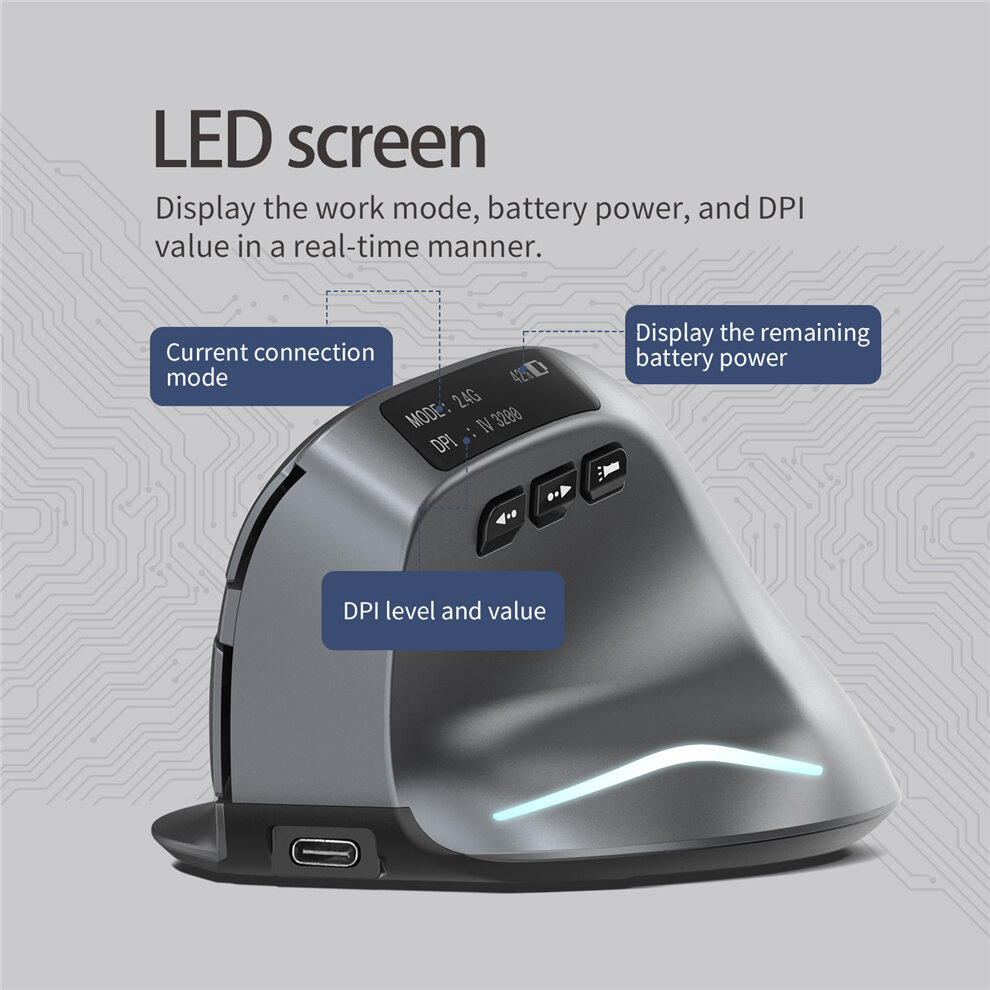
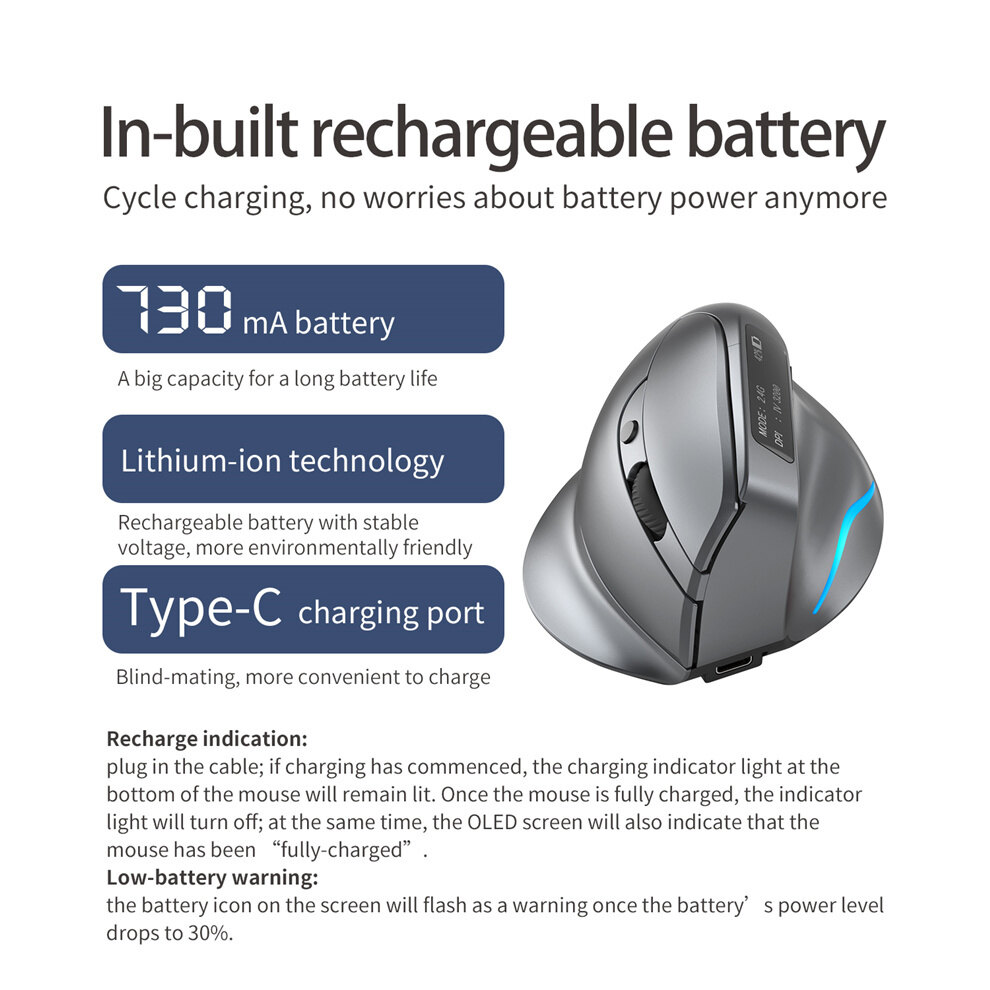
Plug in the data cable. If the bottom charging indicator is always on, it means charging is in progress. If it is off, it means full charge, or it can be identified through the display screen
Low voltage prompt:
When the power reaches30%, the battery graphic on the display screen will flash
Status indicator:
When you pick up the mouse, open the bottom“on”Switch, via2Different indicators flash to determine which device is currently connected, and the screen also displays the current connection status
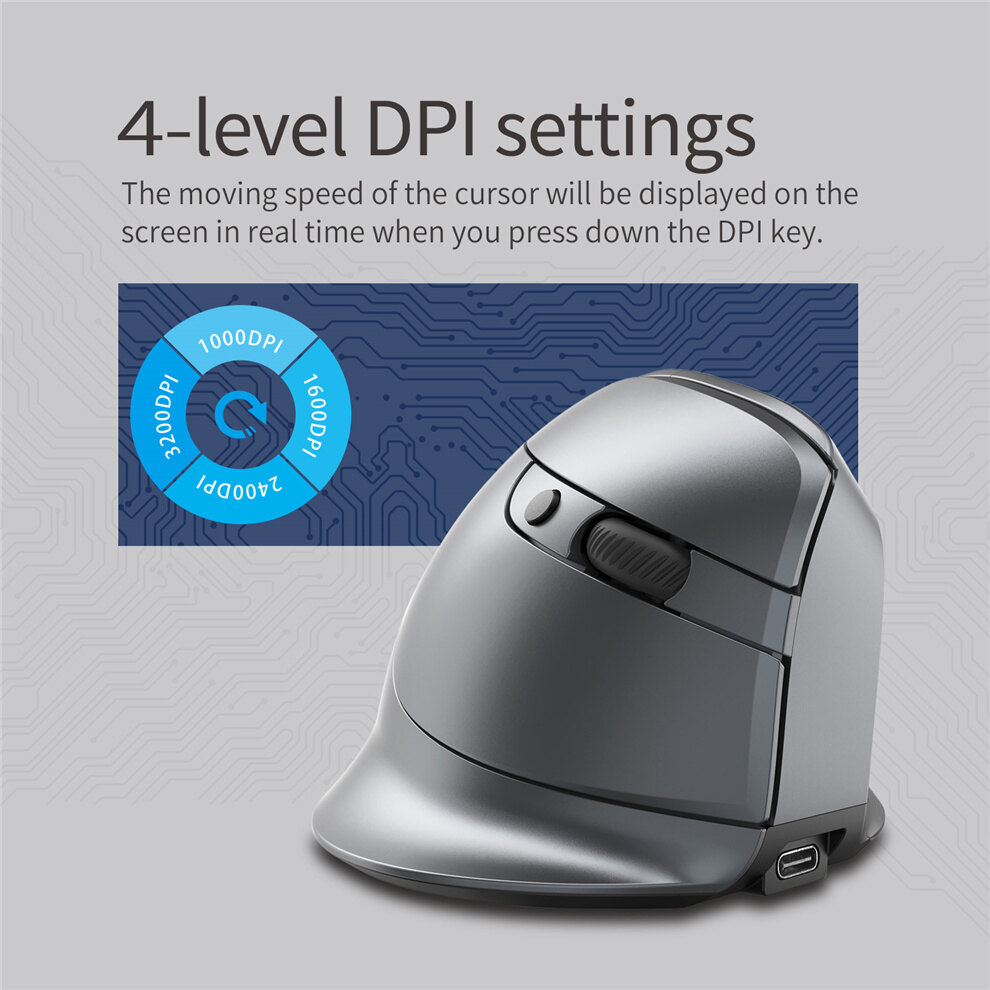
Resolution:
Press7NumberDPICycle key, the cursor moving speed will be displayed on the screen,1000-1600-2400-3200 DPIcommon4File.
Component function description
①Left mouse button②Right mouse button③Middle mouse button
④Forward mouse button⑤Back mouse button
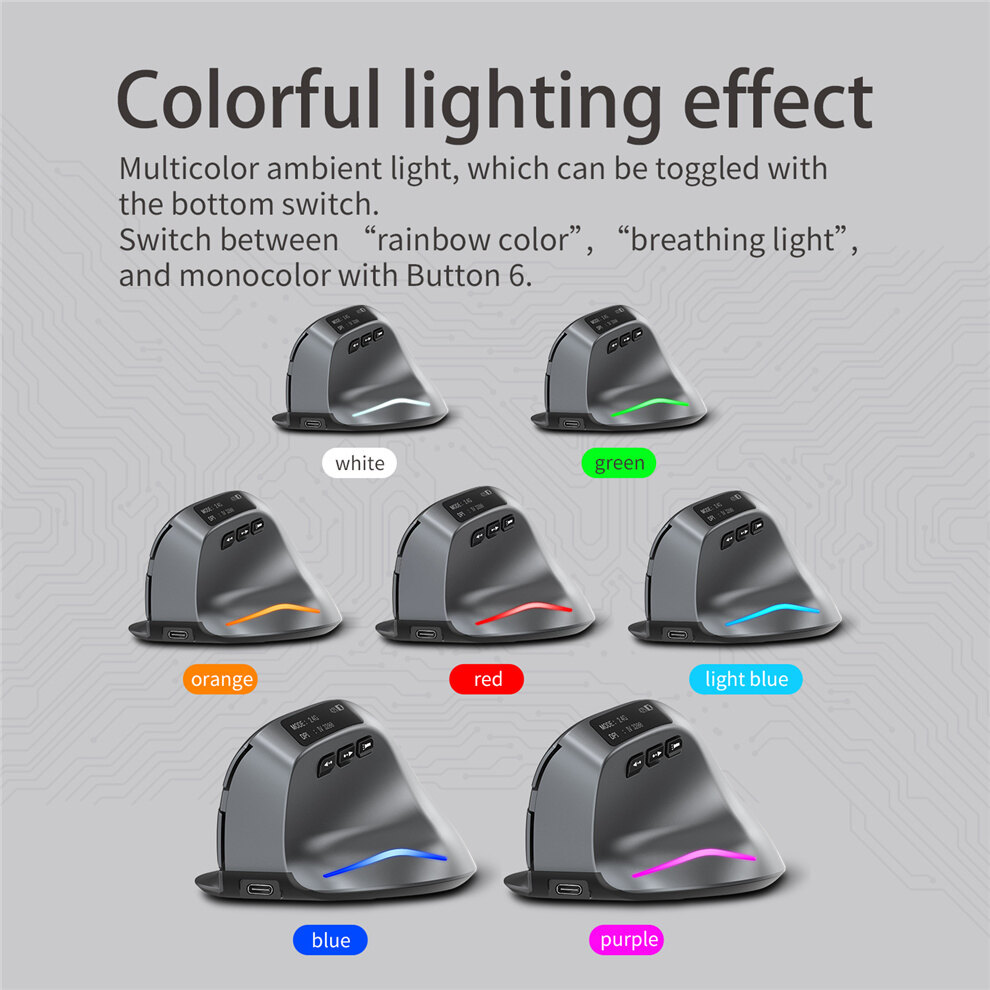
⑥Lighting-mode switch button⑦DPI button⑧Bluetooth switch
A kind ofCharging indicator lightA kind of2.4GHz indicator light
⑪Bluetooth indicator light⑫Power switch⑬Receiver
⑭Optical mouse sensor lens⑮OLED screen
Specification
Number of Buttons: 8
Motion sensor type: Optical
Frequency: 2402.85MHz-2480.85MHz
Wireless range: ≥10m
Operating voltage/current: 3.7V20mA
Mouse lifespan: about 5 million clicks
Scroll wheel lifespan: about 1.2 million rotations
Item dimension: 110*72*75mm
Item weight: 110±5 g
Sensitivity stages: 1000-1600-2400-3200 DPI
2.4GHz receiver: 125Hz
Bluetooth receiver:115Hz
What to do if the mouse has no response?
1.Plug the cable into the power supply and charge the mouse.
2.Plug the receiver to another USB port.
3.Make sure the Power switch at the bottom of the mouse is on or has been slid to
H.
4.Try restarting the computer.
5.Simultaneously hold the right and middle mouse buttons, open the switch button, plug in USB receiver and release the buttons after 5 seconds to reset the existing pairing.(While pairing, keep the mouse and receiver within a 30-cm radius.)
6.Get technical support [email protected] the above troubleshooting fails to solve the problem.
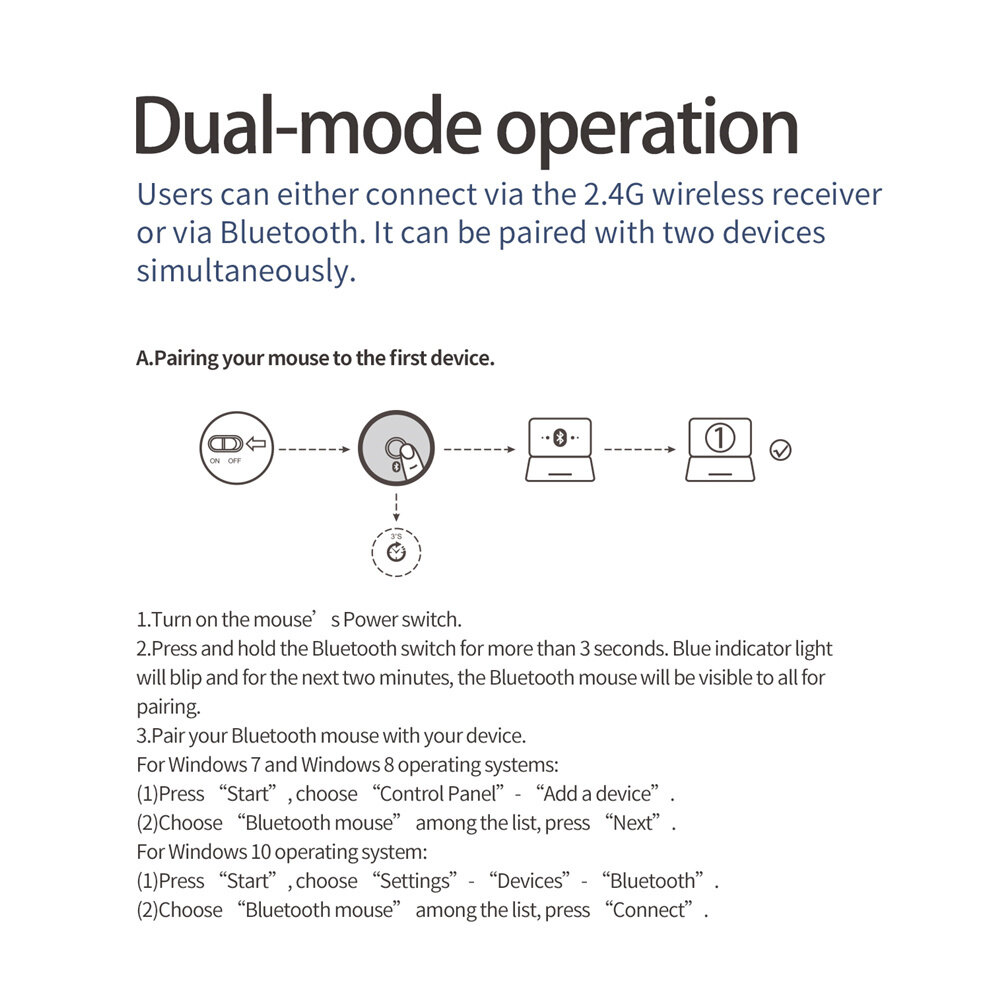
1.Turn on the mouse’s Power switch.
2.Press and hold the Bluetooth switch for more than 3 seconds.Blue indicator light will blip and for the next two minutes, the Bluetooth mouse will be visible to all for pairing.
3.Pair your Bluetooth mouse with your device.
For Windows 7 and Windows 8 operating systems:
(1)Press “Start”, choose “Control Panel”- “Add a device”.
(2)Choose “Bluetooth mouse” among the list, press “Next”.
For Windows 10 operating system:
(1)Press “Start”, choose “Settings”- “Devices”- “Bluetooth”.
(2)Choose “Bluetooth mouse” among the list, press “Connect”.
4.Switch between devices.
Shortly press the Bluetooth button to switch between at most 2 paired devices.(Pair with the first device through Bluetooth and the second device through 2.4GHz receiver.)
Recharge indication:
plug in the cable;if charging has commenced, the charging indicator light at the bottom of the mouse will remain lit.Once the mouse is fully charged, the indicator light will turn off;at the same time, the OLED screen will also indicate that the mouse has been “fully-charged”.
Low-battery warning:
the battery icon on the screen will flash as a warning once the battery’s power level drops to 30%.
Status indicator lights:
pick up the mouse and slide the power to “ON7”, you can tell from the two different blipping indicator lights which device is currently being connected.In addition, the OLED screen will also display this information.
Mouse sensitivity:
Press the DPI button (button⑦) to display the four sensitivity stages:
1000/1600/2400/3200 DPI.
Chuột đứng không dây ms1354
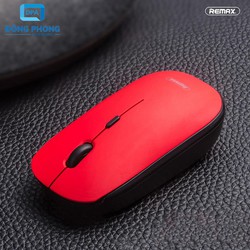
Chuột vi tính không dây 2.4g remax g30
Chuột không dây DT20
Chuột Sạc không dây Free Wolf X13
Chuột không dây azzor n5 - sạc điện
Chuột game không dây sạc pin t- wolf q13
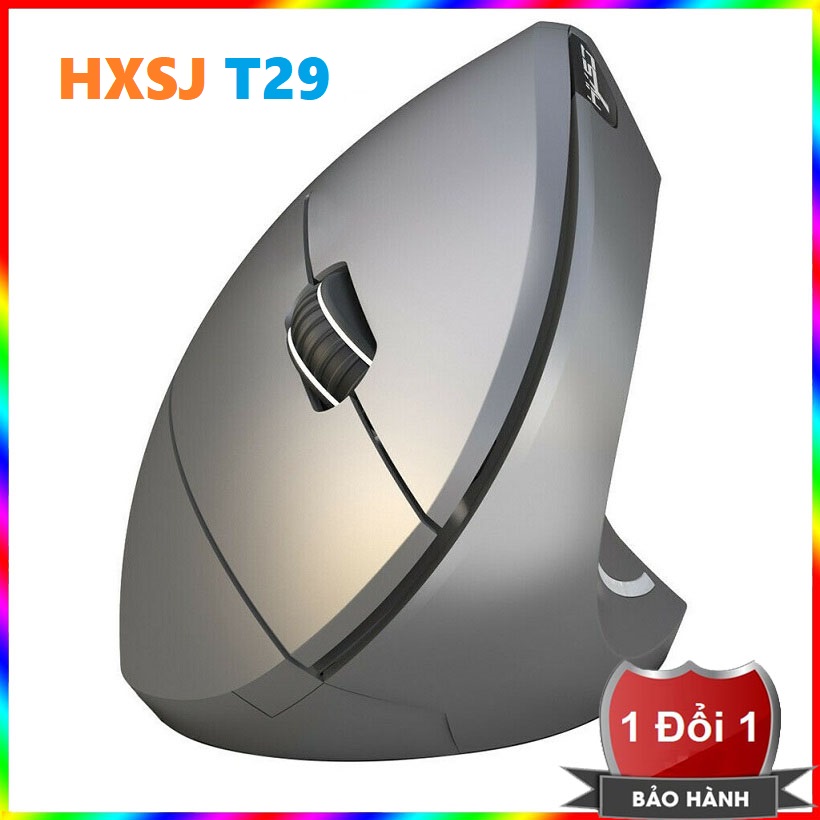
Chuột không dây bluetooth hxsj-t29
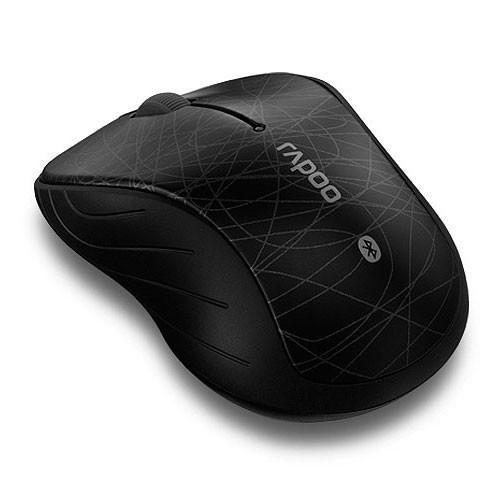
Chuột không dây Rapoo 6080 bluetooth
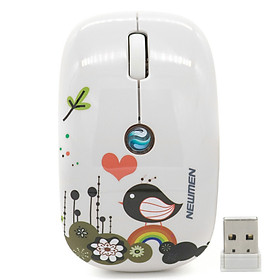
Chuột máy tính không dây Newmen F201
Chuột không dây máy tính remax g20
Chuột không dây máy tính genius v6000
Chuột máy tính không dây FD-i210
Chuột có dây màu đen 3500n
Nhà máy bán buôn 319 không dây 2.4g chuột quang không dây usb phụ kiện máy tính bán buôn chuột
2.4g chuột không dây mini dễ thương 3d hình xe máy tính mause 1600 dpi usb quang kid cô gái món quà nhỏ chuột cho máy tính xách tay pc máy tính xách tay
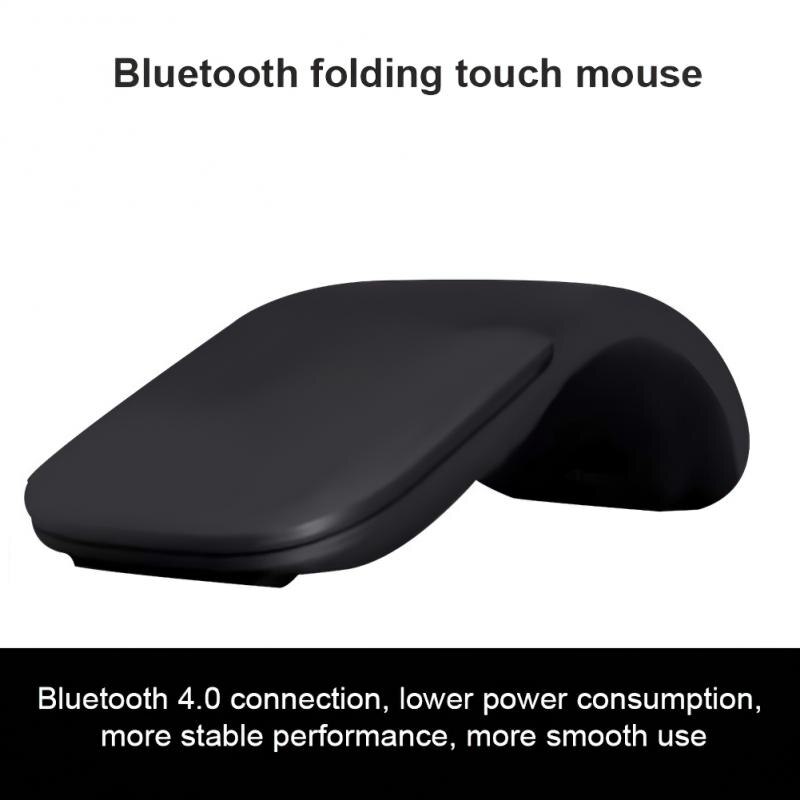
4.0 Folding Mute Mouse Is Suitable For Microsoft Computer Light 4 Generation Touch Wireless Mouse
Chuột không dây
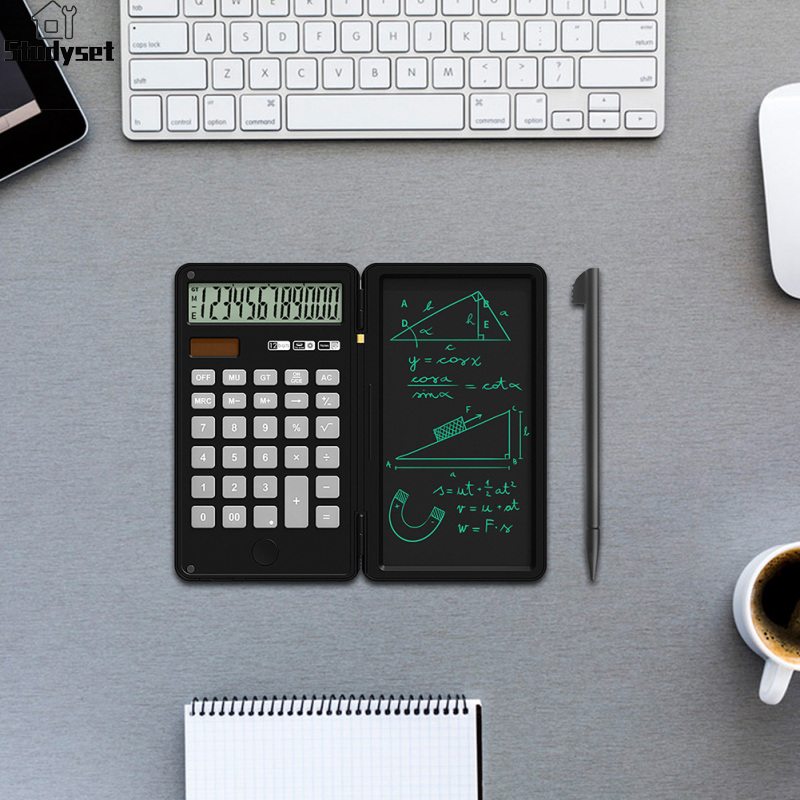
Studyset IN stock Mute Scientific Calculator With Stylus Multi-function Rechargeable Handwriting Board Learning Auxiliary Tool
Wireless Gaming Mouse, Rechargeable Silent Mice, 7 Buttons Ergonomic Mouse With Tri-Mode , Adjustable DPI
Fvw309s sạc không dây hai chế độ chuột bluetooth di động Máy tính văn phòng không dây yên tĩnh Chuột kép Bluetooth chế độ
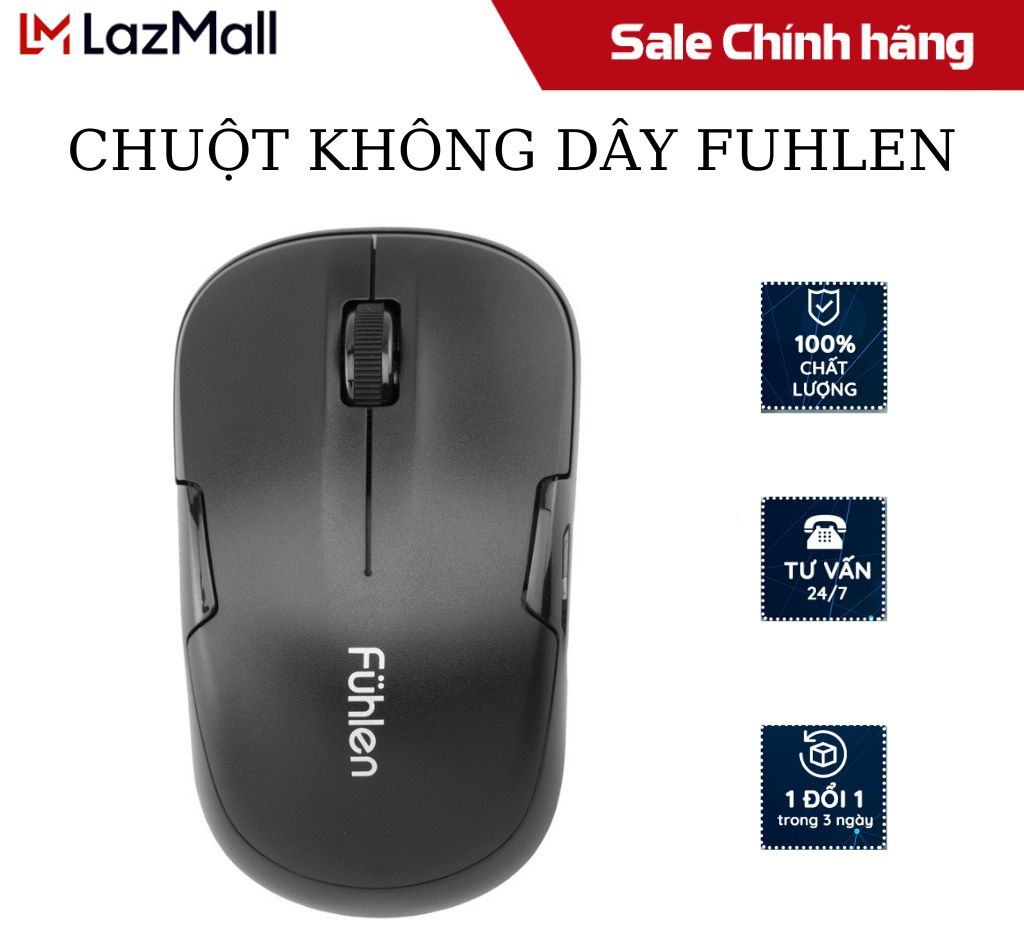
Chuột không dây Fuhlen dùng cho máy tính laptop-Bảo hành chính hãng
Bán buôn nhà máy 3000 chuột quang không dây phụ kiện máy tính thích hợp cho máy tính xách tay chuột không dây
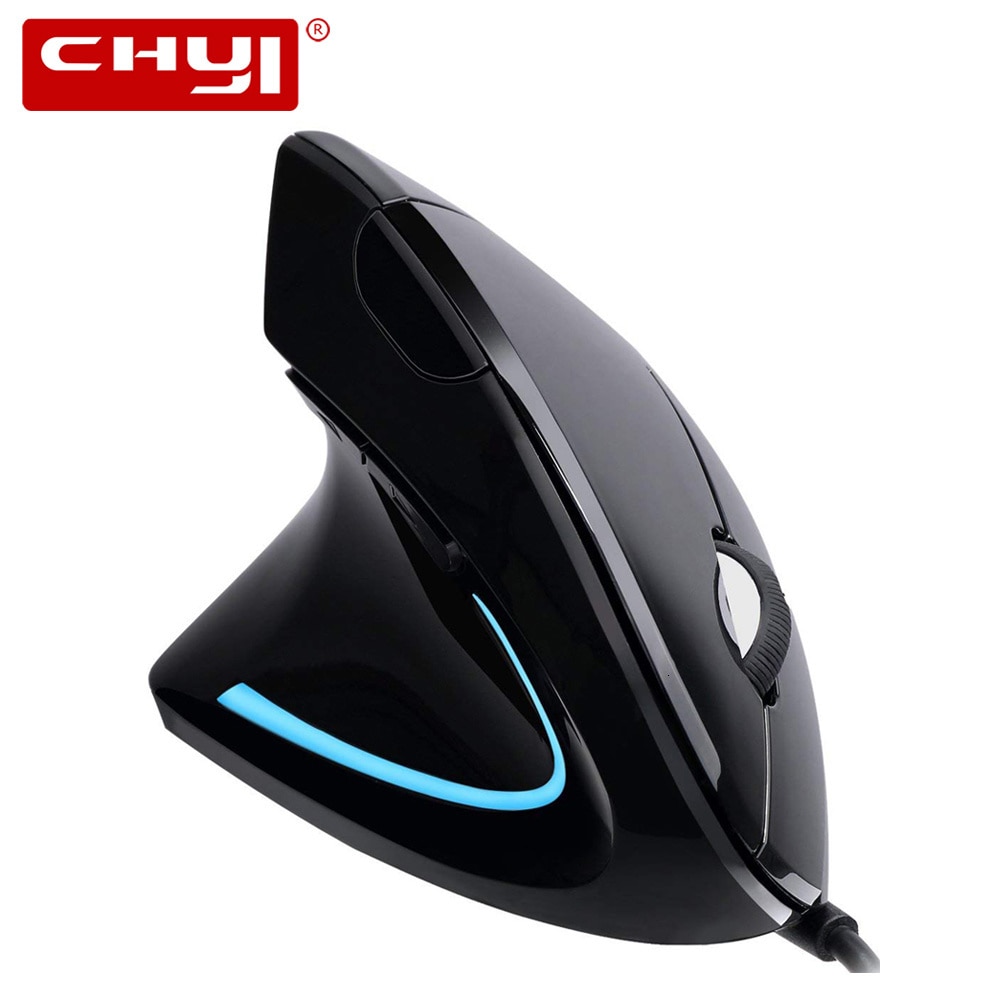
Vertical Left Hand Mouse USB Ergonomic Wired Mice Optical 6 Buttons Pro Computer Mouse 1600DPI Backlit Gaming Mause For Laptop
Chuột không dây điều khiển từ xa RF 2.4G Bàn phím không dây đèn nền bằng giọng nói C120 cho Android Smart TV
3 Màu Sắc Giữ Ẩm Kem che khuyết điểm dạng lỏng trang điểm nền kiểm soát dầu Không Thấm Nước bọc hoàn toàn quầng thâm Matte Kem Che Khuyết Điểm Mỹ Phẩm
Charm treo hoa bạc s925 thuần khiết hàng chính hãng
Vòng cổ Vv Ww nơ tím sc vip full box hàng new tháng 7
Cây cào đất làm vườn 2 đầu 290mm total thgt979k - làm từ thép carbon, chăm sóc cây, trồng cây, trồng hoa - tốc độ 247
KhẩuTrang3Dmask
Đồ ngủ hình bò sữa dễ thương
Dây phin mazda 626 1998-2002 dùng mobin fsd7-18-140
Giày cổ cao nam kiểu dáng đơn giản dễ phối đồ trẻ trung,giầythể thao nam hàng quảng châu
Kẹp tóc dây ngọc Hàn quốc sang chảnh
Cốc điều hòa cho hoa lan – Phụ kiện thông minh – tiết kiệm thời gian chăm sóc
Áo nỉ noel thêu hình lớn 🦋 áo thun sweater christmas họa tiết dáng rộng 4 màu 🦋 giá tốt
Phi tiêu đầu nam châm an toàn cho mọi lứa tuổi
Sục
Vay
Áo
Áo
Váy xuất
Bộ yếm suông túi nắp + áo thun tay dài cổ cao sọc ngang 170522
🎀🧧 nơ size nhỏ trang trí quả dưa tết 2025 - mâm cũ quả
Mũ len dệt kim phối tóc giả kiểu ngắn thời trang mùa đông cho nữ

![[HCM]Dây phin Mazda 626 1998-2002 dùng mobin FSD7-18-140](https://vn-live-01.slatic.net/p/ece6f599543746542801dbf63d6d0800.jpg)

