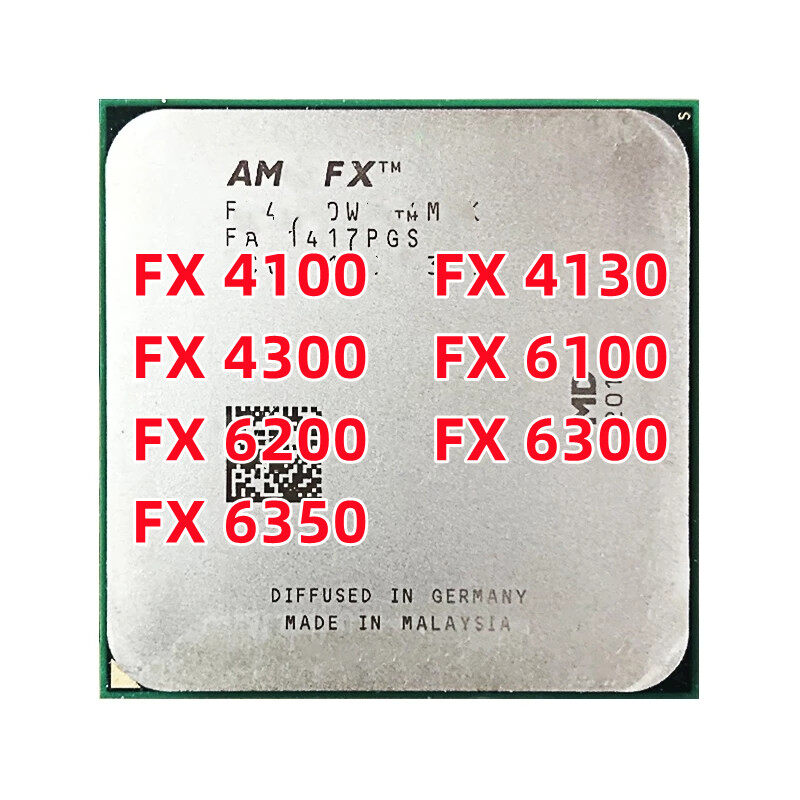





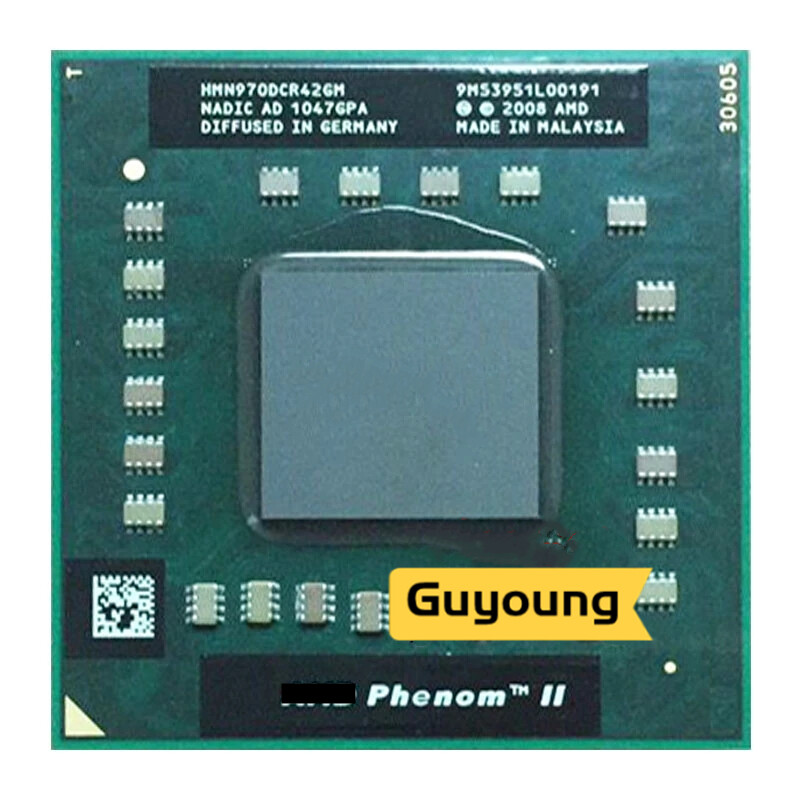
1. Remove the original CPU, clean the dust on the fan and heat sink, and clean up the original silicone grease remaining on the heat sink, especially the hard silicone grease. This is very important!
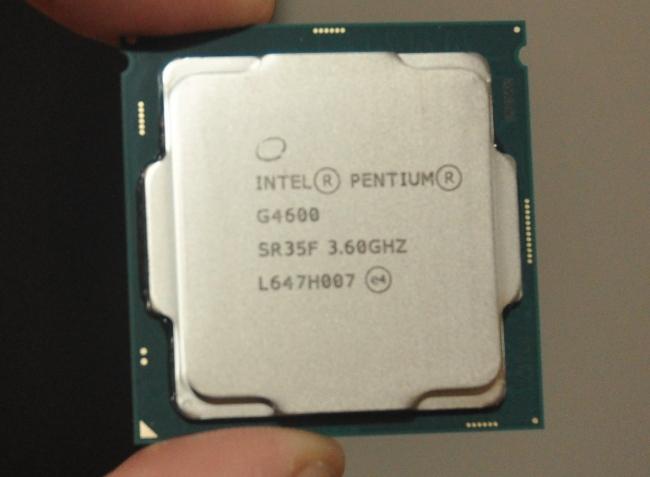
2. Insert the newly purchased CPU in the correct direction, and apply a layer of silicone grease on the top of the CPU. Do not apply too much, it is ideal to just fill the gap between the top of the CPU and the heat sink. (Take the small sticks of silicone grease in the needle tube as an example, squeeze 2-3 small grids of silicone grease on it)
3. Reinstall the heat sink, first press the heat sink with your fingers and move it up and down, left and right, so that the silicone grease inside spreads out evenly and exhausts the air, and then follow the numerical order marked on the fixing screw on the heat sink (or diagonally) Tighten the screws one by one, and then unscrew one screw each time a few turns. Do not screw one screw to the end at a time, rotate one by one until the balance is fixed.
Note: After replacing the CPU, if you find that the CPU temperature is too high, or the temperature is high and sometimes low and unstable, please carefully check the above 3 items and check whether the quality of the silicone grease is too bad. Most problems can be solved in this way.





![L41j [best sellers] intel Xeon Etes processor e5 2670 v2 e5-2670 v2 cpu 2.5 lga 2011 sr1a7 10-core desktop processor e5 2670 v2 100% normal operation](https://vn-live-01.slatic.net/p/b53c7596d3506b3a194747b9a8194c09.jpg)
![[SALE GIÁ SỐC] CPU Intel Core i5-11400F (2.6GHz turbo up to 4.4Ghz, 6 nhân 12 luồng) - Hàng chính hãng bảo hành 36 tháng](https://vn-live-01.slatic.net/p/4533ca989ac2e6fd41b055864227a3bf.jpg)

![[HCM]Dây phin Mazda 626 1998-2002 dùng mobin FSD7-18-140](https://vn-live-01.slatic.net/p/ece6f599543746542801dbf63d6d0800.jpg)

