Tìm thấy 13 nơi bán khác, giá từ 150.145 ₫ - 159.580 ₫
Đến nơi bán
151.658 ₫
Đến nơi bán
Đến nơi bán
Đến nơi bán
Đến nơi bán
Xem thêm 7 nơi bán khác
Theo dõi giảm giá
Giá từ Lazada
157.055 ₫
305.110 ₫
Tìm kiếm tương tự
Đến nơi bán
Đến nơi bán
Đến nơi bán
Đến nơi bán
Đến nơi bán
Xem thêm 7 nơi bán khác
Please Note :
it Maybe can Not use well on Samsung and LG Smart Tv directly.
Due to the special systems of Samsung and LG TVs,
There will be compatibility issues.many remote controls cannot be perfectly compatible.
if Samsung or LG Smart Tv connecte android tv box ,
you can use our remote control.
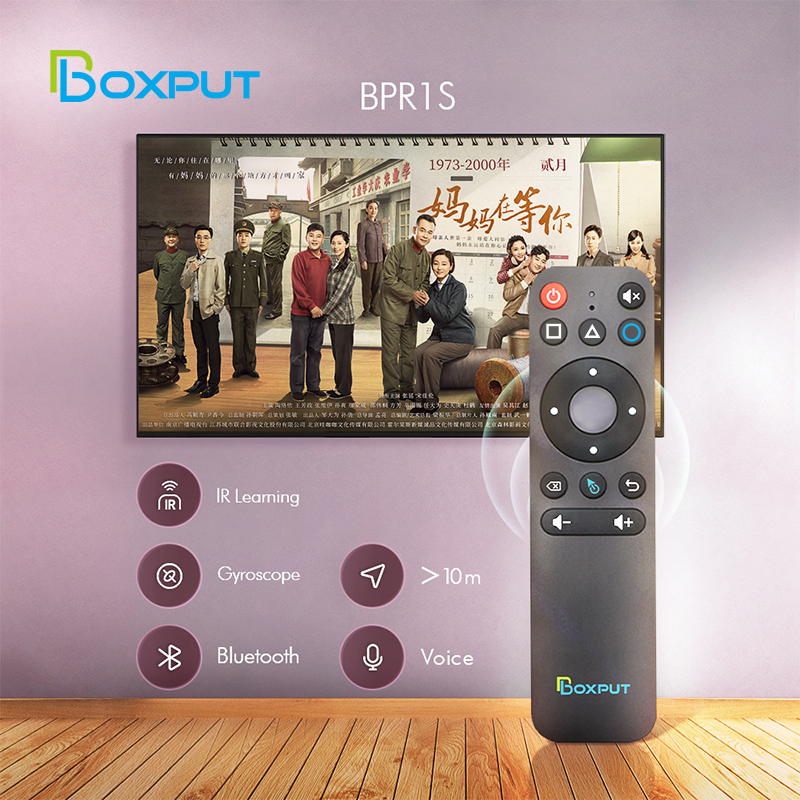
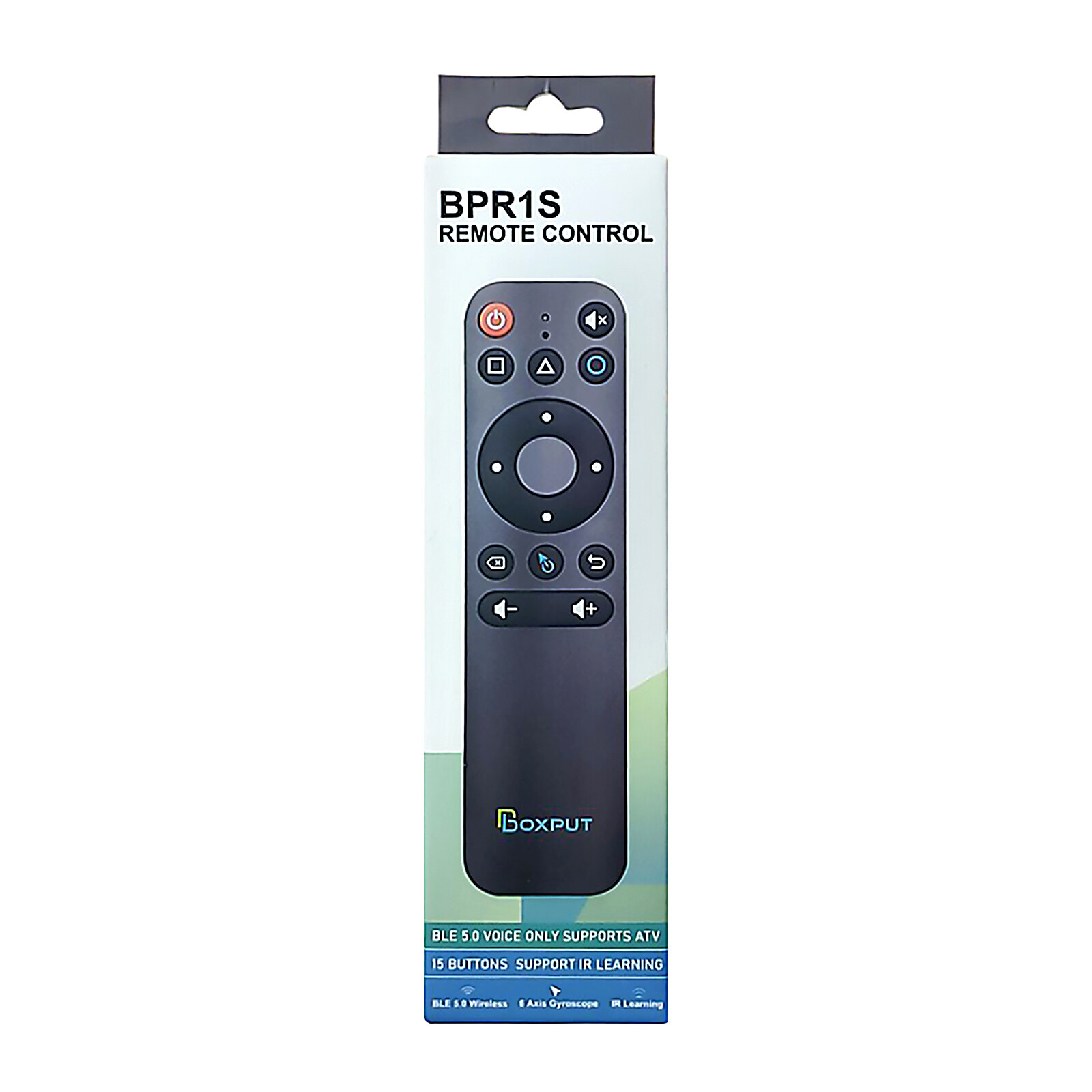
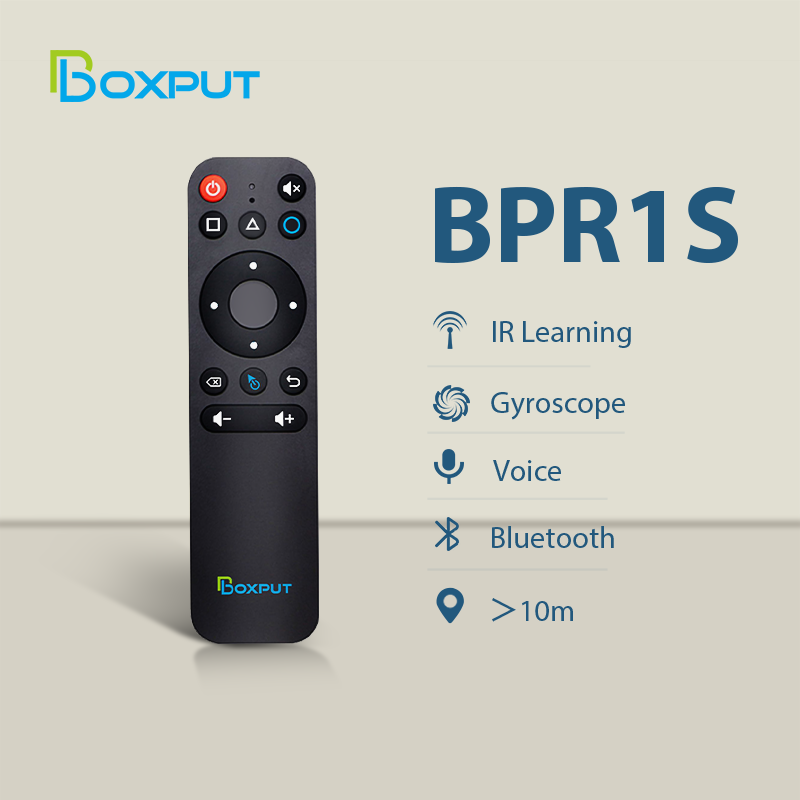
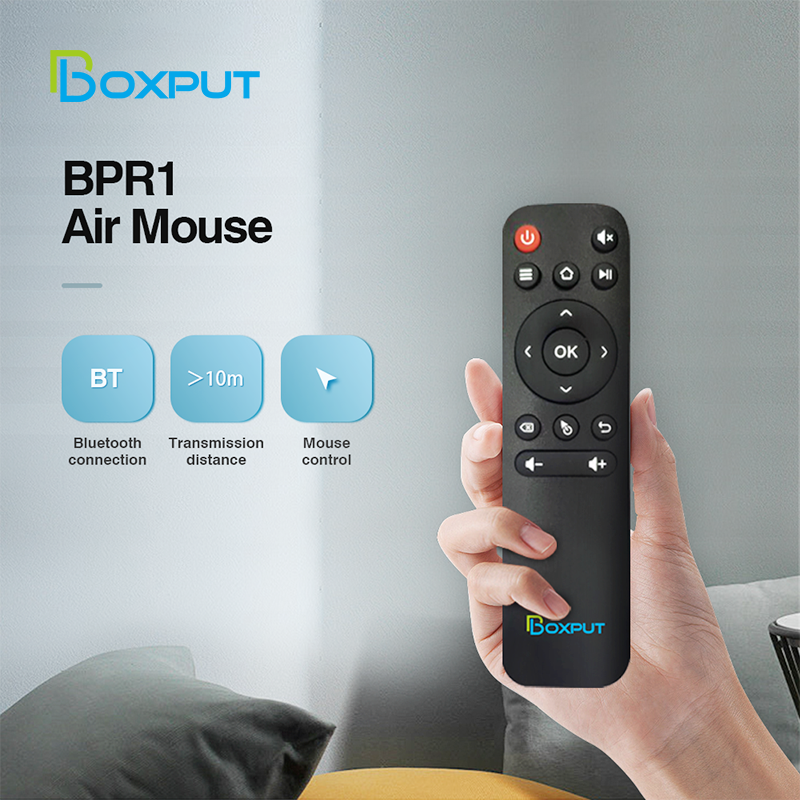
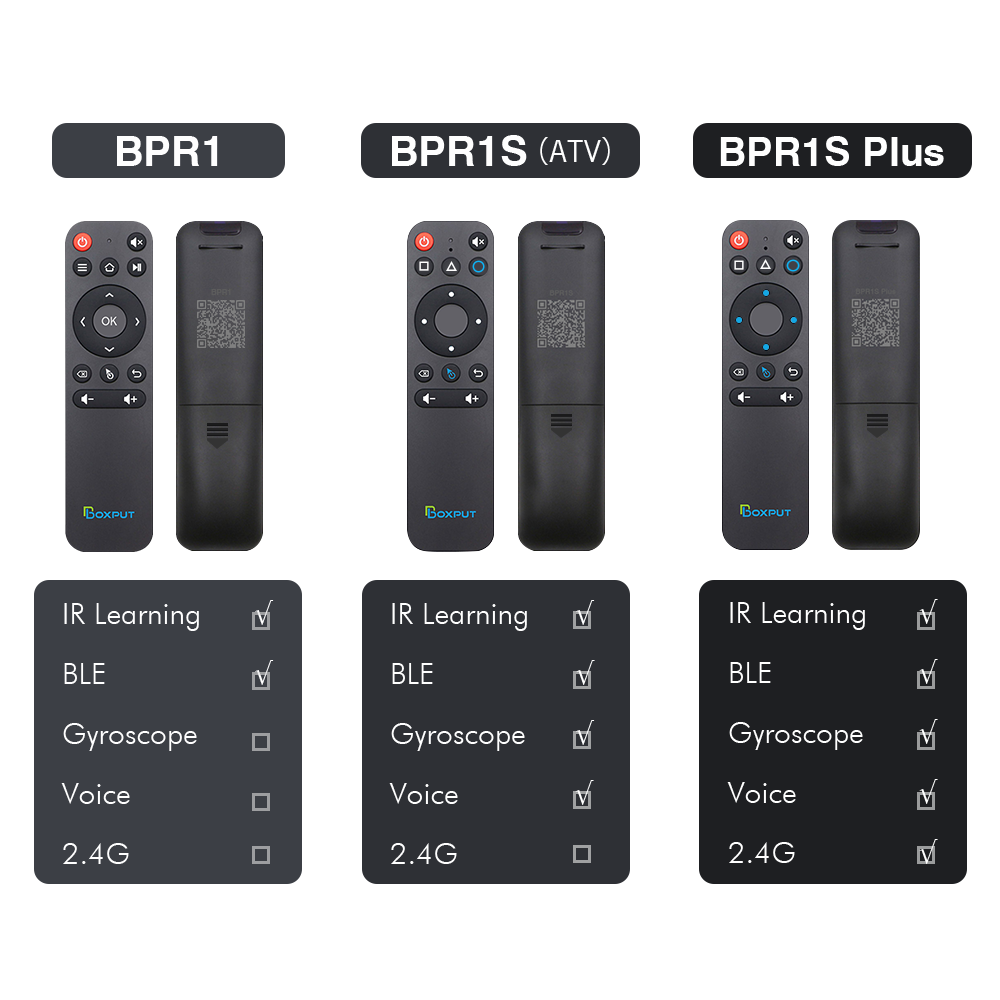
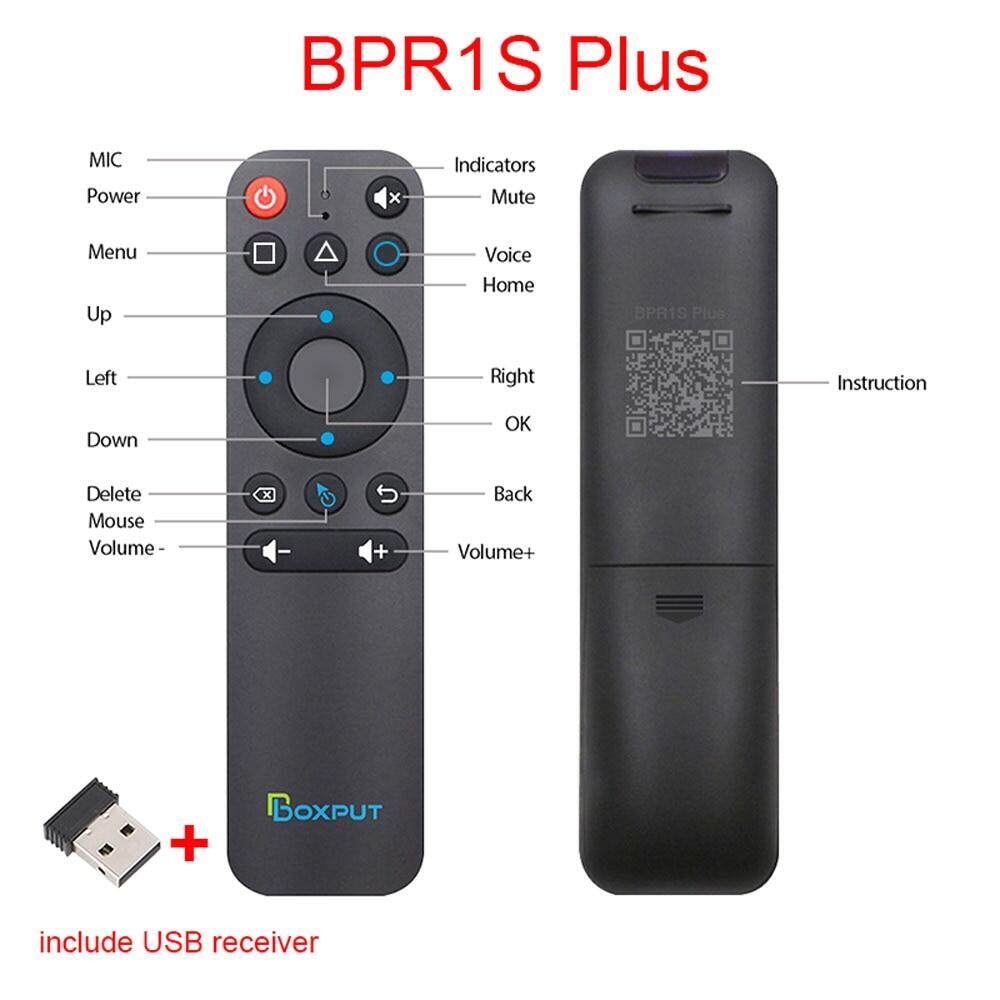
Note: BPR1 and BPR1S: The connection of this product is very simple, via BT (no USB receiver required). Once connected once, there is no need to connect again in the future. BPR1S Plus: This product can be connected via BT and also via USB receiver (2.4G connection with USB receiver included)
Send to each customer:
Dear friends, thank you very much for choosing our products, because the product is cross-border transport, we have been more carefully packaged the product, but still can not avoid the case of express transport violence, if you receive the goods, the product has damage / product can not use the situation, please find me immediately, I will immediately solve your problem!
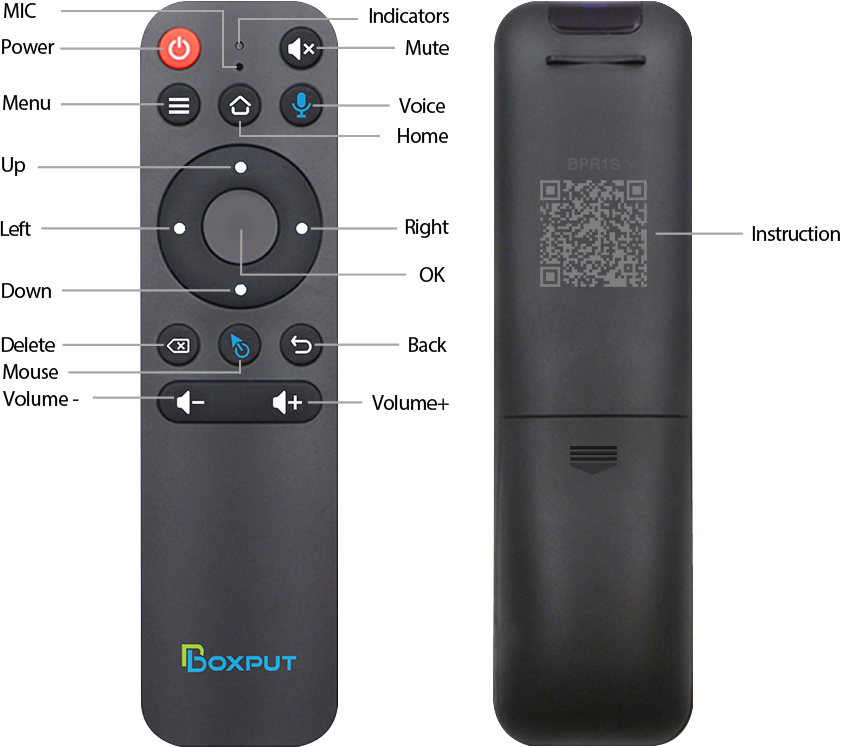
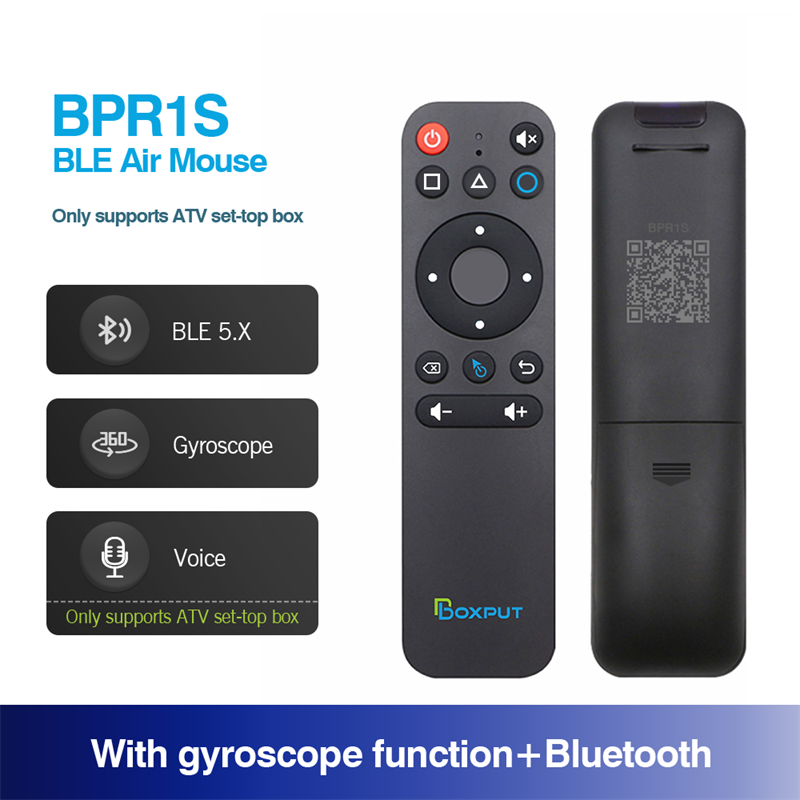
We have a QR code electronic manual behind our remote control, you can scan to view the instructions, if you need a video, you can contact us.
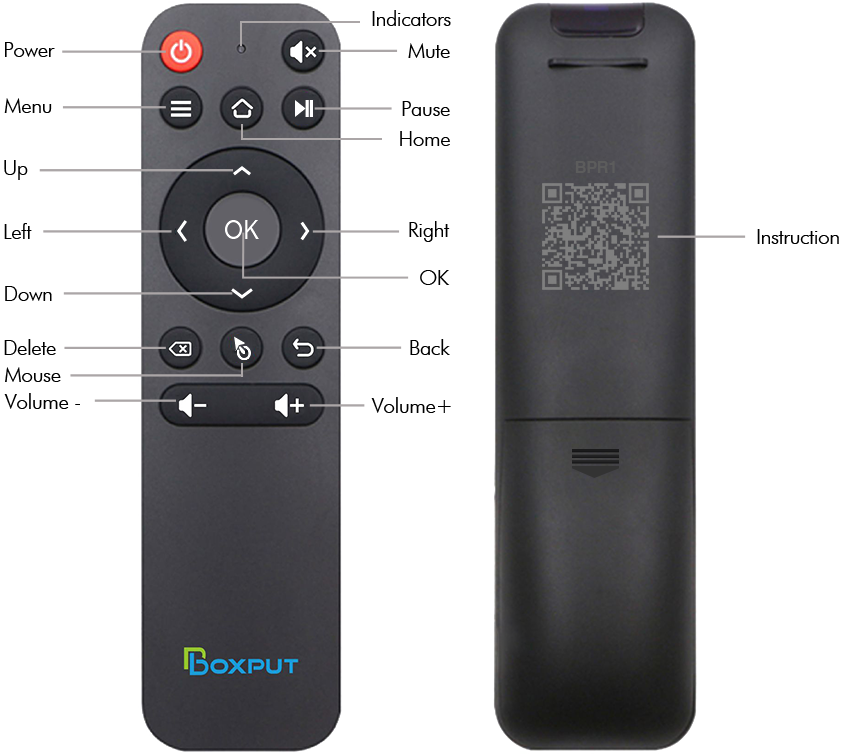
BPR1: BT Pairing 1. To pair another new device, press "OK" and "Back" at the same time till the light flashing. 2. Keep the remote control within 1 meter of the device for faster pairing. 3. Open BT searching, pair with "BOXPUT | BPR1″.
IR Learning (All buttons)
1. Press the button that needs to learn for 8 seconds till it's flashing, then release (The indicator light on after flashing). 2. Align the IR, press the button that would be learned, it shows success when the indicator light flashing. 3. Repeat 1~2 to learn the other buttons. 4. Press "Delete" and "Back" at the same time till the light flashes to reset IR.
Highlights 1. IR and BT can't be used at the same time. 2. Do not use mouse mode in the Google account login interface, otherwise, the "ok" button is not compatible. 3. If no infrared learning, all buttons are BT mode function accordingly. 4. If the buttons have completed IR learning, only the power button will send the IR signal in priority in BT mode.
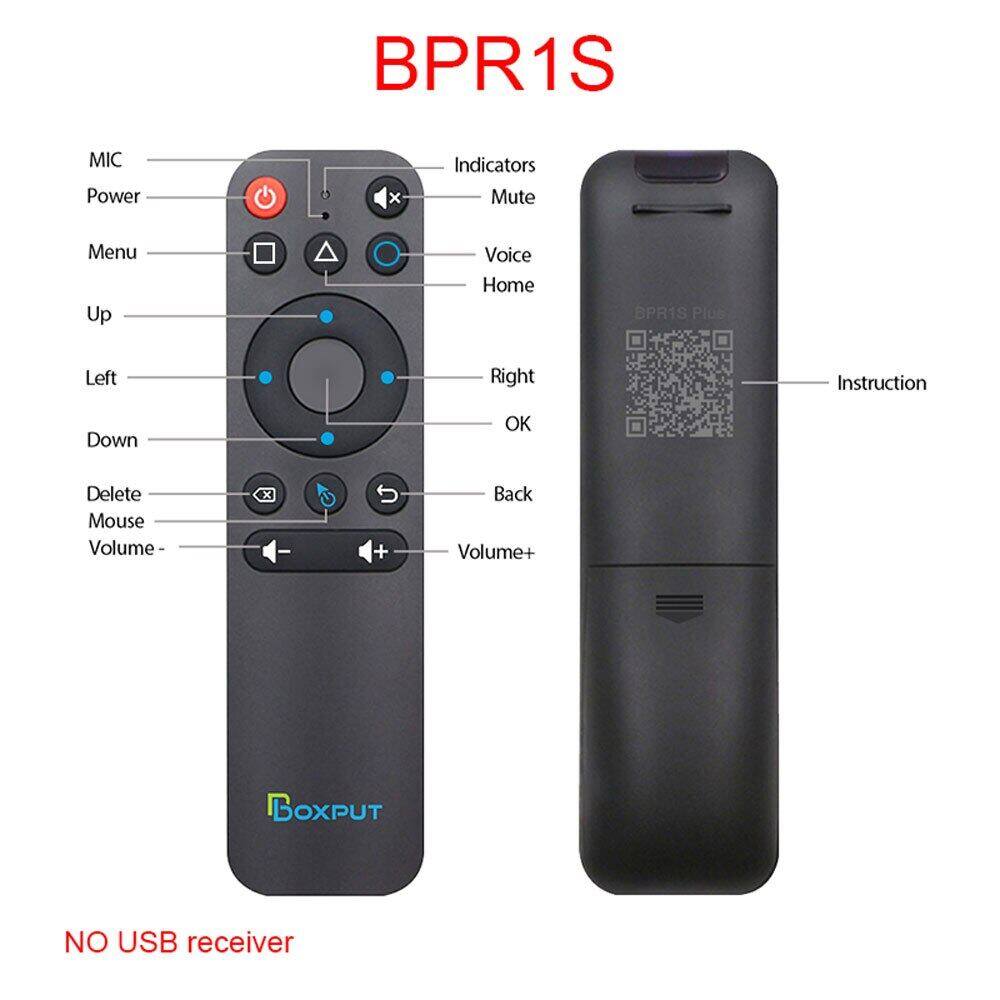
BPR1S: BT Pairing
1. To pair another new device, press "OK" and "Back" at the same time till the light flashing.
2. Keep the remote control within 1 meter of the device for faster pairing.
3. Open BT searching, pair with "BOXPUT | BPR1S".
IR Learning (All buttons)
1. Press the button that needs to learn for 8 seconds till it's flashing, then release (The indicator light on after flashing).
2. Align the IR, press the button that would be learned, it shows success when the indicator light flashing.
3. Repeat 1~2 to learn the other buttons.
4. Press "Delete" and "Back" at the same time till the light flashes to reset IR.
Highlights
1. The button would be IR mode when disconnected from BT.
2. Only the "Power" button has infrared value when connected to BT.
3. Press "OK" + "volume +/-" shortly to control the speed of the mouse.
4. In IR mode, it supports full button learning, with no mouse function.
5. In BT mode, the voice function is applicable to some ATV devices, like TCL Smart TV, Shield TV Box, HAKO mini, Google TV, etc. But the voice function may be incompatible with the other devices.
6. In BT mode, the voice function is not compatible with all AOSP Android functions and is not equipped with a USB receiver.
7. Do not use mouse mode in the Google account login interface, otherwise, the "ok" button is not compatible.
8. If no infrared learning, all buttons are BT mode function accordingly.
9. If the buttons have completed IR learning, only the power button will send the IR signal in priority in BT mode.
Feel free to tell us more about device compatibility issues and help us upgrade products.
BPR1S Plus:
BT Pairing 1. To pair another new device, press "OK" and "Back" at the same time till the light flashing. 2. Keep the remote control within 1 meter of the device for faster pairing. 3. Open BT searching, pair with "BOXPUT | BPR1S".
2.4G Pairing 1. Keep pressing the "OK" and "Back" at the same time till the light flashing. 2. Plug in the USB receiver and keep the remote near to the USB receiver within 5 cm for faster pairing. 3. The indicator light stops flashing to indicate successful pairing.
IR Learning (All buttons) 1. Press the button that needs to learn for 8 seconds till it's flashing, then release (The indicator light on after flashing). 2. Align the IR, press the button that would be learned, it shows success when the indicator light flashing. 3. Repeat 1~2 to learn the other buttons. 4. Press "Delete" and "Back" at the same time till the light flashes to reset IR.
Highlights 1. The button would be IR mode when disconnected from BT. 2. Only the "Power" button has infrared value when connected to BT. 3. Press "OK" + "volume +/-" shortly to control the speed of the mouse. 4. In IR mode, it supports full button learning, with no mouse function. 5. In BT mode, the voice function is applicable to some ATV devices, like TCL Smart TV, Shield TV Box, HAKO mini, Google TV, etc. But the voice function may be incompatible with the other devices. 6. In BT mode, the voice function is Not compatible with all AOSP Android functions. 7. In 2.4G mode, the voice function supports AOSP Android and ATV devices. 8. In 2.4G mode, some ATV TVs cannot enter when logging into a Google account. 9. Do not use mouse mode in the Google account login interface, otherwise, the "ok" button is not compatible. 10. If no infrared learning, all buttons are 2.4G or BT mode function accordingly. 11. If the buttons have completed IR learning, only the power button will send the IR signal in priority in 2.4G or BT mode.
Feel free to tell us more about device compatibility issues and help us upgrade products.
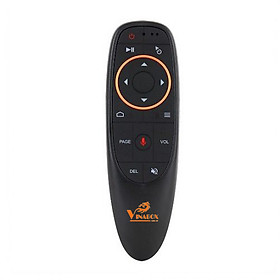
Điều Khiển giọng nói Vinabox KM680V
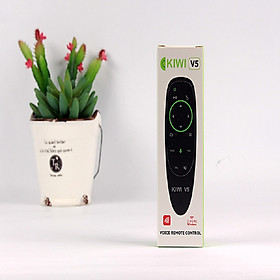
Điều khiển giọng nói Kiwi V5
Điều khiển từ xa cho lg và lcd tv rm-l1162
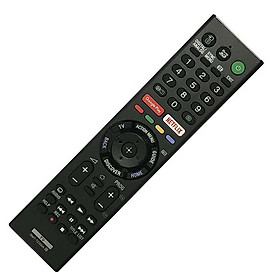
Điều khiển tivi sony giọng nói rmf-tx310p
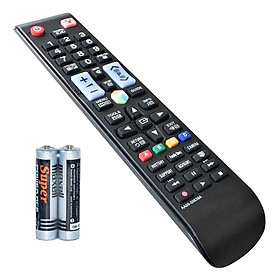
Điều khiển từ xa samsung aa59-00638a
Điều khiển từ xa sony rm-ed054
Bàn phím kiêm chuột không dây ukb500
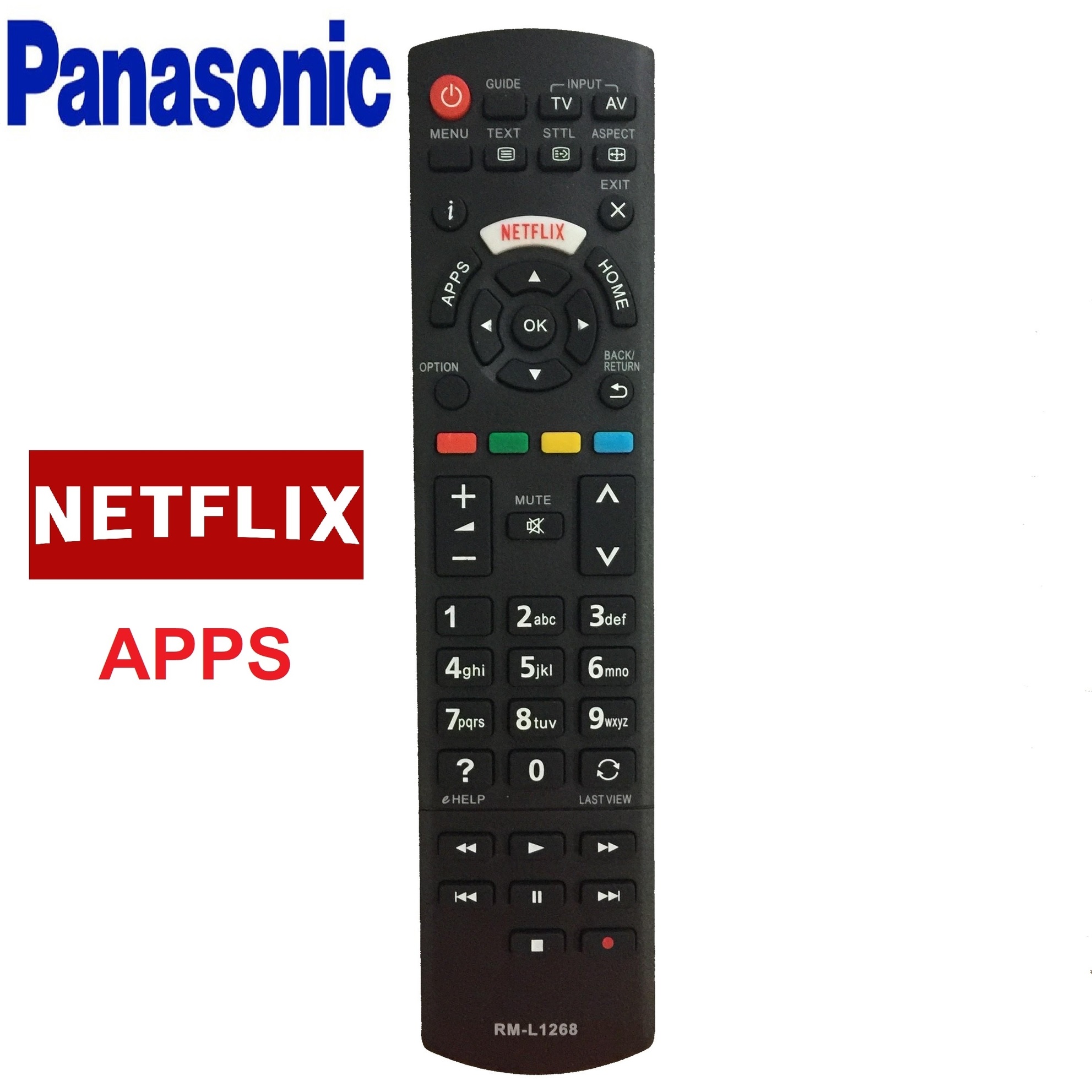
Remote điều khiển tv panasonic l1268
Điều khiển tv sony rm-l1275
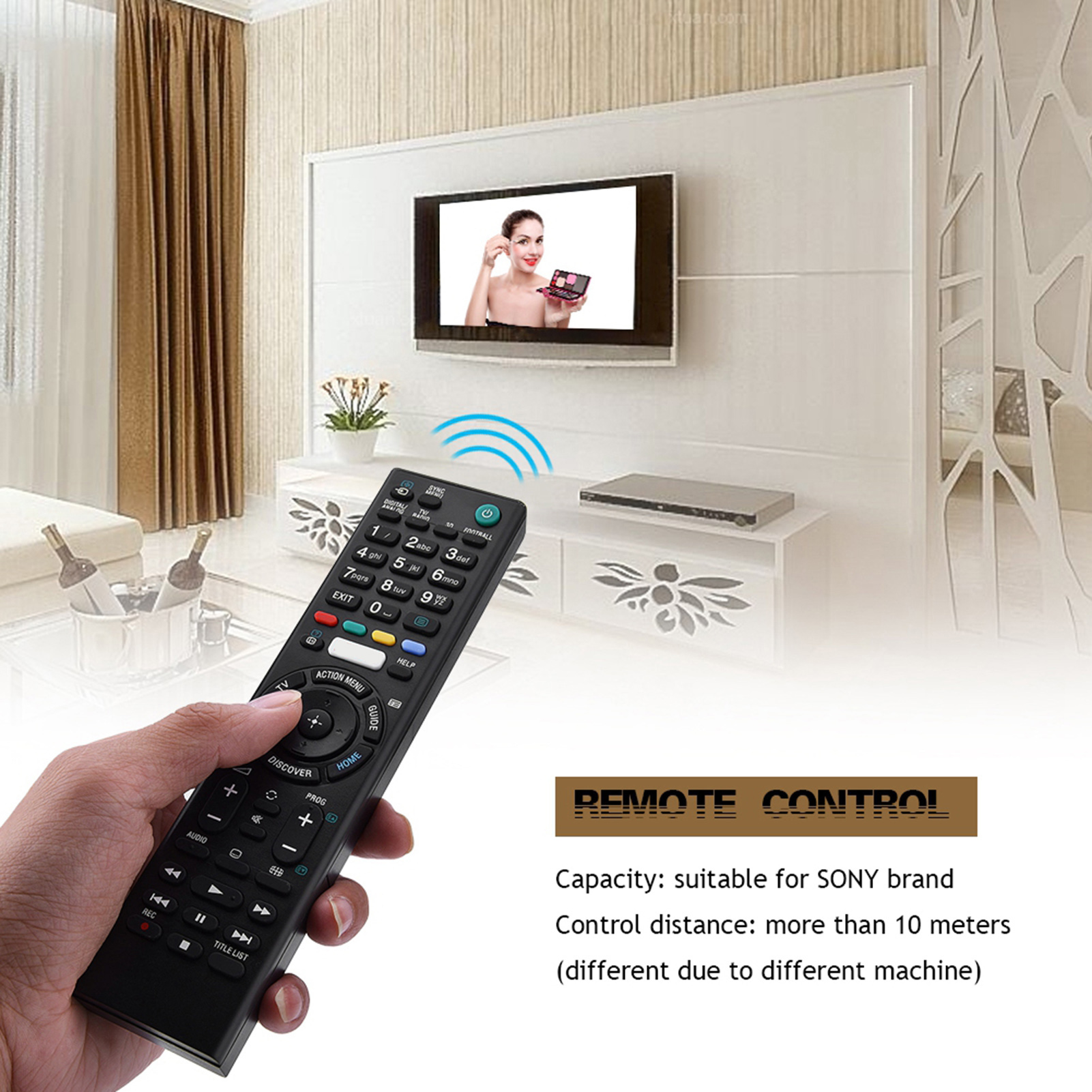
Remote điều khiển dành cho smart tv sony rmt-tz300a
Android tv x96 mini
Điều khiển tv lg đa năng rm-l930
Điều khiển từ xa vbestlife phổ thông thông minh điều khiển từ xa TV thay thế bộ điều khiển RMT-TX100D cho Sony/RMT-TX100D/
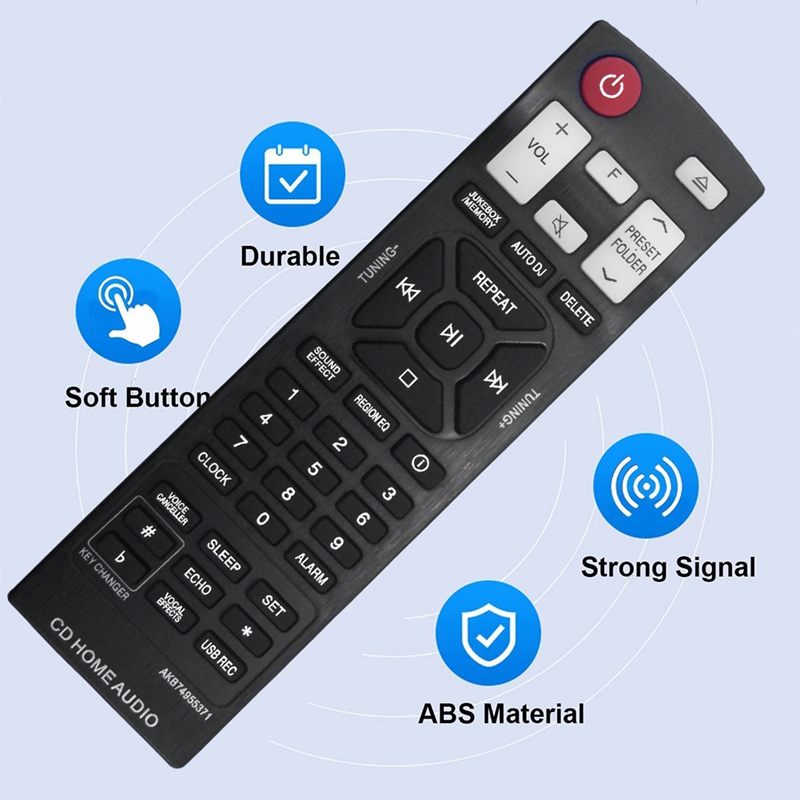
Replace akb74955371 remote for lg mini cd home audio hi-fi system remote akb74955371 durable
Remote máy chiếu infocus mẫu 2 - điều khiển máy chiếu infocus mẫu 2 - projector
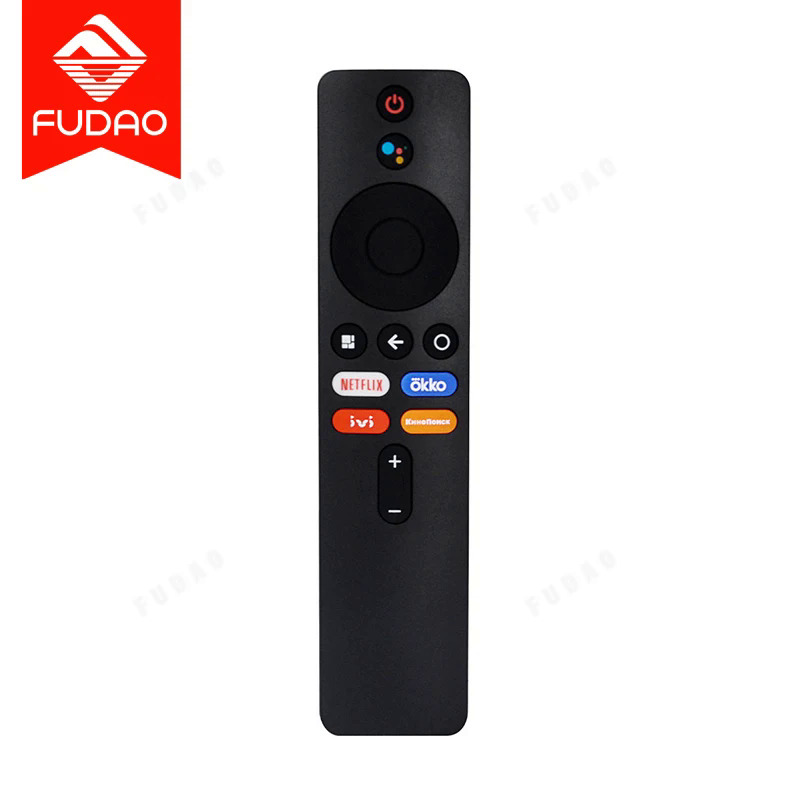
XMRM-M3 điều khiển từ xa với chức năng giọng nói Bluetooth được sử dụng cho Mi TV Stick phù hợp với thị trường Nga MDZ-24-A
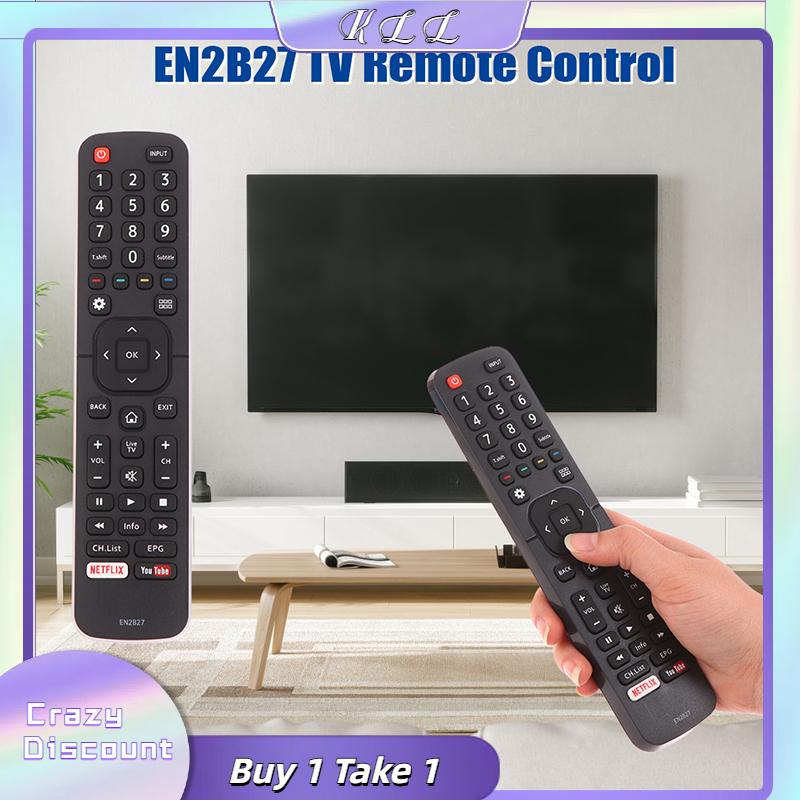
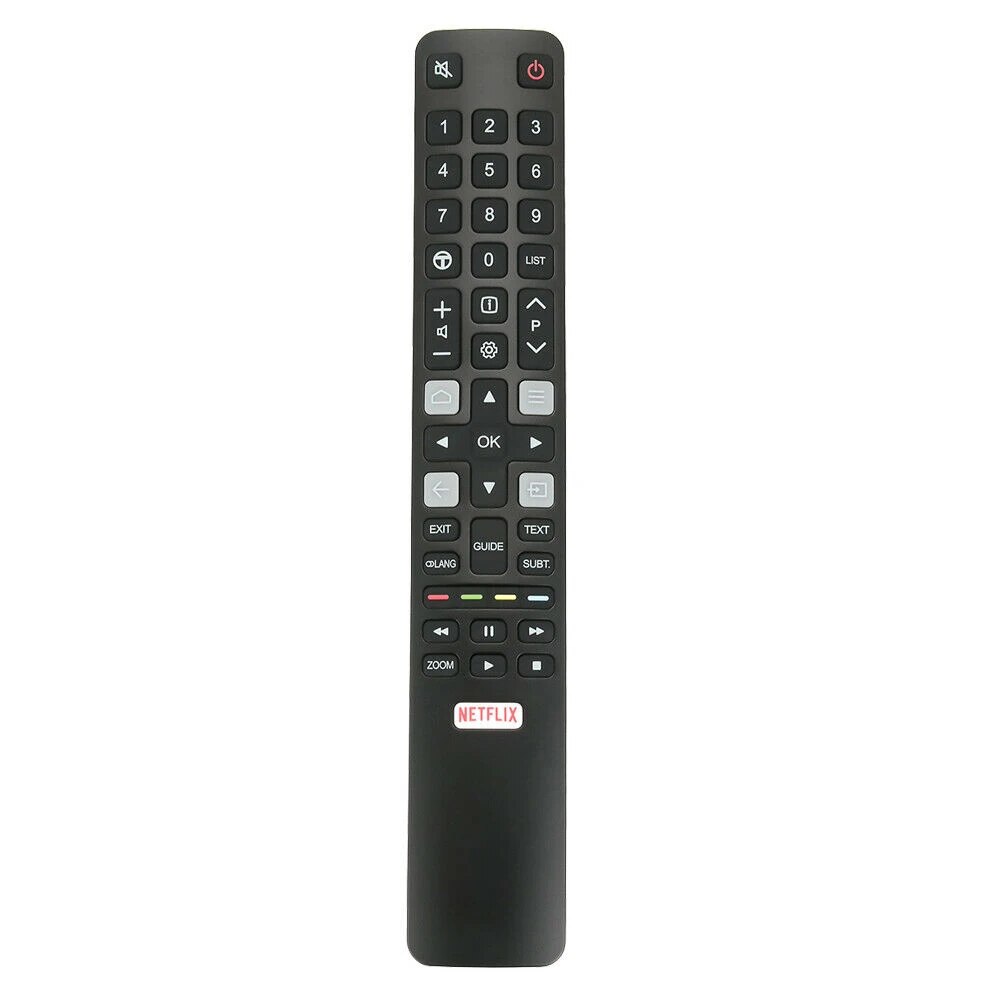
KLL En2b27 TV điều khiển từ xa thay thế cho Hisense LCD LED thông minh truyền hình với Netflix bạn Ống nút
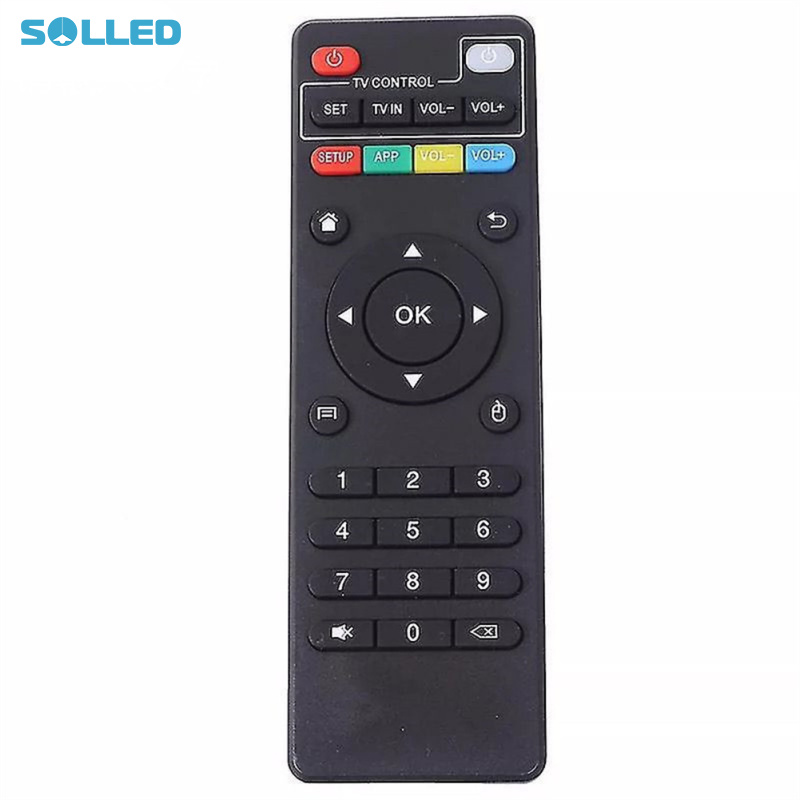
Remote controller mini infrared universal remote control compatible for t95m t95n x96mini m8s t95x v88 h96 max set-top boxes
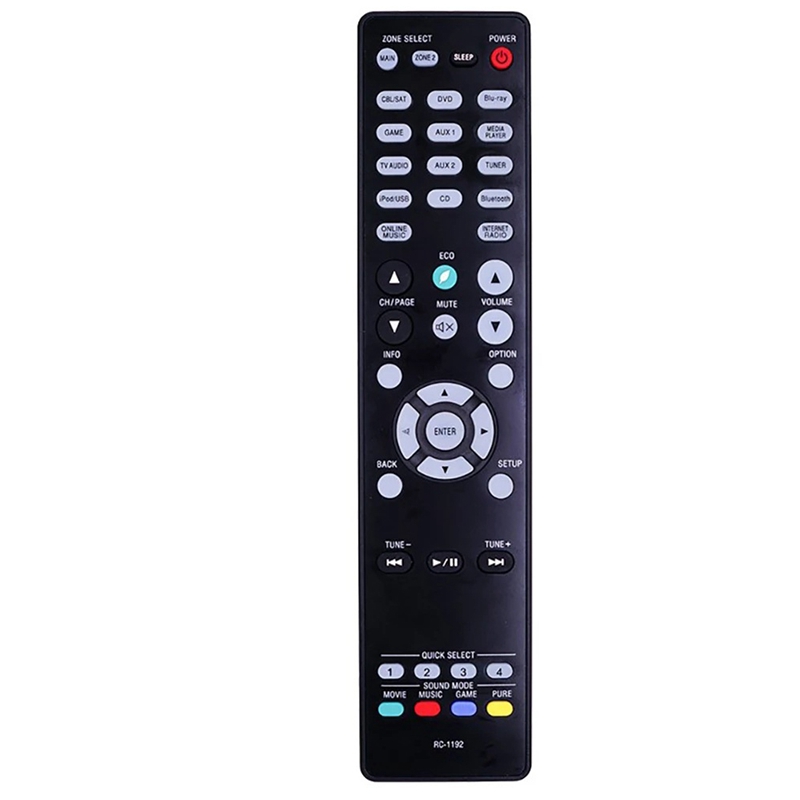
Rc-1192 for av receiver avr-s900w avr-x2100w avr-x2200w remote remote control
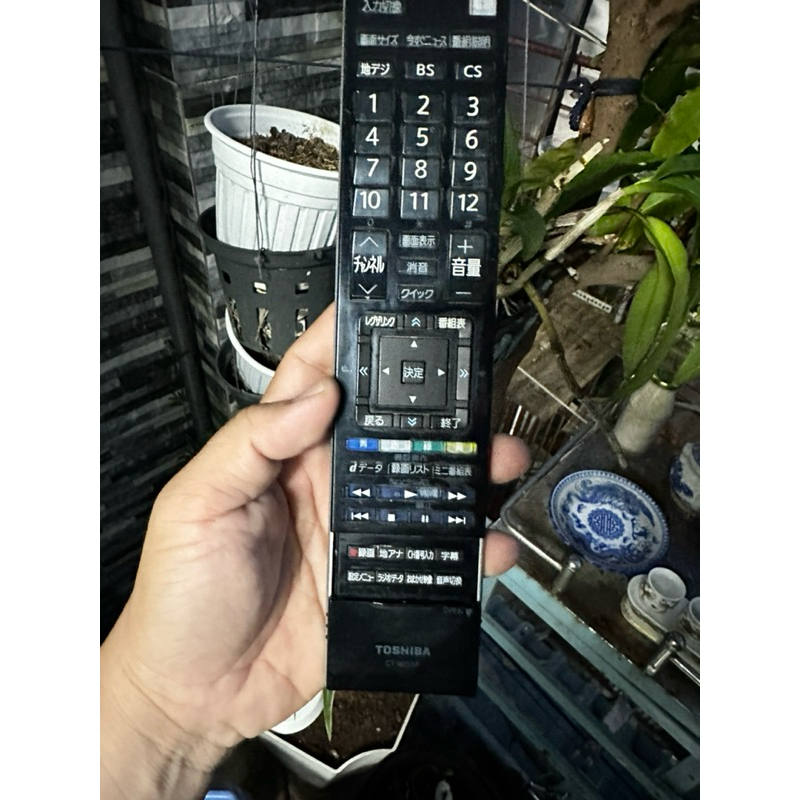
Remote tivi toshiba và sharp bãi nhật
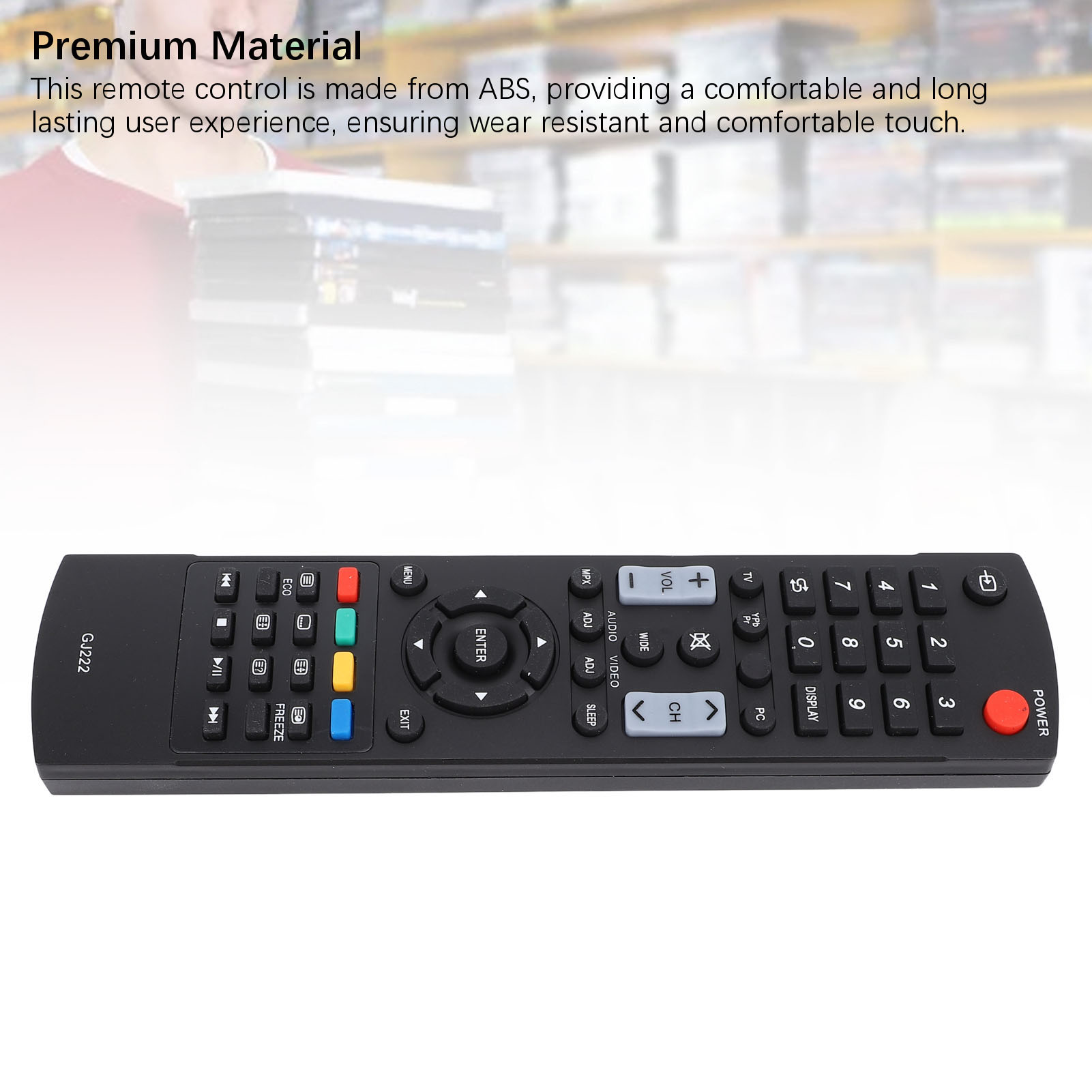
Điều khiển từ xa TV cao đáp ứng TV thay thế điều khiển từ xa chống mài mòn cho gj222 TV
Tìm kiếm sau khi ban đầu rc802n yui1 cho tcl thông minh điều khiển từ xa tv u43p6046 u49p6046 u55p6046 u65p6046 50ep640
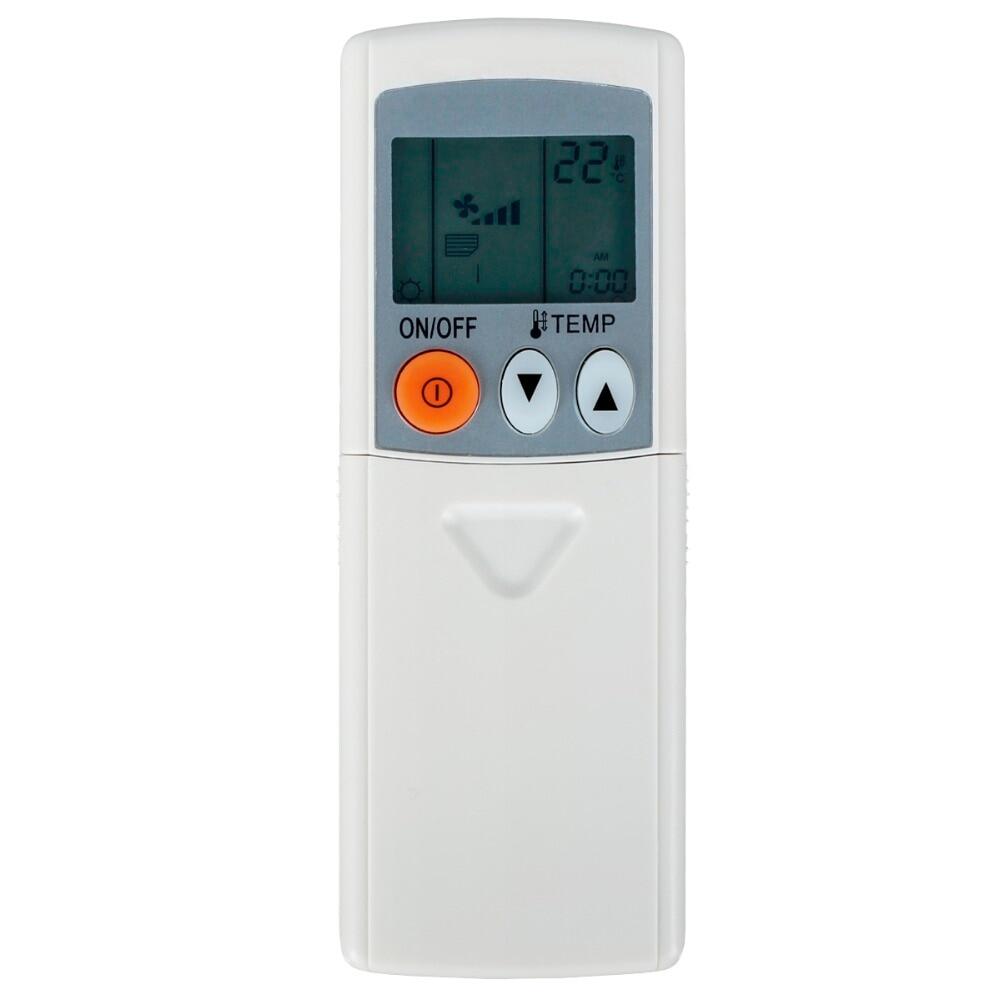
Khazana mall điều khiển từ xa cho mitsubishi máy điều hòa par-fl32ma par-f132ma peaz-rp50aa2-s gr50mbp2
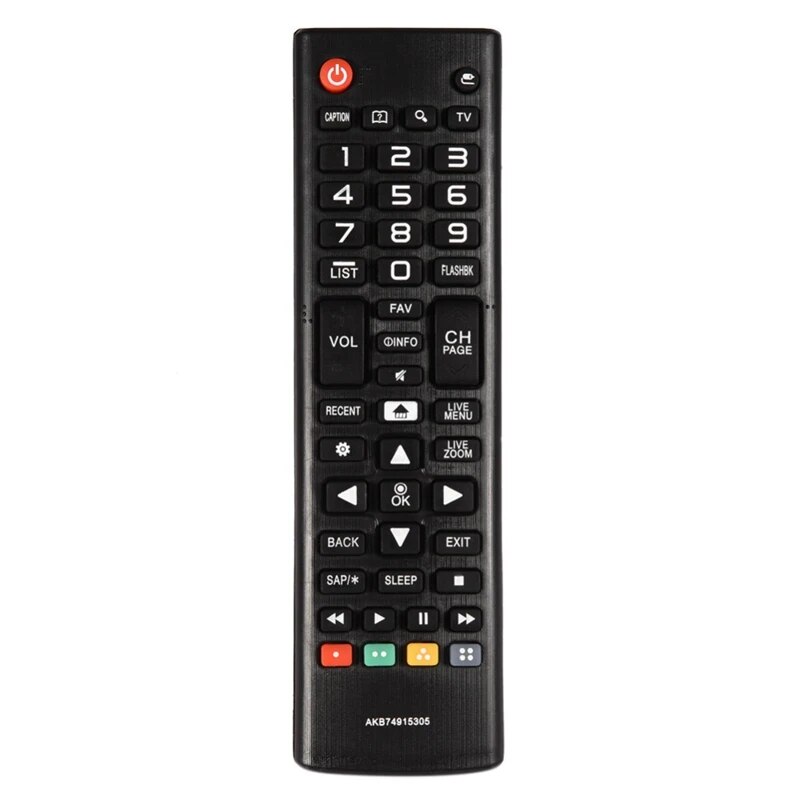
Stylish akb74915305 truyền hình điều khiển từ xa cho tv thông minh 43uh6030 43uh610 43uh6100 43uh6100uh 50uh6300ua 65uh8500
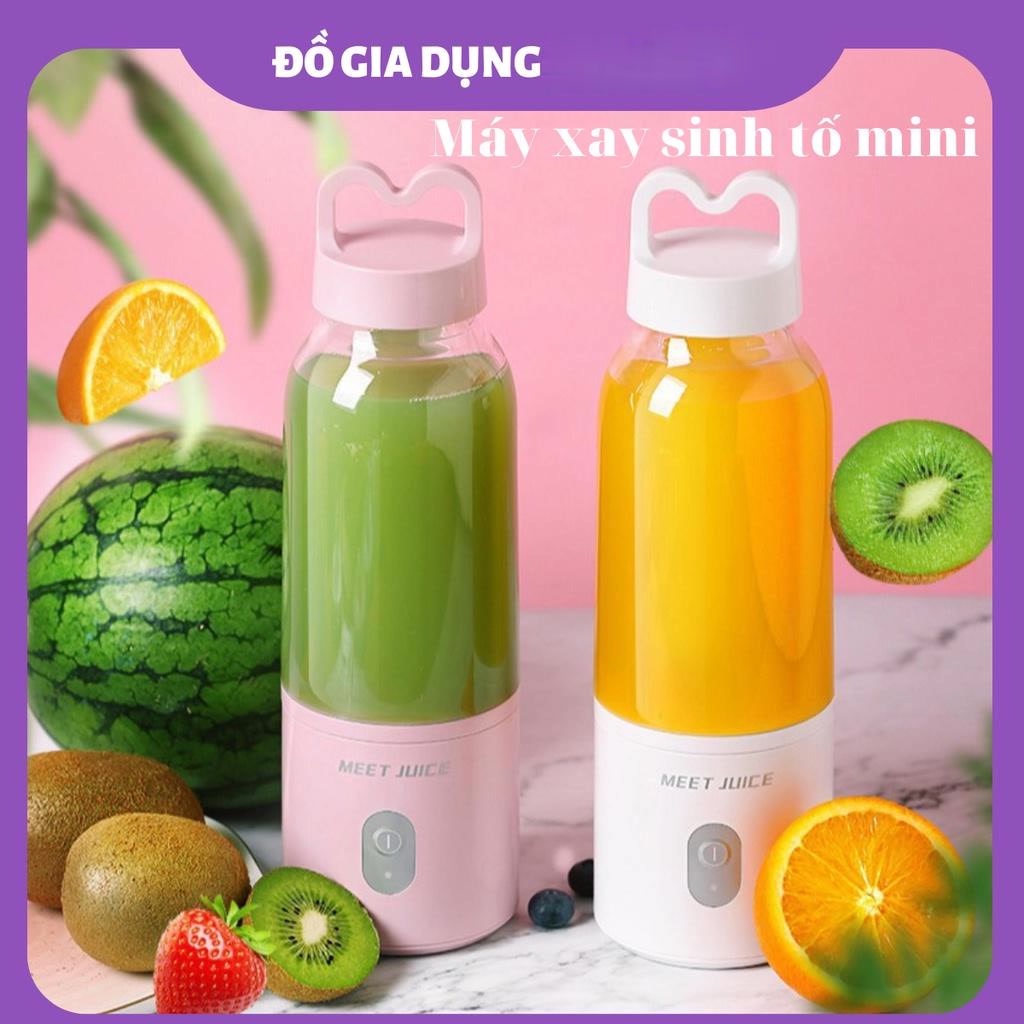
Máy xay sinh tố mini cầm tay meet juice loại tốt , máy xay sinh tố mini sạc pin qua cổng usb tiện lợi
Váy xuất
Gối tựa lưng sofa mắt trúc điều hòa làm mát zuri pillow gtl-09
Dép lê thời trang quai ngang nam đẹp chữ x,chữ h.Hàng sẵn kho từ 38-43 89
Lamliy -set áo yếm, chân váy kiểu linen
Giầy thể thao neo nam
Vòng tay titan chỉ đỏ con trâu vàng & vàng hồng cbs092
Bút đo độ ph - máy đo độ ph của nước cao cấp có màn hình led, có hộp đựng, đo nhanh, chính xác nước uống, nước máy, hồ cá, bể cá + tặng kèm bộ hiệu chỉnh bút
Kẹp tóc dây ngọc Hàn quốc sang chảnh
Cốc điều hòa cho hoa lan – Phụ kiện thông minh – tiết kiệm thời gian chăm sóc
Áo
Hoa tai đính đá dáng vuông Hàn Quốc
Áo nỉ noel thêu hình lớn 🦋 áo thun sweater christmas họa tiết dáng rộng 4 màu 🦋 giá tốt
Phi tiêu đầu nam châm an toàn cho mọi lứa tuổi
Sục
Vay
Áo
Áo
🎀🧧 nơ size nhỏ trang trí quả dưa tết 2025 - mâm cũ quả
Bộ yếm suông túi nắp + áo thun tay dài cổ cao sọc ngang 170522

![[HCM]VÒNG TAY TITAN CHỈ ĐỎ CON TRÂU VÀNG & VÀNG HỒNG CBS092](https://vn-live-01.slatic.net/p/9bd59a3d64ea75aa58513d56fc95383c.jpg)